Google Imagen
Free for limited use
Imagen 4 is Google’s comeback swing in the AI-image arms race: lightning-fast renders, legible typography, and multilingual prompts directly inside Vertex AI and Gemini. Pros? Superb text fidelity, competitive pricing, and in-paint editing via simple brush tools. Cons? No stand-alone canvas, occasional UI-oriented misses, and blueprint-level detail still trails GPT-4o. Read on to see where Imagen 4 trounces Midjourney and where it needs polish.
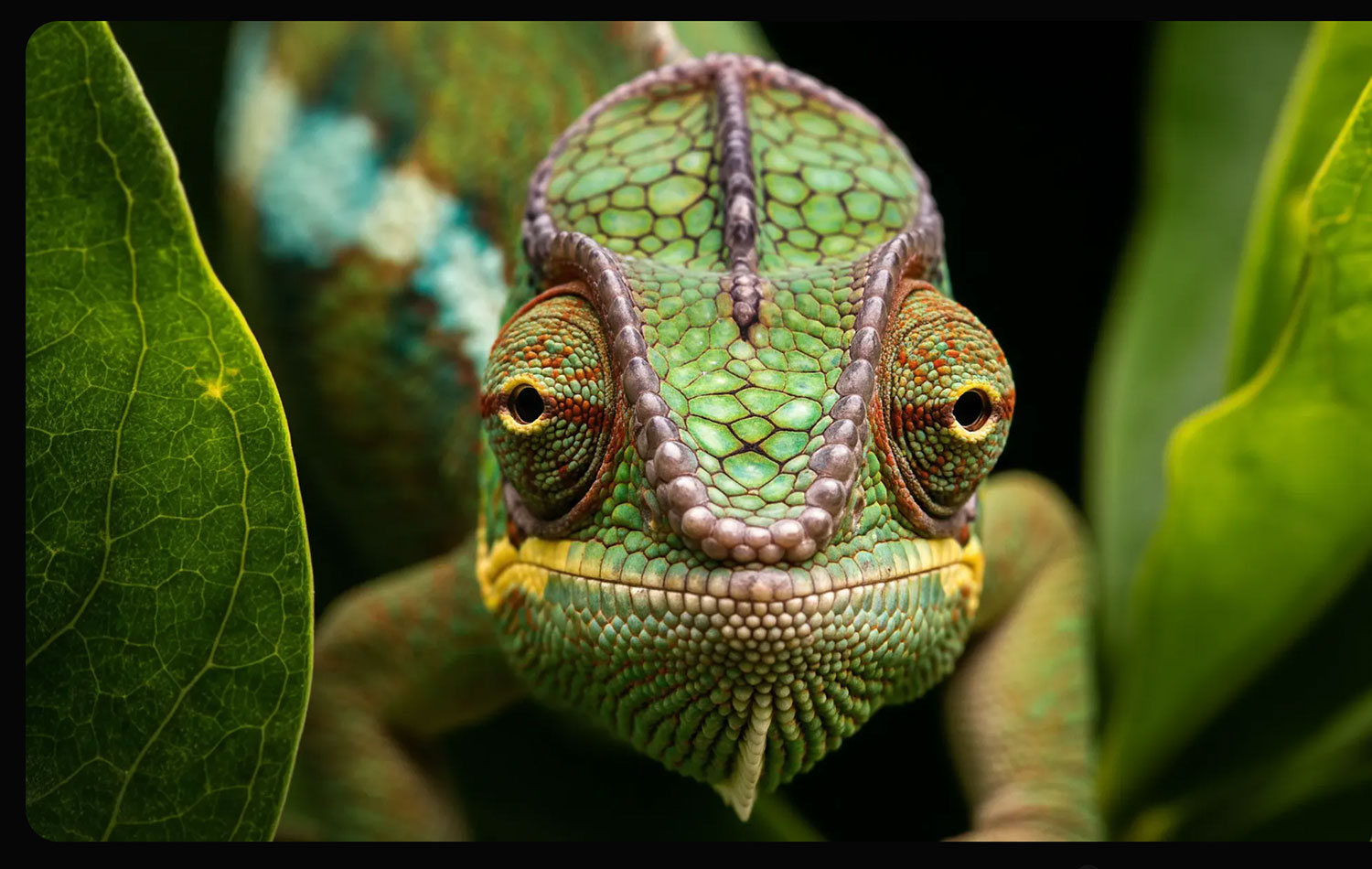
Available on the web, iOS, and Android
Outstanding text rendering
Multilingual prompt support
Imagen 4: Google's Quick Rebound in the Gen-AI Image Race
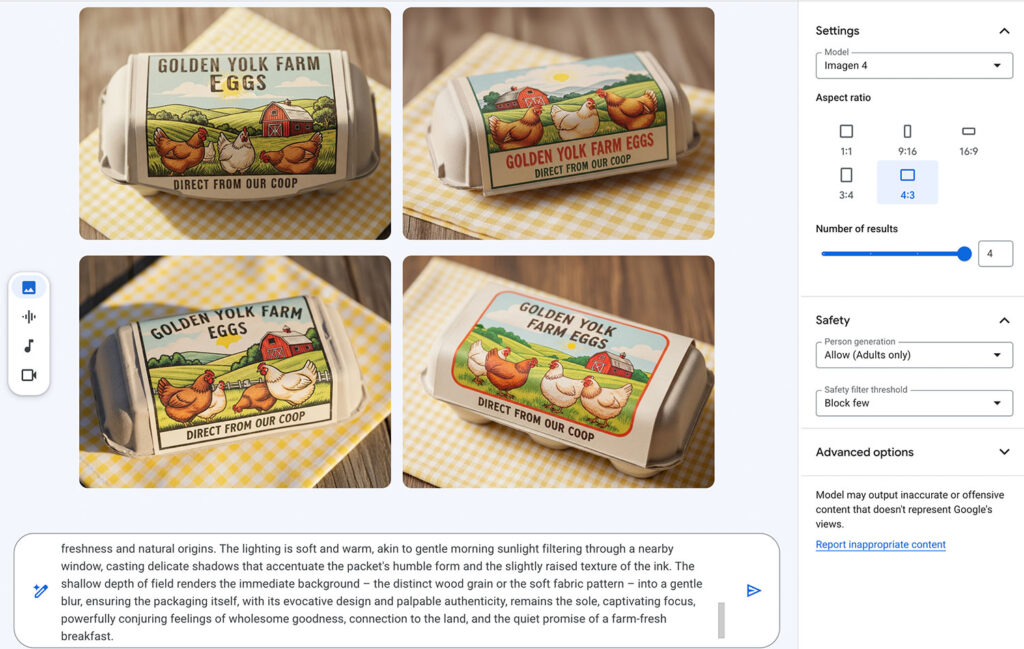
Unveiled at I/O 2025 and now in public preview, Imagen 4 slots into Vertex AI as Google’s “highest-quality” text-to-image model to date. Early tests show it nails prompt adherence—especially typography—closing the gap with OpenAI’s 4o while outpacing Midjourney V7 on legible copy.
Speed is a headline feature. Google claims a “fast variant” renders up to ten times quicker than Imagen 3, letting agencies spin mood-boards in seconds before dialing up full-res 4096-pixel exports. At roughly four cents per standard image (and less via AI Studio), teams can prototype without racking up GPU sticker shock.
Vertex AI integration matters: devs call the model from the same console that hosts Gemini and Veo, piping images straight into Slides, Docs, or custom pipelines—handy for product mock-ups or social ad variations. Built-in “brush” and “erase” tools enable quick in-paint edits, while style-mimic controls help maintain character or brand consistency across a campaign.
Limitations remain. There’s still no consumer-friendly web canvas akin to Photoshop or Midjourney’s Discord, forcing designers to juggle Vertex notebooks or third-party UIs. Ultra-intricate assets—UI wireframes, technical blueprints—sometimes blur under pressure, suggesting the diffusion weights still favor broader strokes. And while Google touts watermarking and policy safeguards, enterprise lawyers may recall the company’s cautious approach after the Gemini image hiccups earlier in the year.
Looking ahead, Google hints at an “Image ControlNet” add-on for pose and depth guidance plus a Workspace plug-in that will auto-generate slide art from speaker notes. If those land before Q4, Imagen 4 could leapfrog rivals for brand-safe workflows. For now, it’s a fast, affordable all-rounder—especially if your stack already sits on Vertex AI.
The Pros and Cons of Google Imagen
Imagen 4 delivers blazing speed, sharp typography, and easy API hooks at bargain rates, but lacks a designer-friendly canvas and still hiccups on ultra-detailed UI or blueprint tasks.
Text stays crisp and brand-ready every single time
Fast variant renders images in a few heartbeats
Vertex AI integration unifies models under one billing roof
No dedicated consumer canvas slows casual creators down
Occasional struggles with dense technical diagrams
Enterprise policy reviews still catching up post-Gemini issues
User Reviews for Google Imagen
There are no reviews yet. Be the first one to write one.
Similiar Apps
It is a long established fact that a reader will be distracted by the readable content of a page when looking at its layout.