Top5Apps editorial · Updated September 24, 2026 · How we rank
An AI chatbot is the closest thing to a universal tool the software world has ever produced: one text box that can draft your emails, debug your code, summarize a 300-page contract, plan a trip, or teach you calculus. In 2026 the market has consolidated around a handful of genuinely excellent assistants — and picking between them matters more than ever, because they've specialized.
We use all five of these assistants daily and re-test them every time a major model ships. Our short version: ChatGPT is still the best all-rounder and the safest default, Claude produces the best writing and handles long documents and coding with the most care, Gemini has the strongest free tier and the deepest ecosystem hooks if you live in Google apps, Perplexity is the one to open when the answer needs sources, and Microsoft Copilot quietly gives you frontier models for free inside Windows and Office.
Every app below has a real free tier except where noted, and every paid tier hovers around the same $20/month — so the ranking comes down to quality and fit, not price. Here's how they stack up.
The default AI assistant — and still the most complete
4.9
Editorial score
Best all-rounderFree tier: Yes — generousPaid from $20/mo
ChatGPT is where most people start with AI, and in 2026 it's still the product to beat. OpenAI's GPT-5 model family routes your request to the right level of reasoning automatically, so everyday questions come back fast while hard problems get real thinking time. The result is an assistant that's consistently good at almost everything — writing, coding, math, analysis, brainstorming — even when it's not the absolute best at any single one. The scale says it plainly: ChatGPT crossed 1 billion weekly users in August 2026 — announced as OpenAI made free text chats unlimited and rolled out the GPT-5.6 generation as the new default — with 50 million users paying as of February. And the next act arrived September 3 — messily: GPT-6 Astra, the first OpenAI model designated at its Preparedness Framework's 'Critical' cybersecurity threshold, with computer use as the flagship capability. The rollout began with vetted enterprise programs, ran bumpy enough that Sam Altman apologized a day later (with banked-reset compensation for the wait) — then finished faster than promised: by the evening of September 4, Astra was live for every paid plan. Read the access map before you upgrade your expectations, though. In the Chat picker Astra appears only as 'GPT-6 Pro' on Pro, Business, and Enterprise plans with weekly message caps; Plus subscribers get Astra in ChatGPT Work and Codex, but not in main Chat at all; free users get nothing yet; and it isn't the new default — GPT-5.6 Sol remains the everyday model, with the sharpest cyber capabilities still gated behind the Daybreak programs. The pattern repeated on September 22 with GPT-6 Sol and GPT-6 Luna, the family's mid and small tiers, launched about ninety minutes after Anthropic's Opus 5.5: they run in ChatGPT Work and Codex for every paid plan, and are 'not yet available in Chat' — Free and Go users can try Luna only inside the desktop app. The headline is the API price, halved to $2/$10 (Sol) and $0.10/$0.50 (Luna) and stated as permanent; the independent read is flatter, with Artificial Analysis scoring Sol level with GPT-5.6 Sol (48 vs 47) and Vals ranking it #8, 'approximately on par with GPT 5.6 Sol at 1/2 of the cost.' OpenAI also loaded a banked Codex/Work usage reset into Plus, Pro, and Business accounts. This review reflects GPT-5.6 hands-on in Chat; a re-test with the GPT-6 family in Work is queued.
Pros
GPT-5-class models with strong reasoning across almost every task type
ChatGPT Work completes multi-step tasks — browsing, files, spreadsheets — in its own cloud browser
Deep Research produces genuinely useful cited reports
The thinking person's AI — best-in-class writing and coding
4.8
Editorial score
Best for writing & deep workFree tier: Yes — limited daily usagePaid from $20/mo
Claude is the assistant professionals reach for when the output actually matters. Anthropic's models — Claude Fable 5.1, released September 1, 2026, and now Claude Opus 5.5, the first of the Claude 5.5 family, shipped September 22 — have a reputation the benchmarks keep confirming: writing that sounds like a sharp human rather than a press release, and code that works on the first run more often than any competitor. It's why Claude has quietly become the enterprise favorite even while ChatGPT dominates consumer mindshare — though 'quietly' undersells it now: Anthropic's run-rate revenue crossed $47 billion in May 2026, announced alongside a Series H valuing the company just shy of a trillion dollars.
Pros
The best prose quality of any assistant — drafts that need the least editing
Opus 5.5 (Sept 22) puts Fable-class results on the $20 plan — #1 on the Artificial Analysis and Vals indexes at launch
Exceptional with long documents: contracts, codebases, book manuscripts
Claude Code is the strongest agentic coding tool on the market
Cons
Free-tier limits are tighter than ChatGPT's or Gemini's
No native image generation
Fewer consumer extras — no standalone voice-first experience to match rivals
The best free AI — woven through Gmail, Docs, and Android
4.7
Editorial score
Best free tier & Google usersFree tier: Yes — the most generousPaid from $19.99/mo
Gemini went from punchline to powerhouse in about eighteen months. The Gemini 3 generation is a genuine frontier model — it tops multimodal benchmarks, handles images, audio, and video natively, and its million-token context window swallows documents that break other assistants. And Google gives more of it away free than any competitor, which makes Gemini the obvious first stop for anyone not ready to pay $20 a month — a strategy visible in the numbers, with over 950 million monthly users as of Alphabet's Q2 2026 earnings. The model cadence hasn't slowed either: Gemini 3.7 Flash arrived in August 2026 — Google's 'most intelligent workhorse model yet for coding and agents' — and within a day sat in the Gemini app's main model picker for all AI Pro and Ultra subscribers, alongside powering Spark, the app's always-on personal agent. Three weeks later Gemini 3.8 Flash followed (September 2) — Google calls it its best reasoning and coding model yet — hitting the app, AI Mode in Search, and Sheets on day one, at the same intro API price (which, note, doubles January 1, 2027). Three Flash generations in six weeks is the cadence story of the category.
Pros
Gemini 3 models are frontier-class — especially at multimodal tasks
The most generous free tier of any major assistant
Native image generation (Nano Banana Pro) and video (Veo) built in
Reads and acts across Gmail, Docs, Drive, Calendar, and Maps
Cons
Quality can feel inconsistent — brilliant one prompt, generic the next
Google's product churn makes features move and rename frequently
Privacy trade-off: it's most useful when given access to your Google data
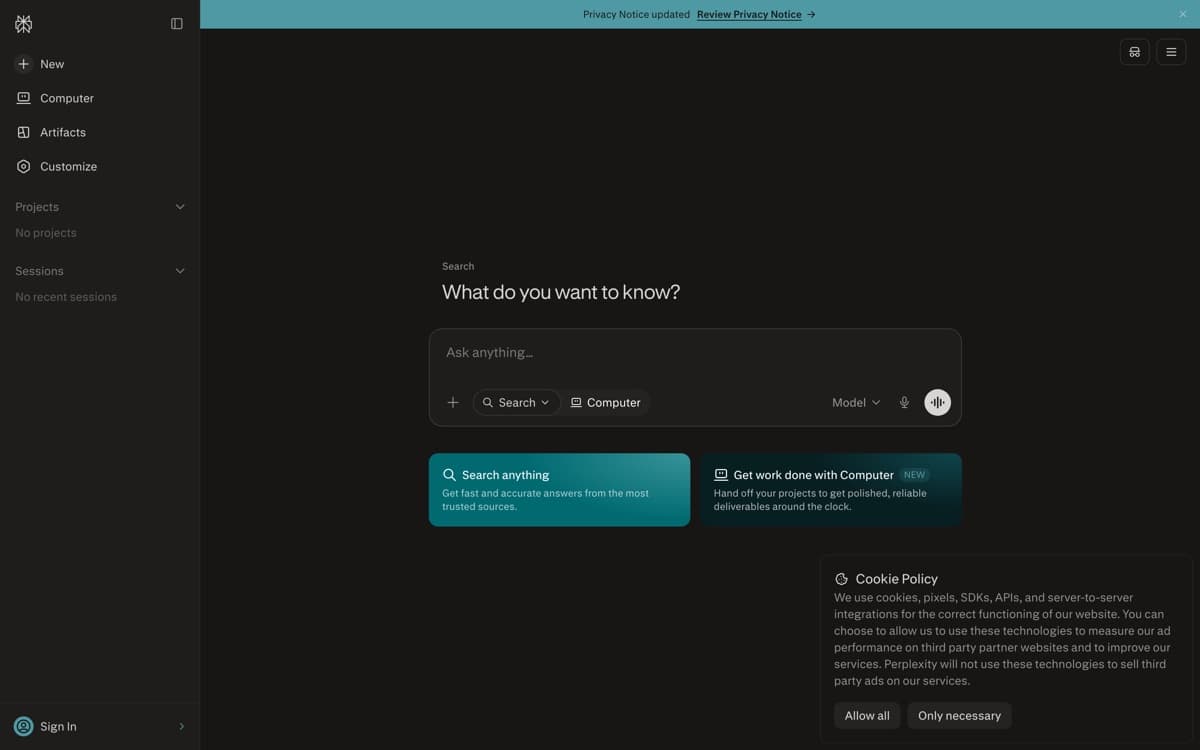
Best for research & real-time answersFree tier: Yes — unlimited basic searchesPaid from $20/mo
Perplexity answered the question Google spent two decades dodging: what if search just gave you the answer, with sources, instead of ten blue links? Ask anything and it searches the live web, reads the results, and writes a synthesized answer with numbered citations you can actually check. For research, shopping comparisons, news, and any question where 'as of when?' matters, it beats every general chatbot on this list — and the habit shows: Perplexity now answers about 1.5 billion questions a month, per CNBC's 2026 Disruptor 50 profile. And the retrieval under those citations now has independent receipts: as of late August 2026, Perplexity's search engine holds all three top spots on the Artificial Analysis Search Index — the best external evidence yet that the answers rest on the strongest search layer in the business.
Pros
Every answer comes with numbered, checkable citations
Best-in-class for current events, prices, and fast-moving topics
Choose the underlying model: GPT, Claude, Gemini, or in-house Sonar
Comet browser turns any webpage into a research session
Cons
Weak for creative writing and long coding sessions — it's built for answers
Free tier caps the advanced 'Pro' searches that make it shine
Citation quality depends on the sources it finds — verify anything critical
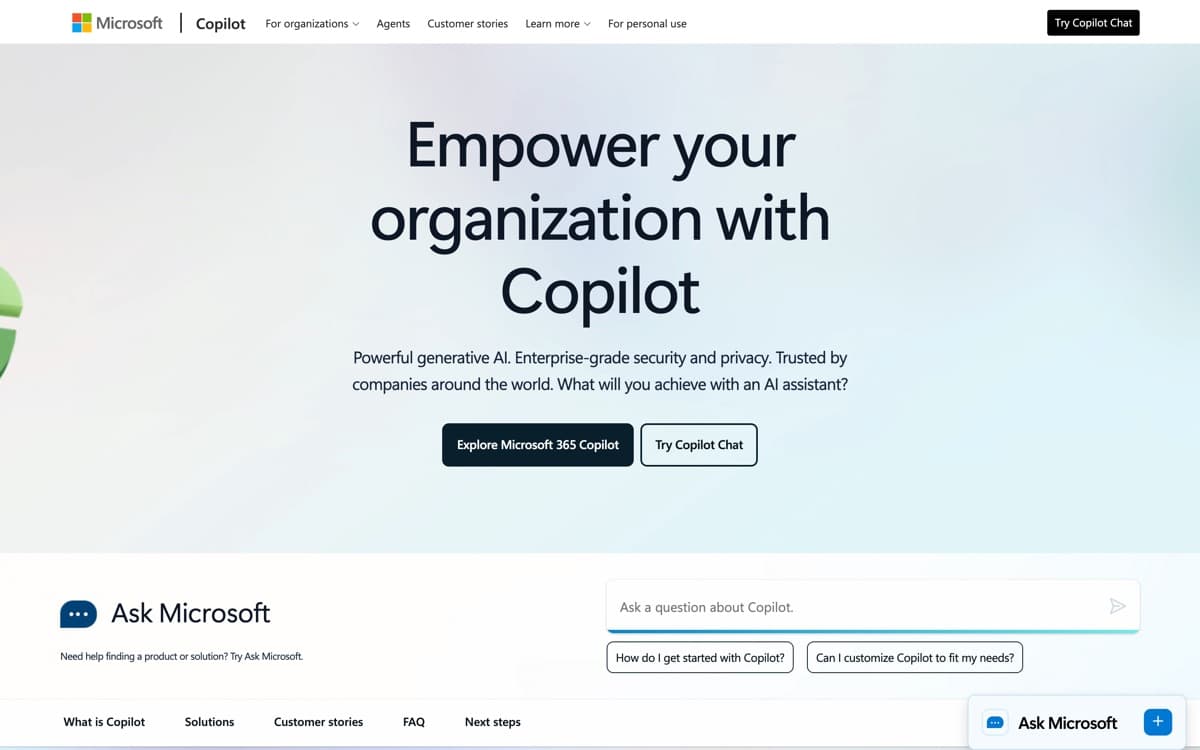
Best for Windows & Office usersFree tier: Yes — includes frontier modelsPaid from $20/mo
Copilot is Microsoft's bet that AI should live where you already work, not in a separate tab. The free tier is quietly one of the best deals in AI: OpenAI's frontier models (plus Microsoft's own MAI models), grounded with Bing search, with voice, vision, and image generation — no subscription required. For hundreds of millions of Windows users, it's the AI that's already installed. The split personality is measurable: Microsoft 365 Copilot passed 30 million paid enterprise seats by July 2026, while Sensor Tower pegged the consumer app at just 6 million daily users against ChatGPT's 440 million in February — the enterprise-strong, consumer-soft shape this review describes.
Pros
Free access to OpenAI frontier models with web grounding
Built into Windows, Edge, and (with M365) Word, Excel, and Outlook
Copilot Vision can see your screen and talk you through anything
Strong enterprise story: compliance, data protection, admin controls
Cons
The consumer app trails ChatGPT in features despite similar models
Confusing product line — Copilot, Copilot Pro, M365 Copilot all differ
Office integration quality varies by app; Excel is great, others uneven
Grok (SpaceXAI)4.4— 2026's biggest capability surge outside the top five, and the pattern that keeps it there. Grok 4.7 landed September 21 — a bigger base model at the same $2/$6 per million tokens as 4.6, 500K context, and per Artificial Analysis a 46 on its Intelligence Index (up two on 4.6; Claude Fable 5.1 and GPT-6 Astra sit at 53) and fourth on its Coding Agent Index, though notably slow at 39 tokens a second. Musk's framing: 'third, after Anthropic & OpenAI, for agentic coding.' Grok features reach 117 million monthly users per SpaceX's IPO filing, and Grok Bot — always-on agent teammates — is now ranked in our Personal AI Agents list. Two things keep it off this list. First, the frontier model still isn't in the consumer app: 4.7 ships day one to the API, Cursor, Grok Build, and GitHub Copilot, while xAI's own model card says the web and mobile apps get it 'at a later date' — grok.com's Expert and Heavy modes still run 4.6, exactly what happened with 4.6 in August. Second, the trust record is the category's worst — a Dutch court injunction over nonconsensual imagery, country blocks in Malaysia and Indonesia, an EU probe among eight active investigations, and on August 15 a fourth plaintiff joined the Tennessee lawsuit over Grok-generated abuse imagery. What moves it into the top five: the deepfake pipeline verifiably closed, and the frontier model actually shipping in the app people use. We're watching.
DeepSeek4.2— Astonishing capability for free and open weights, which is why it keeps making headlines. Server capacity and data-residency questions keep it out of our top five for most users. Read our DeepSeek vs ChatGPT breakdown.
Mistral Le Chat4.0— The European champion — quick, capable, EU-hosted. The right answer for data-sovereignty-conscious teams; still behind on the frontier features.
Meta AI3.8— Everywhere in WhatsApp and Instagram, and improving fast, but it's an add-on to social apps rather than a serious work assistant.
How we ranked them
We run every assistant through the same weekly gauntlet: drafting and editing real documents, a 40-problem reasoning set, long-document Q&A (a 200-page contract and a codebase), sourced research tasks, and a week of daily-driver use. Scores weight response quality (40%), capability breadth (25%), reliability and limits (20%), and value (15%). No vendor sees rankings early, and nobody pays for placement — see how we rank.
The honest one-liner for each
ChatGPT if you want the most capable single app. Claude if your writing or code gets judged by other professionals. Gemini if you won't pay or you live in Google apps. Perplexity if the question has a factual answer that needs sources. Copilot if Windows and Office are where your hours go.
Do you even need the $20 plan?
Try free tiers for a week first — Gemini's and Copilot's are strong enough for casual use. Upgrade when you hit limits mid-task or need a specific paid feature (ChatGPT Work's cloud browser, Claude Code, Veo, model choice). The $200 'max' tiers only pay off for daily heavy research or agentic coding.
A note on privacy
Defaults differ meaningfully: Anthropic doesn't train on your chats by default; OpenAI and Google offer opt-outs (and exclude business plans); assistants shine brightest when connected to your email and files, which is precisely when you should read the data policy. For sensitive work, use business tiers — every vendor here excludes them from training.
AI Chatbots: FAQ
What is the best AI chatbot in 2026?
ChatGPT is our overall pick for its combination of model quality, agent capabilities, and ecosystem. Claude wins for writing and coding quality, Gemini for free access and Google integration, Perplexity for cited research, and Microsoft Copilot for Office workflows.
What's the best free AI chatbot?
Google Gemini — its free tier includes frontier-model access, image generation, and long-document support. Microsoft Copilot is a close second, and ChatGPT's free tier remains very capable.
Should I pay for more than one AI assistant?
Serious users often pair a generalist (ChatGPT or Claude) with Perplexity for research. Beyond two subscriptions, returns diminish fast unless you have a specific workflow like agentic coding.
Are AI chatbots safe for confidential information?
Use business or enterprise tiers for confidential work — all five vendors exclude those plans from model training. On consumer plans, check training opt-outs; Anthropic's Claude is the only one that doesn't train on consumer chats by default.
Which AI chatbot is best for coding?
Claude, and it isn't particularly close in our testing — especially via Claude Code. See our best AI code editors ranking for the full toolchain picture.