
Otter.ai Review (2026)
The real-time transcription workhorse
Top5Apps editorial · Last tested & updated September 3, 2026 · Reviewed under The Receipts Standard
Developer
Otter.ai
Free tier
Yes — 300 min/mo
Paid from
$8.33/mo (annual)
Platforms
Web, iOS, Android, Chrome
What is Otter.ai?
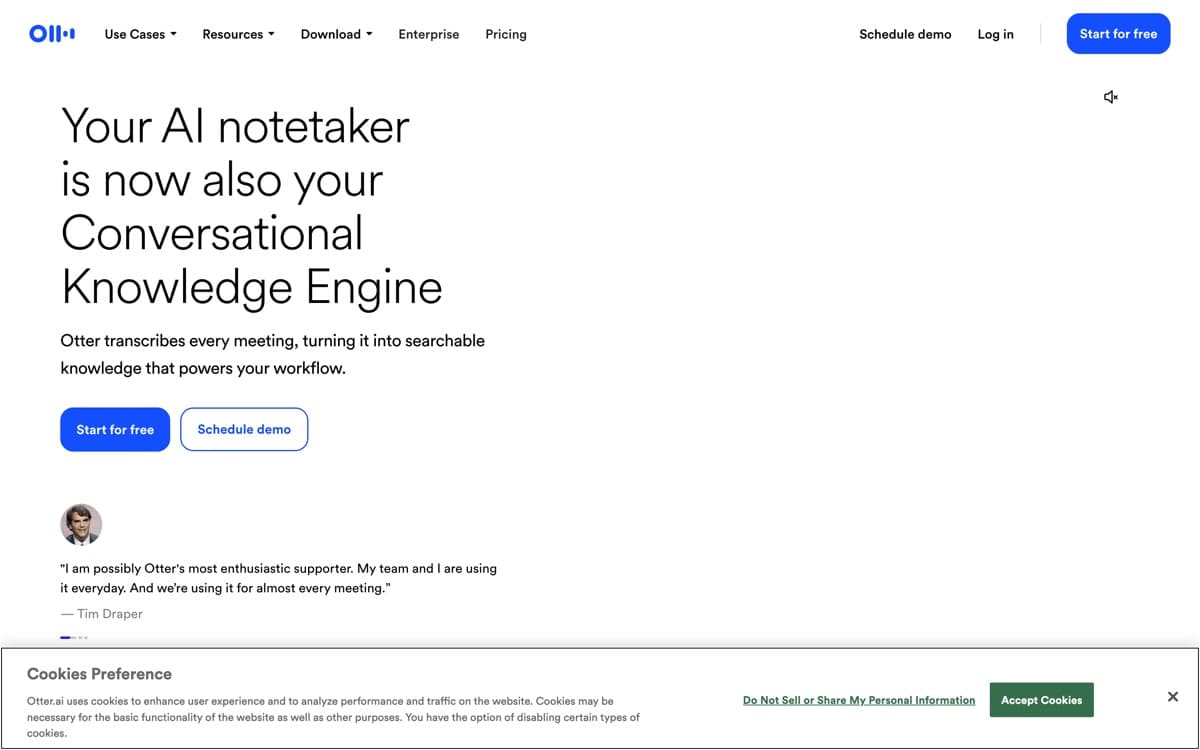
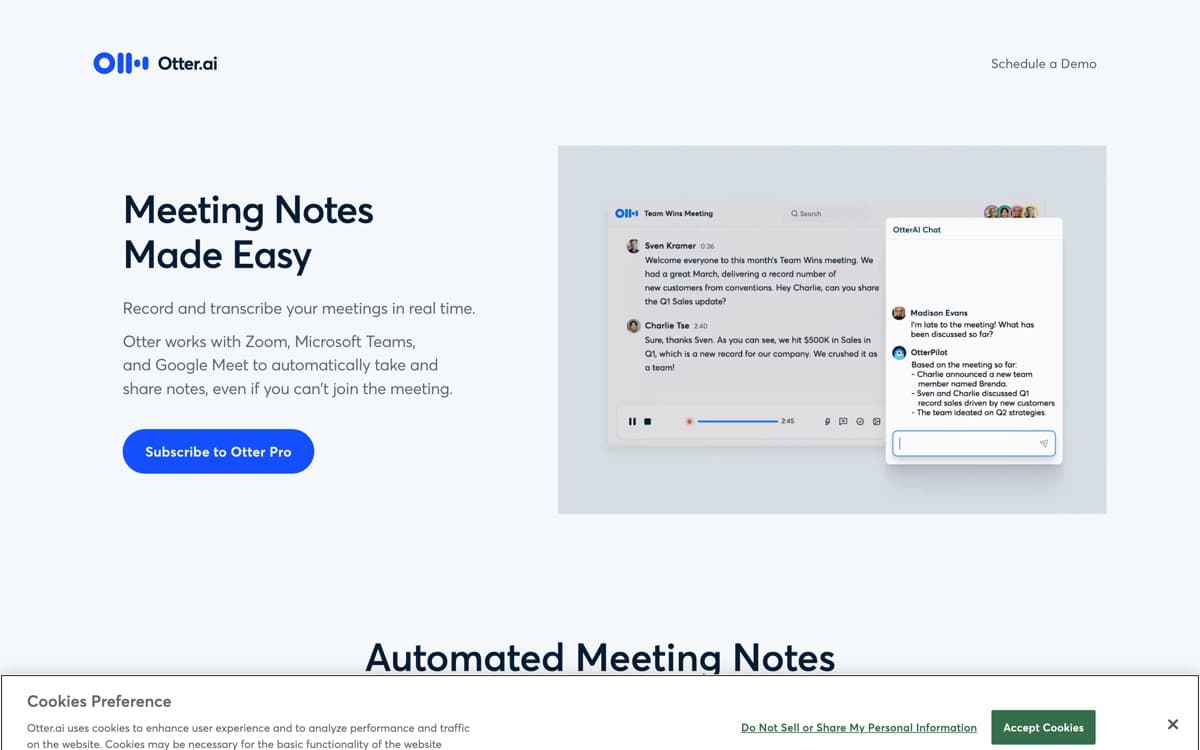
Otter basically invented consumer meeting transcription, and the core loop is still the smoothest in the business: OtterPilot joins your scheduled calls, live transcription streams with speaker identification accurate enough to quote, and within minutes of hangup a summary with action items lands in your inbox. For students, journalists, and anyone who lives in transcripts rather than summaries, watching the words appear in real time — and highlighting key moments as they happen — remains the killer feature.
The 2025–26 Otter pushed agent features (voice-activated meeting agents, SDR-ish automations) with mixed reception, but the fundamentals that earn its rank are unchanged: reliable capture, searchable archives that make every meeting quotable forever, and the best price-per-minute among the majors. A July 2026 Notion integration plays to that strength: meeting summaries write straight into Notion pages, and Otter's chat can answer from what your team's Notion already says. It's the sensible default for individuals and small teams who want proven, boring-in-a-good-way meeting memory without Granola's price or Fireflies' enterprise plumbing.
Otter.ai: pros and cons
Pros
- Excellent live transcription with speaker labels you can watch mid-meeting
- Generous free tier (300 minutes monthly) to start
- OtterPilot auto-joins scheduled meetings and emails summaries
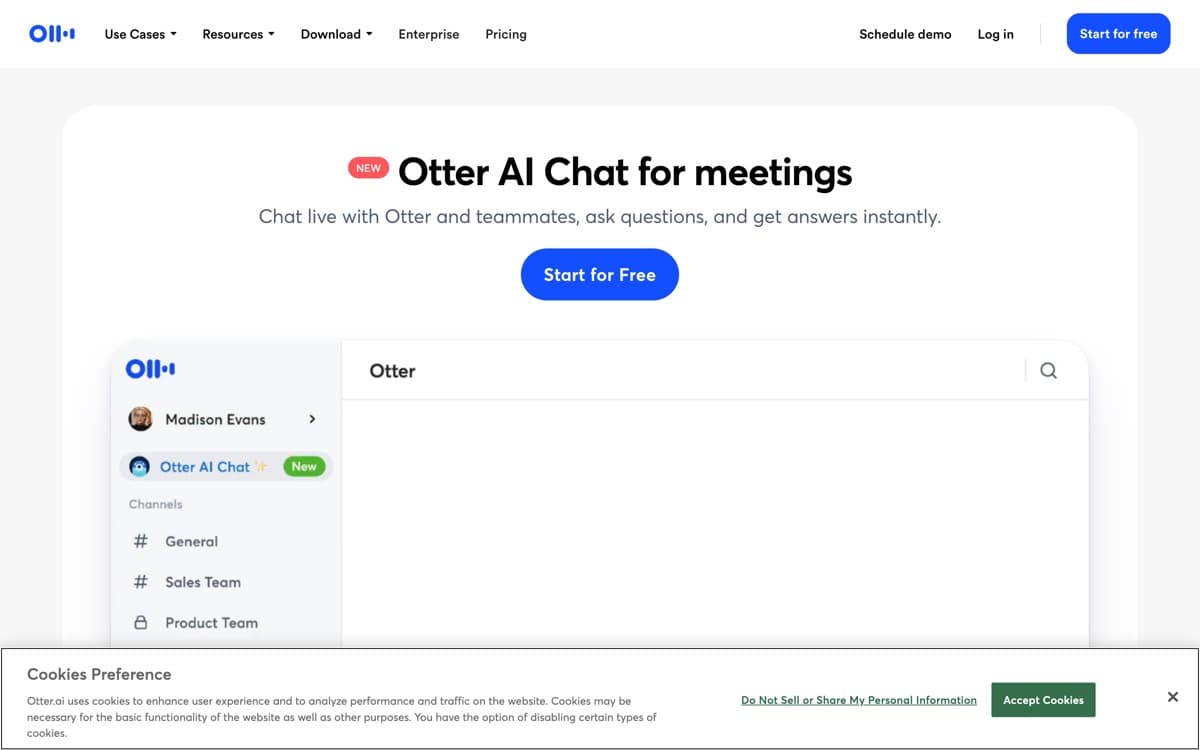
- AI Chat answers questions against any transcript instantly
- Mature ecosystem: Zoom/Meet/Teams, calendars, Dropbox, CRMs
Cons
- Bot-based capture — visible participant in every call
- Summaries are competent but generic next to Granola's
- Interface has accreted clutter; channels/social features feel bolted on
Standout features
Live transcript you can work in
Watch, highlight, and comment during the meeting itself — invaluable for interviews and lectures, and still smoother than every competitor's live view.
OtterPilot autopilot
Connect your calendar and every meeting gets captured, summarized, and filed without you touching anything. The set-and-forget experience defined the category.
AI Chat across meetings
Ask 'what were the objections on the Acme renewal?' and get sourced answers from your transcript archive — months of meetings become a database.
Otter.ai pricing
Basic (free) includes 300 transcription minutes/month — genuinely useful. Pro ($16.99/month, or $8.33 annual) raises limits and unlocks advanced search/export; Business ($30/month, $20 annual) adds admin, analytics, and concurrent meetings.
The annual Pro price is the best value in mainstream notetaking — half the cost of premium rivals for 90% of the utility, if bot capture doesn't bother you.
Our verdict
Otter is the dependable pick: best live transcription, fair price, everything integrated. It won't wow you the way Granola does, and its bot sits visibly in calls — but as reliable meeting memory for the money, it's still the benchmark — at a scale nobody else here matches: 35 million users and over a billion meetings transcribed, per Otter's April 2026 numbers.
Skip it if: A visible bot in the participant list is a dealbreaker for your clients, or you want notes that sound like your thinking rather than minutes that sound like software.
4.5 / 5 — #2 in AI Notetakers 2026
Otter.ai: FAQ
Is Otter.ai free?
Yes — 300 minutes/month with core features. Pro at $8.33/month (annual) suits most individuals; Business adds team controls.
How accurate is Otter's transcription?
Very good on clear audio — mid-to-high 90s percent in our tests, with solid speaker labeling. Accents, crosstalk, and bad mics degrade every tool; Otter recovers as well as any.
Can Otter join meetings I don't attend?
Yes — OtterPilot can attend scheduled meetings on your behalf and deliver notes, subject to the host admitting the bot and your org's policies.
Head-to-head: Granola vs Otter
Related rankings: best AI dictation · best AI chatbots