The 5 Best AI Code Editors & Coding Agents in 2026
Top5Apps editorial · Updated September 23, 2026 · How we rank
AI coding tools crossed a threshold somewhere in the last eighteen months: they stopped being autocomplete and started being coworkers. The best tools in 2026 read your whole repository, plan a change, edit a dozen files, run the tests, and open the pull request — while you review diffs like a tech lead instead of typing like a stenographer.
This list covers the five tools we'd actually stake a deadline on. Cursor is the best AI-native IDE and the safest all-around pick. Claude Code is the most capable pure agent — the one senior engineers gravitate to. GitHub Copilot is the enterprise default with the smoothest team story. Windsurf is the strongest budget-friendly IDE, and Replit lets non-engineers ship real software from a browser.
We rebuilt this ranking in August 2026 — and re-verified every entry for September — after a year in which agents went from demo to daily driver. Prices and models move fast in this category — we note where they've moved recently.
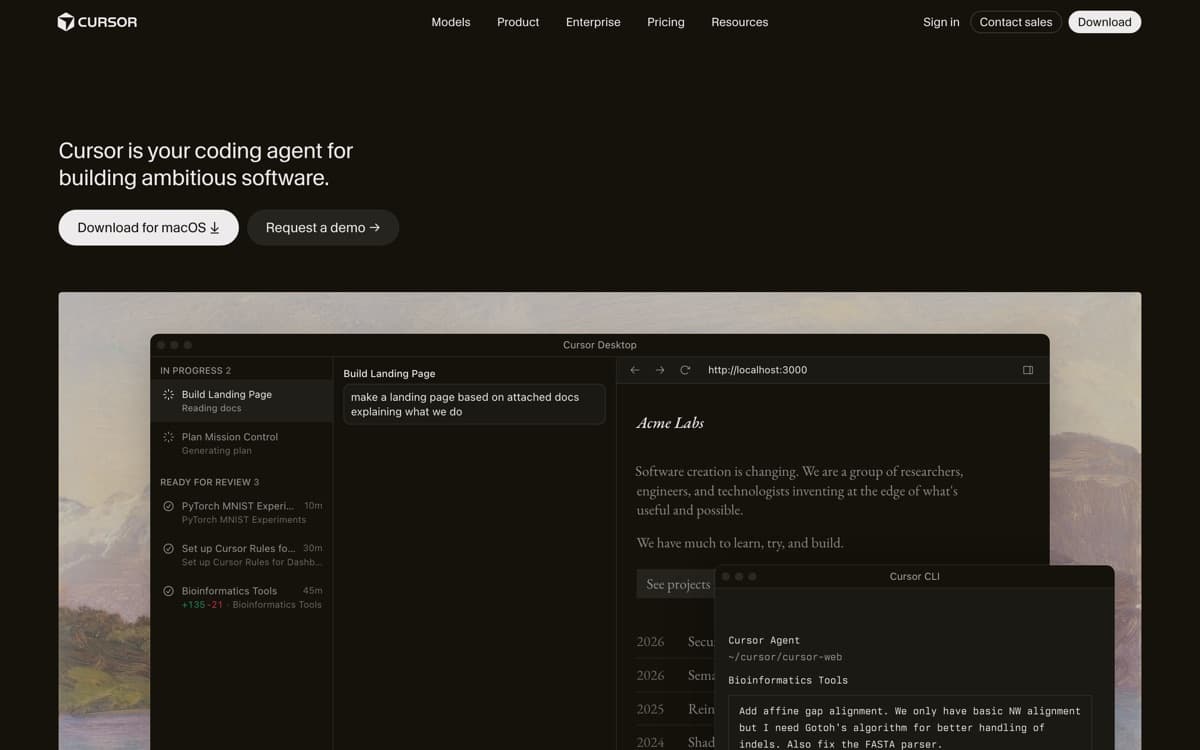
Best AI IDE overallFree tier: Yes — Hobby planPaid from $20/mo
Cursor took the world's most popular editor, rebuilt it around AI, and became the fastest-growing developer tool in history — $2 billion in annualized revenue by February 2026, forecasting north of $6 billion by year-end. In 2026 it's the benchmark everything else gets compared to — and as of August 14, 2026, officially part of SpaceX, which closed its $60 billion all-stock acquisition and hands Cursor access to one of the world's largest GPU fleets. The magic is that it meets you at every level of trust: world-class tab completion when you're typing, inline edits when you highlight a block, and Composer — the agent — when you'd rather describe the feature and review the diff.
Pros
Composer agent handles multi-file features with impressive planning
The best tab-completion in the business — it predicts your next edit, not just your next token
Multi-agent mode runs parallel attempts and lets you pick the winner
Full VS Code compatibility: your extensions, keybindings, and themes just work
Cons
OpenAI is pulling its models — a proposed November 12, 2026 cutoff follows the SpaceX acquisition
Usage-based pricing beyond the included quota confuses nearly everyone
Heavy agent use gets expensive fast on frontier models
Best agentic codingFree tier: No — included with Claude Pro/MaxPaid from $20/mo (Claude Pro)
Claude Code is what happened when Anthropic pointed its best models at a terminal and let them work. It reads your repository, forms a plan, edits files, runs commands, fixes its own test failures, and ends with a commit — an engineering loop, not a suggestion box. Through 2025 it became the tool of choice for senior engineers, and in 2026 it's the yardstick for 'agentic coding.'
Pros
The deepest autonomy of any coding tool — plans, edits, tests, commits
Terminal-native: works over SSH, in CI, and with any editor
Subagents, hooks, and MCP make it endlessly customizable
Powered by the best coding models in the industry — Opus 5.5 became the default Opus on Sept 22, and Pro's default moved from Sonnet to Opus
Cons
No GUI editor — you review diffs, you don't caret-edit alongside it
Heavy use on Max plans costs $100–200/month
Terminal-first workflow has a learning curve for IDE-native developers
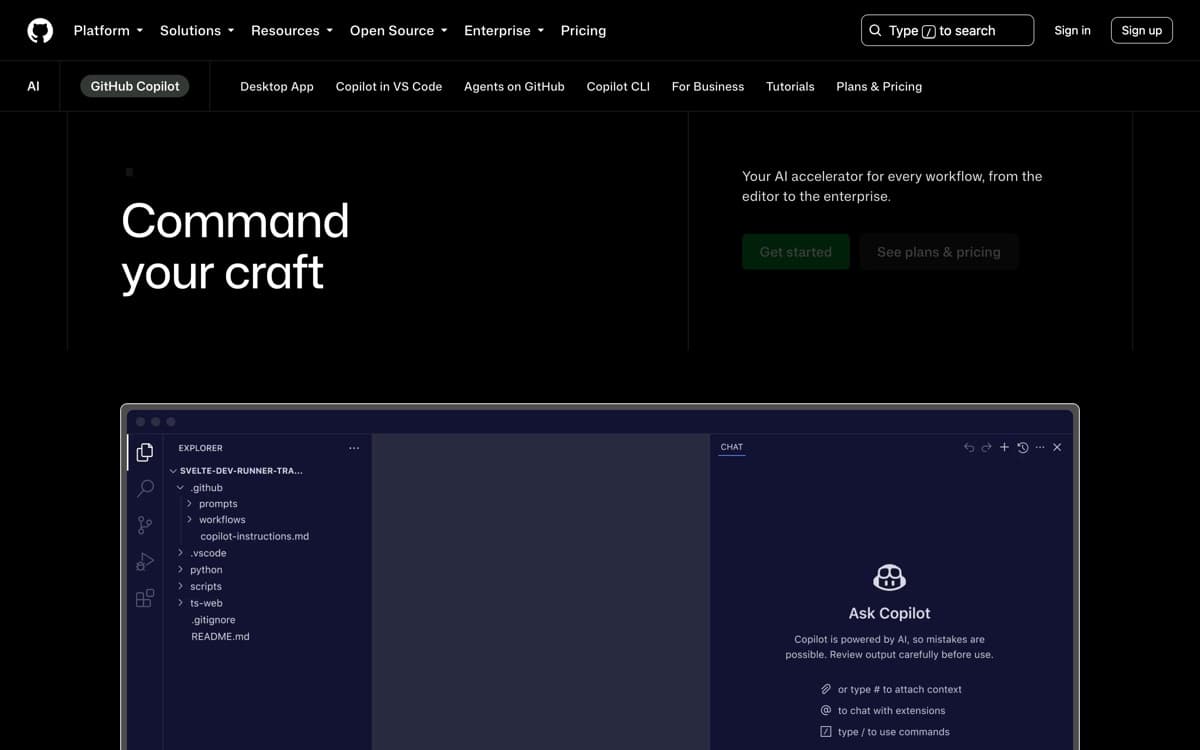
Best for teams on GitHubFree tier: Yes — monthly completion/chat allowancePaid from $10/mo
Copilot invented this category in 2021, and while startups out-innovated it for a stretch, GitHub's 2025–26 run closed most of the gap: agent mode in VS Code, a cloud coding agent you assign issues to, an AI code reviewer, and a model picker that includes Claude and Gemini alongside OpenAI. It remains the tool your CTO will approve without a meeting — and now it's genuinely good. It's also, by headcount, the biggest: Satya Nadella put Copilot at 50 million users on Microsoft's July 2026 earnings call, with revenue accelerating over 60% quarter-on-quarter after June's shift to usage-based billing.
Pros
Cheapest paid entry point in the category at $10/month
Coding agent lives on github.com — assign it an issue, get a PR
Multi-model: Claude, GPT, and Gemini under one subscription
Code review agent catches real bugs before human review
Cons
In-editor agent trails Cursor and Claude Code on complex tasks
Best experience assumes your life is on GitHub
Feature rollout is staggered across editors — VS Code gets everything first
Best free-tier IDE & valueFree tier: Yes — the most generous IDE free tierPaid from $20/mo
Windsurf survived the most dramatic year any dev-tool startup has had — a $3B acquisition that collapsed, a founder exodus to Google, and a rescue by Cognition (the Devin company) — and came out the other side still shipping a very good product. Its Cascade agent pioneered the 'flow' idea: the AI tracks what you're doing and keeps full project context, so you ask for changes in plain language and it handles the ceremony.
Pros
Cascade agent is beginner-friendly and genuinely capable
Most generous free tier of the AI IDEs — unlimited tab completion
Fast in-house SWE models keep costs predictable
Cleaner, calmer UX than Cursor for developers new to AI tools
Cons
A turbulent 2025 (acquisition saga) still shows in slower feature cadence
Frontier third-party model access is tighter than Cursor's
Pro price rose to $20, weakening its old undercut-Cursor pitch
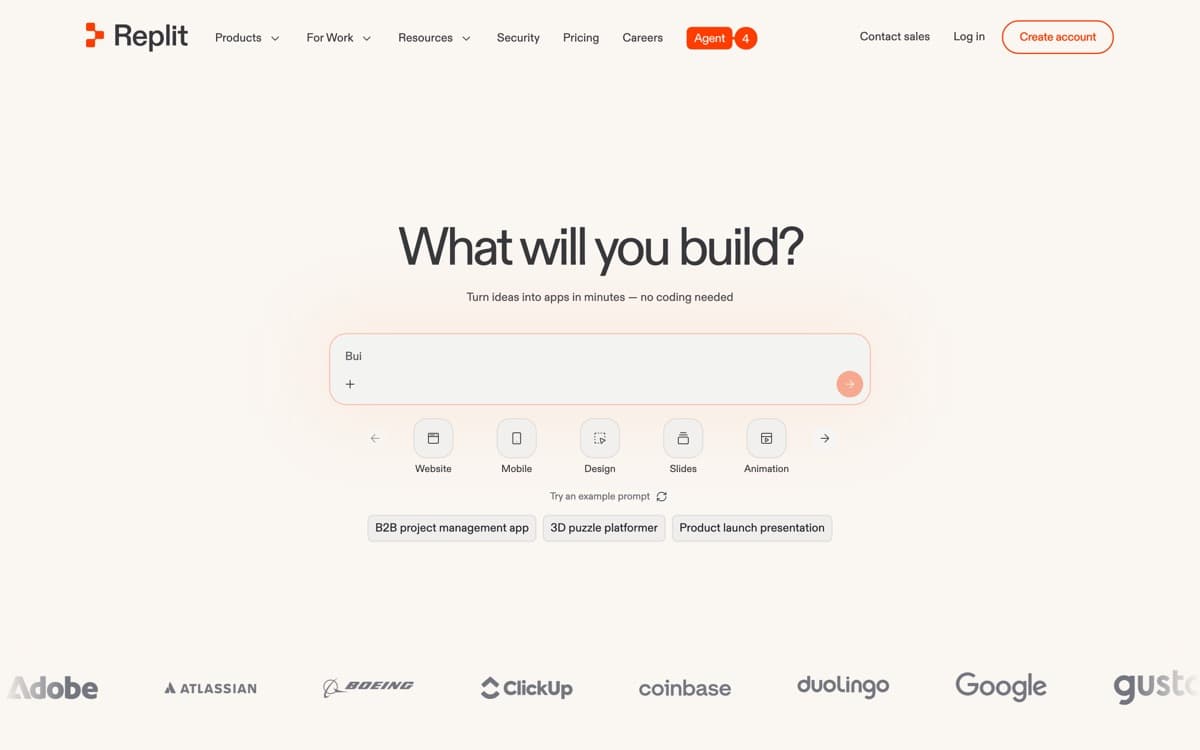
Best for non-engineers & prototypesFree tier: Yes — trial creditsPaid from $20/mo
Replit is the answer to a different question than the rest of this list. Not 'how do engineers code faster?' but 'why do you need to be an engineer at all?' Describe an app — a booking tool, an internal dashboard, a SaaS prototype — and Agent 3 plans it, writes it, spins up the database, wires auth, tests it in a real browser, and deploys it to a URL you can send to customers. All in a browser tab.
Pros
Agent 3 builds, tests, and fixes complete apps from a description
Zero setup: dev environment, database, auth, and hosting included
The only tool here that takes you from prompt to live URL
Mobile app lets you genuinely build from a phone
Cons
Effort-based pricing makes big builds hard to predict
Wrong tool for existing large codebases or local-first workflows
Generated apps still need engineering review before serious scale
OpenAI Codex4.3— OpenAI's cloud agent and CLI are genuinely strong — parallel task fleets, GitHub integration — and belong on a shortlist for teams already deep in the OpenAI stack.
Google Antigravity4.1— Google's free agentic IDE impressed us at launch, and Gemini's coding models are competitive. Early-product rough edges keep it just outside the five — watch this one.
Zed4.1— The fastest editor ever built now has capable AI. For performance purists who find VS Code forks sluggish, it's the craftsman's choice.
JetBrains AI + Junie4.0— If IntelliJ or PyCharm is home, Junie brings respectable agentic coding without leaving the JetBrains world.
Aider4.0— The open-source terminal agent that pioneered the category. Bring your own API key and it remains a superb, hackable value.
How we ranked them
Every tool built the same three real tasks: a feature addition in a 60k-line production repo, a greenfield CRUD app with auth, and a gnarly legacy refactor with failing tests. We scored task completion quality (40%), workflow fit and review ergonomics (25%), speed (15%), and price transparency (20%). On the tie at the top: Cursor and Claude Code both score 4.8. Cursor takes #1 because an IDE is home for more of more developers' working day; Claude Code's capability ceiling is higher when you fully delegate. If you know which kind of developer you are, you know which one is your #1. Rankings updated September 2026; details on how we rank.
Agent, IDE, or both?
The 2026 stack is converging on a pattern: an AI IDE for interactive work (Cursor or Windsurf) plus a delegable agent for whole tasks (Claude Code, or Copilot's cloud agent). If you only pick one: engineers who review diffs comfortably should pick the agent; everyone else should pick the IDE.
Watch the real price, not the sticker
Every tool here has usage-based components once agents do real work. The sticker prices ($10–25/month) cover light use; serious daily agent use lands at $60–200/month on any platform. Budget accordingly and instrument a trial month before rolling out to a team.
Your code and training
All five vendors exclude business-tier code from training, and most let individuals opt out. If your repo is sensitive IP, use team/enterprise tiers and read the retention terms — the capability differences between tiers are small; the legal differences aren't.
AI Code Editors: FAQ
What's the best AI code editor in 2026?
Cursor is our pick for the best overall AI IDE; Claude Code is the strongest pure agent for delegating whole tasks. GitHub Copilot wins on value and team rollout, Windsurf on free-tier generosity, and Replit for non-engineers shipping real apps.
Do AI coding tools actually make developers faster?
For well-scoped tasks — features, tests, refactors, boilerplate — teams we survey report 20–50% cycle-time gains, with the biggest wins from delegating whole tasks to agents. Gains shrink on ambiguous work; code review remains the bottleneck and the point.
Can I use these on a private or proprietary codebase?
Yes — every tool here offers business tiers that exclude your code from training, with SOC 2 reports and (in GitHub's case) IP indemnity. Individual tiers vary; check opt-outs before pointing anything at sensitive IP.
What is 'vibe coding'?
Building software by describing outcomes and letting agents write the code — popularized in 2025. Tools like Replit made it mainstream for non-engineers; Cursor and Claude Code brought disciplined versions of it to professionals.
Which AI model is best for coding in 2026?
Anthropic's Claude models lead most coding evals and real-world preference among the engineers we survey, with OpenAI's GPT-5-class Codex models and Google's Gemini 3 close on their heels. Most tools here let you switch models, so you rarely have to marry one.