Top5Apps editorial · Updated September 10, 2026 · How we rank
AI image generation grew up. The 2026 frontier isn't 'can it draw hands' — it's character consistency across a whole campaign, legible typography on a poster, and edits that change one thing without repainting everything else. The tools below are the five we keep coming back to after generating thousands of test images this year.
The short version: Google's Nano Banana Pro is the best all-around image tool right now — the one we'd hand to a marketer, a founder, or a parent making a birthday invite. GPT Image 2 inside ChatGPT is the smartest at following complicated instructions. Midjourney still makes the most beautiful images, full stop. FLUX.2 is the open-weight champion you can run and fine-tune yourself, and Leonardo is the production platform that wraps several of these models in real workflow tools.
One housekeeping note: Google retired the standalone Imagen 4 model line in August 2026 in favor of the Nano Banana family, and OpenAI's GPT Image 2 replaced the 4o-era generator — this page (and our old reviews of both) reflect the new generation.
The viral image model that made editing effortless
4.8
Editorial score
Best overallFree tier: Yes — daily limits in GeminiPaid from $19.99/mo (Google AI Pro)
Nano Banana started as a mysterious codename that topped blind-test leaderboards in 2025 and turned out to be Google's Gemini image model. The Pro generation made it the most practically useful image tool on the market: it treats generation as a conversation. Upload a photo of your product, your face, or your dog, and ask for changes in plain English — the model edits exactly what you asked and leaves the rest untouched, keeping the same character recognizable across dozens of variations.
Pros
Best-in-class character and product consistency across edits
Conversational editing that changes only what you asked
Renders clean, legible text — posters and ads actually work
Fast, and genuinely usable on the free tier
Cons
Safety filters can be overcautious for legitimate creative work
Peak-time limits on free and Pro tiers frustrate heavy users
Less of a distinctive 'look' than Midjourney — beauty needs prompting
The image model that actually understands your brief
4.7
Editorial score
Best instruction-followingFree tier: Yes — limited generationsPaid from $20/mo (ChatGPT Plus)
OpenAI's GPT Image 2 is what happens when a frontier language model does the drawing: it reads a paragraph-long brief with seven constraints and satisfies all seven. Infographic with specific data? Four-panel comic with continuity? Product shot in your exact brand palette with the tagline set in something like Futura? This is the model that gets it right on the first try most often in our testing — and the crowds agree: it sits at #1 on LMArena's text-to-image leaderboard across 70,000+ blind votes as of August 2026, a spot it has held since its April debut.
Pros
Unmatched at complex, multi-constraint prompts and layouts
World knowledge: it knows what a 1970s Braun radio should look like
Excellent text rendering for diagrams, comics, and UI mockups
Editing and style transfer built into a normal ChatGPT conversation
Cons
Slower per image than Nano Banana or FLUX
Strictest content policies of the group — some legitimate briefs bounce
No dedicated pro interface: power users outgrow the chat window
Best aesthetics & art directionFree tier: NoPaid from $10/mo
Every model on this page chases realism; Midjourney chases beauty, and after seven-plus model generations it remains the tool whose images make people stop scrolling. Light, composition, texture, and mood come out gallery-grade by default — concept artists, brand designers, and art directors keep it in the stack even when other tools handle their production work. The current V7/V8-era models sharpened coherence and speed without sanding off the signature look.
Pros
The most aesthetically striking default output of any model
Deep style-control system: style/omni references, personalization, moodboards
Superb web editor with retexture, pan/zoom, and regional edits
A generative video mode is included at no extra cost
Cons
No free tier, and no official API for developers
Weakest of the five at rendering text
Prompt adherence trails GPT Image 2 on complicated briefs
Best open model & developersFree tier: Open weights (dev) free for research/non-commercialPaid from ~$0.03/image via API
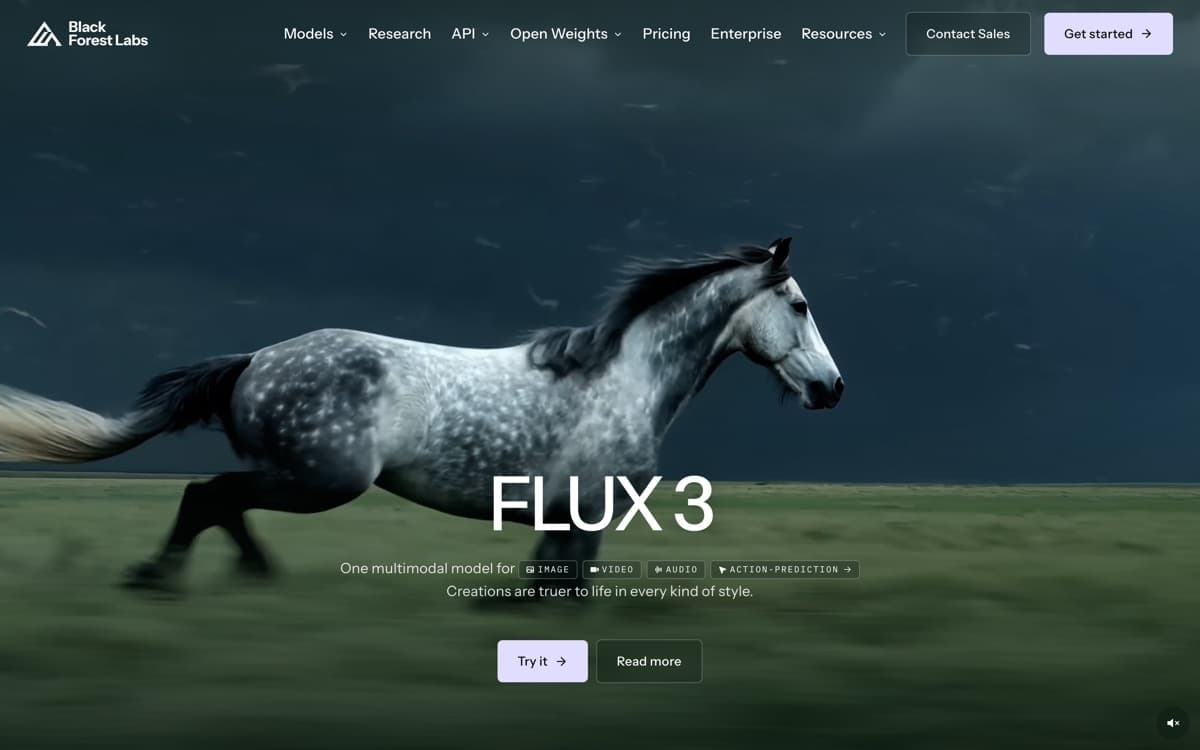
Black Forest Labs — founded by the researchers behind the original Stable Diffusion — kept the open-model flame alive while the industry went closed, and FLUX.2 is the payoff: an open-weight family that trades blows with the closed frontier. Photorealistic people without the uncanny sheen, strong typography, multi-image reference support, and editing that holds character identity. It's the model behind the scenes of countless AI products (including Grok's image features and half the startups on this page's 'also considered' lists).
Pros
Frontier-class quality with weights you can download and fine-tune
Photoreal people and products with excellent prompt adherence
Multi-reference editing rivals the closed labs' best
Full ecosystem: ComfyUI, LoRA fine-tunes, every GPU cloud
Cons
No polished first-party consumer app — you assemble your own stack
Full-quality local runs want a serious GPU (or quantized variants)
Commercial use of open weights requires reading license terms carefully
The production studio wrapped around the best models
4.4
Editorial score
Best all-in-one creative platformFree tier: Yes — daily token allowancePaid from $12/mo
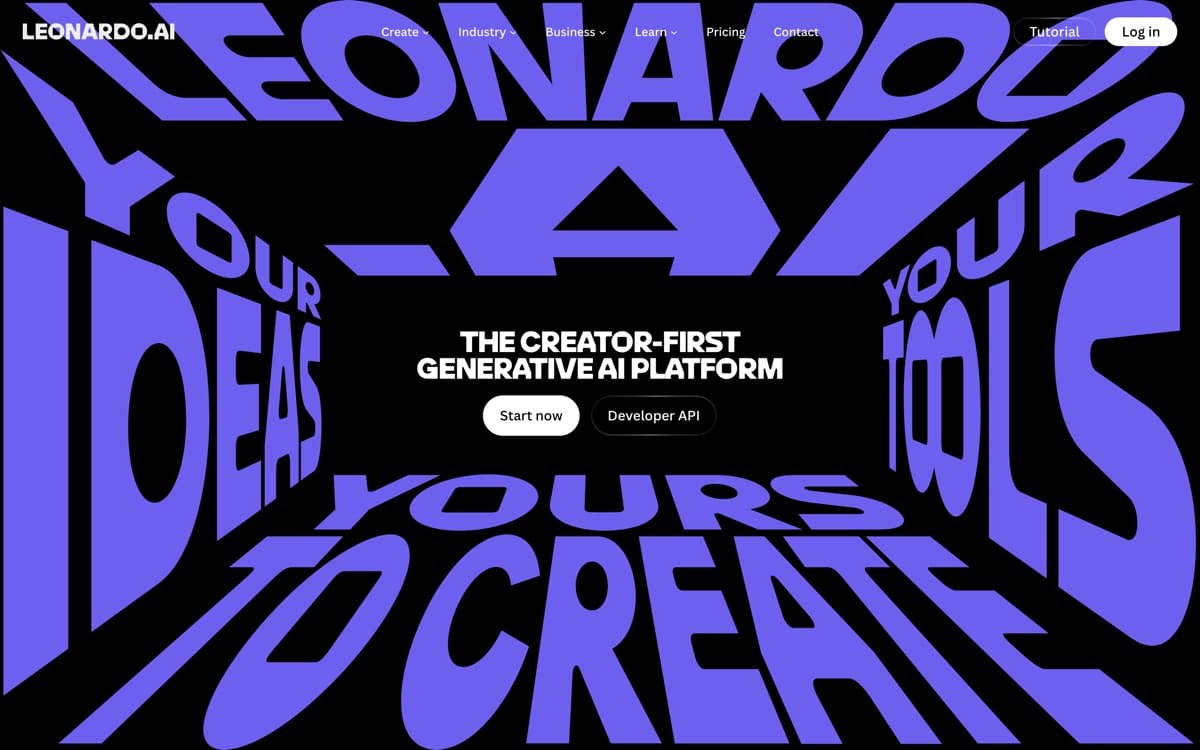
Leonardo answers a different question than the model labs: not 'what's the best image model?' but 'what does a working creative team need around one?' The platform wraps its own Phoenix and Lucid models plus licensed heavyweights (including FLUX) in genuinely production-grade tooling — a layered canvas editor, universal upscaler, background removal, consistent-character pipelines, batch generation, and team workspaces. Since the Canva acquisition it's grown into the default 'serious hobbyist to mid-size studio' choice.
Pros
One subscription, many models — including FLUX and its own Phoenix/Lucid line
Real production tools: canvas editor, upscalers, background removal, batch runs
Fine-tune custom models on your own style or product images
Strong game-asset and marketing-design pedigree
Cons
Token economics take spreadsheet-thinking to optimize
Interface density overwhelms first-timers
Peak output depends on which underlying model you pick — quality varies
Ideogram4.2— Long the typography king; still excellent for logo-adjacent graphics and posters, but the big models caught up on text this year.
Adobe Firefly4.2— The enterprise-safe choice — trained on licensed stock with indemnification, woven through Photoshop. Quality is now genuinely competitive, and for regulated brands it's often the only approvable option.
Recraft4.1— The designer's specialist: true SVG/vector generation, style systems, and brand kits. If your output is design assets rather than pictures, put it on your shortlist.
Stable Diffusion 3.53.9— The legacy open ecosystem remains vast, but for new projects FLUX.2 has taken the open-weight crown.
How we ranked them
We maintain a 120-prompt benchmark spanning photorealism, illustration, typography, multi-subject scenes, editing tasks, and character consistency, refreshed after every major model release. Each tool is scored blind by three reviewers on quality (35%), controllability and editing (30%), workflow/tooling (20%), and price-per-usable-image (15%). Details on how we rank.
Match the tool to the job
Marketing and social content with recurring characters or products → Nano Banana Pro. Spec-heavy briefs, diagrams, text-in-image → GPT Image 2. Mood, beauty, and brand campaigns → Midjourney. Developer pipelines and custom fine-tunes → FLUX.2. Team production lines and game assets → Leonardo.
About Google winning two of our categories
Nano Banana Pro tops this list and Veo tops our video ranking — we're aware of how that reads, so here's the accounting. The blind-preference arenas currently score GPT Image 2 highest overall, and Midjourney still wins pure aesthetics; both facts are in the reviews above. Our #1 weights the work most readers actually do — editing photos they already have, keeping a character or product consistent, rendering text, staying inside a budget — and on that composite, Google's execution is currently strongest. If your priorities differ, each review's 'skip it if' line points you to the right alternative. No vendor has any commercial relationship with this site.
The real cost isn't the subscription
It's re-rolls. A cheaper tool that needs eight attempts costs more (in time and tokens) than a pricier one that nails the brief twice. That's why instruction-following and editing weigh so heavily in our scores — and why the free tiers of Nano Banana and GPT Image 2 are the right place for most people to start.
Commercial use and provenance in 2026
All five grant commercial rights on paid tiers, but provenance rules tightened this year: Google embeds SynthID, OpenAI supports C2PA metadata, and major platforms increasingly detect and label AI imagery. Keep prompts and licenses documented, avoid real-person likenesses without consent, and if your legal team is conservative, Adobe Firefly's indemnified stock-trained model is the compliance-friendly alternative.
AI Image Generators: FAQ
What is the best AI image generator in 2026?
Google's Nano Banana Pro is our overall pick for its editing, consistency, and value. GPT Image 2 leads on complex instructions, Midjourney on pure aesthetics, FLUX.2 among open models, and Leonardo as a production platform.
What's the best free AI image generator?
Nano Banana in the free Gemini app offers the best quality-to-cost ratio, with ChatGPT's free GPT Image 2 allowance close behind. FLUX.2's open weights are 'free' for those with a GPU and the patience to set them up.
Which AI image generator is best at text?
GPT Image 2 and Nano Banana Pro are the most reliable for legible, correctly-spelled typography; Ideogram remains a strong specialist. Midjourney is the weakest of our five for text.
Can I sell images I make with these tools?
Generally yes on paid tiers — all five grant commercial rights, with caveats (Midjourney requires higher tiers for large companies; FLUX open weights need a commercial license). Trademarks, real-person likenesses, and platform-specific AI-content rules still apply.
Do AI image generators still mess up hands?
Rarely — the 2026 frontier models get anatomy right the vast majority of the time. Today's failure modes are subtler: physics of reflections, cluttered small text, and object interactions in busy scenes.