

Granola Review (2026)
The notepad that listens — no bot in your meeting
Top5Apps editorial · Last tested & updated September 3, 2026 · Reviewed under The Receipts Standard
Developer
Granola
Free tier
Yes — limited meetings
Paid from
$18/mo
Platforms
macOS, Windows, iOS, Android
What is Granola?
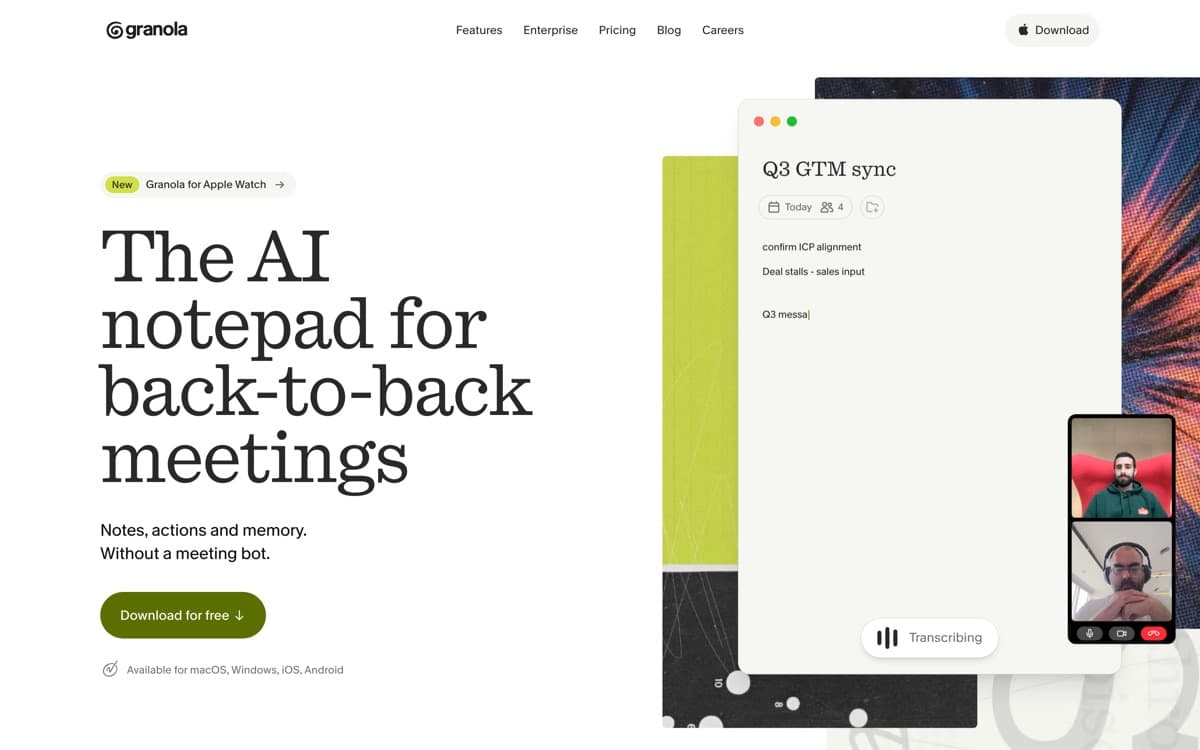
Granola won the hearts of founders, VCs, and chiefs-of-staff by fixing the two things everyone hated about notetakers: the awkward bot squatting in the participant list, and summaries that read like they were written about someone else's meeting. Granola runs quietly on your device, capturing system audio without joining the call. During the meeting you jot half-thoughts — 'pricing pushback', 'intro to Sarah' — and afterward it fuses your fragments with the full transcript into notes structured the way you think, in your voice, with your emphasis.
That authorship model is the moat: the AI enhances your judgment instead of replacing it, so the notes are actually trustworthy enough to send. Templates adapt output to the meeting type, follow-up emails draft themselves from decisions made, and Ask-Granola turns months of conversations into a queryable second brain ('what did we promise this customer last quarter?'). It began Mac-only and cult-y; with Windows, mobile, and team features it's now simply the best notetaker for people whose meetings matter. Investors price that loyalty accordingly: Granola raised a $125 million Series C at a $1.5 billion valuation in March 2026 — six times its valuation from less than a year before.
Granola: pros and cons
Pros
- No bot joins the call — captures system audio invisibly and politely
- Blends your typed fragments with the transcript into polished notes
- Notes feel like *yours*, not a generic AI summary
- Ask-Granola queries across your whole meeting history
- Templates tune output per meeting type (1:1s, sales, interviews, board)
Cons
- Its invisible-by-design capture is now the subject of a proposed class action (July 2026)
- Priciest individual plan on this list
- No web version — desktop/mobile apps only
- Light on enterprise admin/compliance tooling versus incumbents
Standout features
Botless capture
System-audio capture means no 'Granola has joined the meeting' moment, no guest-list clutter, no vendor-call awkwardness. Participants relax; you still get everything. The flip side: this exact design is what the July 2026 privacy lawsuit targets — announce you're recording, every time, and the feature stays a feature.
Your notes + its transcript
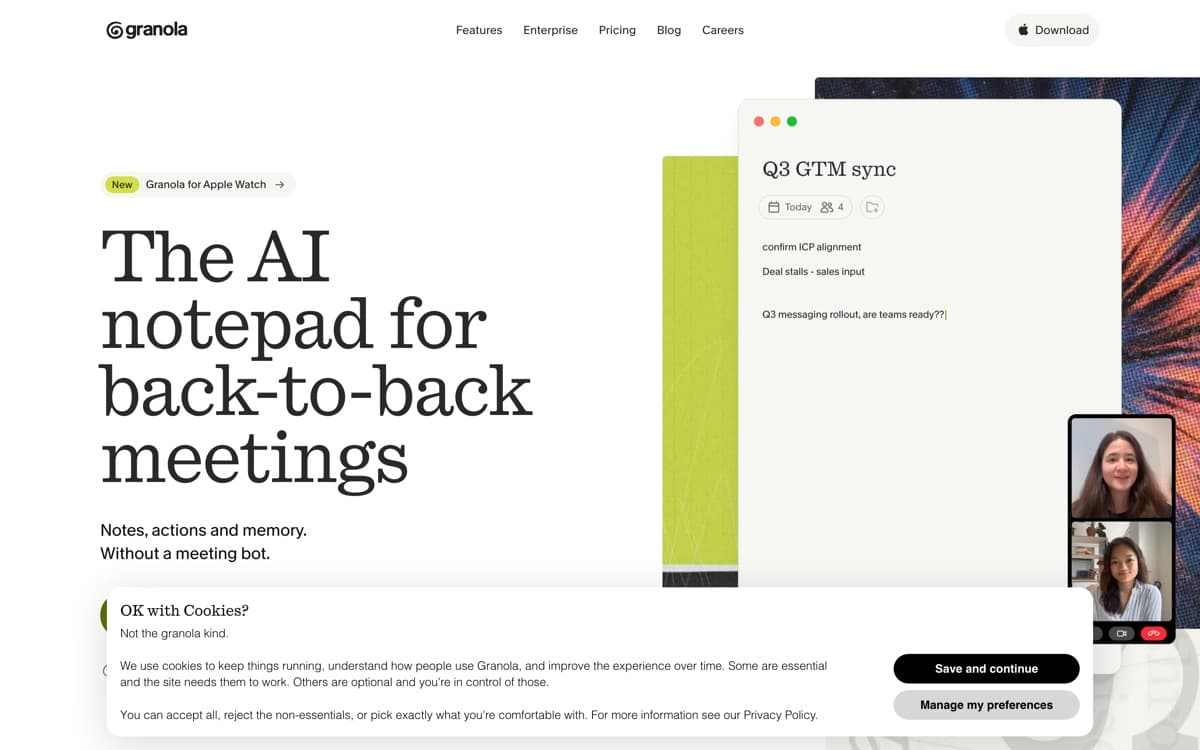
Type three bullet fragments during the call; get back structured notes that expand exactly those points with what was actually said. It's augmentation done right — nobody else's summaries feel this much like you wrote them.
Ask Granola
Natural-language queries across your entire meeting history — decisions, commitments, who-said-what — turning archives into answers. It's the retention feature that locks users in happily.
Granola pricing
Free trial covers your first meetings. Individual ($18/month) is the core plan with unlimited meetings; Business (~$14/user/month annual) adds shared templates, team sharing, and admin controls; enterprise terms scale from there.
It's the premium price of the category — and the one whose users most often tell us they'd pay double. Trial it on a heavy meeting week and see if you agree.
Our verdict
Granola is the notetaker for people who take meetings seriously: invisible in the call, faithful to your thinking, and compounding in value as its memory grows. Teams needing deep CRM plumbing should look at Fireflies; everyone else should start here.
Skip it if: The team needs shared recordings and a searchable video library — Granola's notes are personal by design — or you require enterprise admin/compliance tooling today rather than next year.
4.8 / 5 — #1 in AI Notetakers 2026
Granola: FAQ
How does Granola work without a bot?
It captures your computer's audio locally during calls on Zoom, Meet, Teams, or any app — no participant joins the meeting. Notes and transcripts process to your account afterward.
Is it legal to use a notetaker that doesn't announce itself?
Recording-consent law varies: one-party states/countries allow it if you're a participant; two-party jurisdictions require informing everyone. Granola leaves disclosure to you — and this question is now literally in court: a proposed class action filed July 2026 argues Granola's invisible capture violates California wiretap law. Whatever the outcome, announcing the recording remains the safe and decent practice with any tool.
Granola vs Otter?
Otter gives you live transcripts and a web workspace at lower cost; Granola gives you botless capture and notes built around your own thinking. Heavy note-takers prefer Granola; transcript-first users prefer Otter.
Head-to-head: Granola vs Otter
Related rankings: best AI dictation · best AI chatbots