Top5Apps editorial · Updated September 10, 2026 · How we rank
'AI audio' spans four very different superpowers: composing music from a text prompt, editing spoken audio like a document, rescuing bad recordings, and unmixing finished tracks into stems. Rather than pretend one app does it all, this list ranks the best tool for each job — the five we'd install on a fresh machine for any audio work.
The lineup: Suno turns prompts into complete, radio-plausible songs and just entered its licensed era after landmark label deals. Descript remains the most transformative podcast and video editor ever shipped. Adobe Podcast makes laptop recordings sound like a studio for free. LALAL.AI splits any track into pristine stems when you need the pieces. And Udio — now under Universal's wing — offers the most musical generation for remix culture, with real strings attached.
The music-generation half of this category changed legally in the past year: the major labels settled their lawsuits with Suno and Udio and licensing-based models are rolling out. We flag exactly what that means for your commercial rights below — it's the thing to understand before building a business on AI music in 2026.
Full songs from a sentence — now with the labels on board
4.7
Editorial score
Best AI music generationFree tier: Yes — daily creditsPaid from $10/mo
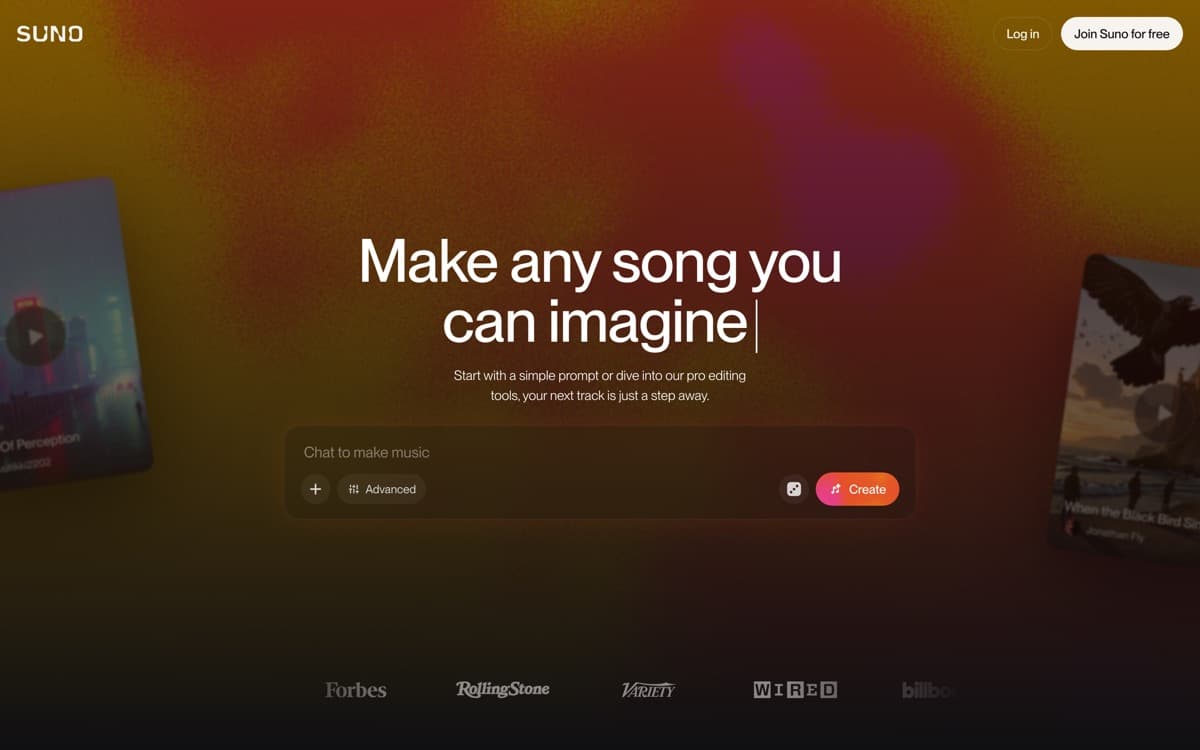
Suno made 'type a vibe, get a song' real, and by 2026 it's produced a catalog larger than recorded music history — most of it disposable, an astonishing amount of it genuinely good. The v6-generation models (September 2026) write structured songs with hooks, bridges, and lyrics that scan; vocals carry emotion; mixes arrive clean enough for immediate use in videos, podcasts, and playlists — and generation now starts from almost anything: 'a written idea, voice memo, visual or video,' in Suno's words, with plain-language section edits that change one part of a song while preserving the rest. For background scores, custom birthday songs, demo sketches, or actual artist workflows, it's the fastest idea-to-music pipeline ever built — and with Studio 2.0 (August 2026), the pipeline now ends in an actual DAW: MIDI you can record and edit on the timeline, built-in synths, and real effects like sidechain compression and convolution reverb, all in the browser.
Downloads are capped as of September 3, 2026: 7 lifetime on free, 20/month on Pro — and older model generations retire
Legal era not fully settled: Universal and Sony [sued again on September 18](https://www.musicbusinessworldwide.com/universal-and-sony-sue-suno-for-a-second-time-claiming-platforms-v6-models-are-the-fruit-of-the-same-poisoned-tree/) over 60,202 recordings, calling v6 'the fruit of the same poisoned tree'; Munich's GEMA ruling stands; SOCAN and artist-likeness suits continue
Distinctive 'Suno sheen' still audible to producers on default settings
Best podcast & spoken-audio editorFree tier: Yes — 1 transcription hour/moPaid from $16/mo
Descript's founding insight — record once, then edit the transcript like a Google Doc — remains the biggest workflow leap in podcast history, and a decade of polish has made it the default production suite for spoken audio and talking-head video. Cut a rambling answer by deleting its paragraph. Remove 200 'um's in one click. Fix the mispronounced sponsor name by typing the correction and letting your Overdub voice say it. What used to be an afternoon in Pro Tools is now twenty minutes in a doc.
Pros
Text-based editing: delete the sentence, the audio's gone — still magic
One-click filler-word removal and Studio Sound cleanup
Underlord AI co-editor drafts cuts, show notes, and social clips
Overdub voice cloning patches flubbed lines without re-recording
Cons
Heavy projects can still tax performance
Pricing tiers meter AI features aggressively
Musicians and sound designers aren't the audience — spoken word is
Best free speech enhancementFree tier: Yes — genuinely usefulPaid from Free (Express Premium ~$9.99/mo for more)
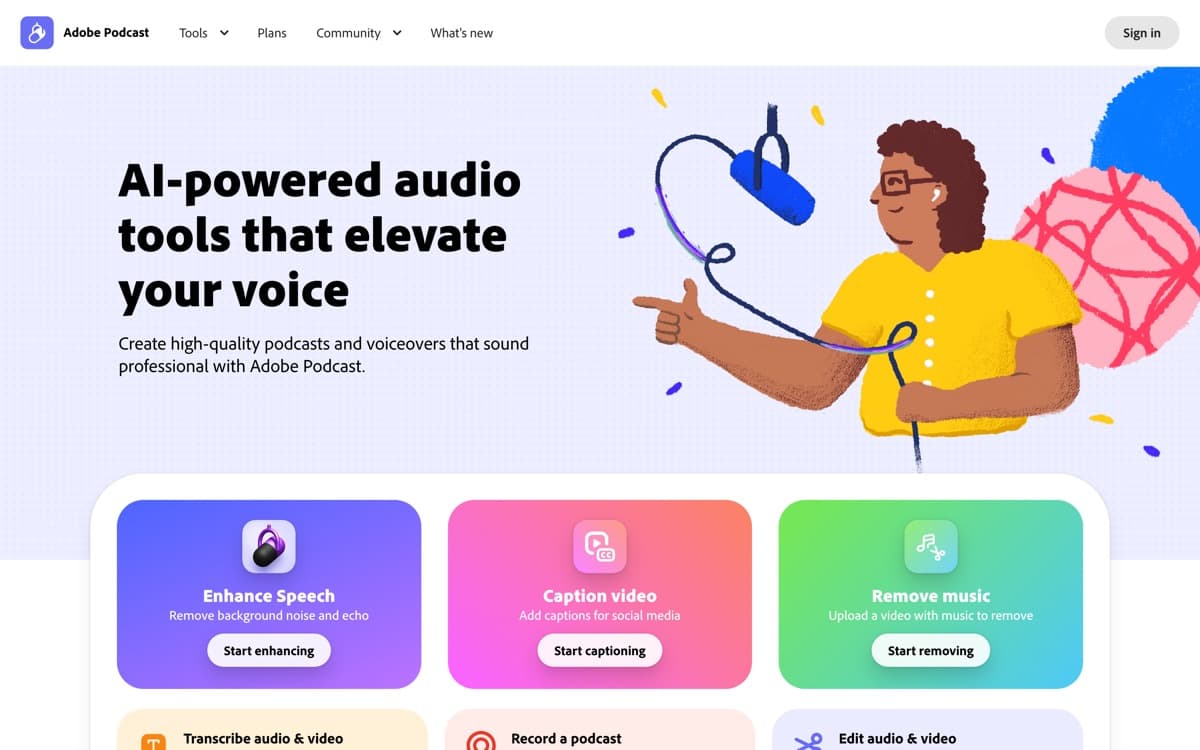
Adobe Podcast is the free tool we recommend more than any other in audio. Its Enhance Speech model takes a voice memo recorded in a car, a Zoom track from a kitchen, or a phone interview from a windy street, and returns something that sounds like it was cut in a treated booth — de-reverbed, de-noised, EQ'd, and leveled in one upload. Version 2 added a strength slider that solved v1's over-processed 'AI voice' artifact; used at 60–80%, results pass professional scrutiny an astonishing amount of the time.
Pros
Enhance Speech remains the best one-click voice cleanup on the internet
Free tier covers real workloads (hour-long files)
Browser recording studio with echo cancellation and remote guests
Mic Check diagnoses your setup before you ruin a take
Cons
Speech only — it will cheerfully destroy music beds
Maximum enhancement can sound processed; use the strength slider
Unmix anything — vocals, drums, and dialogue on demand
4.3
Editorial score
Best stem separationFree tier: Yes — preview minutesPaid from $18 one-time (90 min)
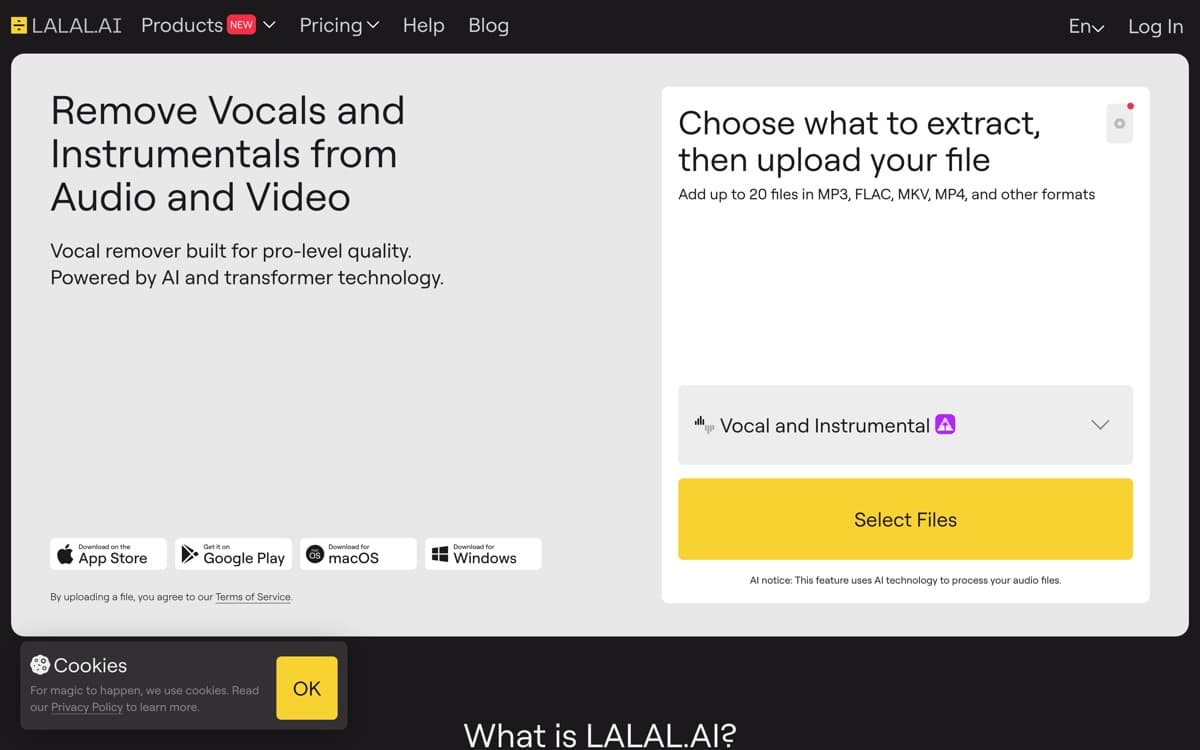
Every DJ, producer, karaoke host, sample archaeologist, and video editor eventually needs to take a finished recording apart — and LALAL.AI does it cleaner than anything else at consumer prices. Feed it any track and its Orion-generation models return isolated stems: vocals floating free of dense mixes with barely a phase artifact, drums separated from bass tight enough to resample, even niche splits like strings and wind instruments. What required a studio and a prayer five years ago is now drag, drop, and ninety seconds.
The musician's AI — reborn inside the licensed walled garden
4.2
Editorial score
Best musicality & remix cultureFree tier: Yes — monthly creditsPaid from $10/mo
Udio always had the audiophile reputation — generations with real harmonic movement, dynamics that breathe, jazz that swings — and musicians treated it as the serious sketchpad next to Suno's jukebox. Then came October 2025: a landmark settlement and partnership with Universal Music Group that ended the existential lawsuit and set Udio on a new course — licensed training data, artist opt-in and compensation, and a 2026 relaunch as a platform where fans legally create with (and remix) real catalog music.
Pros
The most *musical* generations — harmony, dynamics, and genre nuance
Best-in-class audio inpainting and section-level editing
UMG partnership: licensed models, artist opt-ins, legal clarity
Remix/interpolation features you legally can't get elsewhere
Cons
Walled garden: downloads restricted — creations live on-platform
Platform pivot makes its long-term shape uncertain
ElevenLabs Music4.1— The licensed-first music entrant from the voice giant — clean rights story and improving fast; the one to watch for commercial background scores.
Moises4.2— The practicing musician's app: separation plus chord detection, key/tempo change, and smart metronome. If you play an instrument, it may serve you better than LALAL.
Krisp4.0— Real-time noise and voice isolation for live calls — solves the meeting version of the problem Adobe Podcast solves for recordings.
AIVA3.8— Composer-oriented, MIDI-out generation for scoring workflows — less 'finished song,' more 'orchestral sketch you can edit in a DAW.'
How we ranked them
Each tool was tested on its own job with real material — 40 music prompts across genres (blind-rated), a full podcast episode produced end-to-end, damaged-recording rescue tests, and a stem-separation gauntlet from 60s mono masters to modern dense mixes. Scores weight output quality (40%), workflow (25%), rights clarity (20%), and price (15%). Method: how we rank.
The 2026 legal lay of the land
The label lawsuits that hung over AI music resolved into partnerships: Warner settled with Suno, Universal with Udio, and licensed-training models with artist opt-in are becoming the norm — while Sony's cases continue. BMG joined Suno's licensed side in August 2026 — while a Munich court handed GEMA the first merits win against Suno in July, so licensing and litigation are advancing simultaneously. For users: commercial rights now live on paid tiers with documented terms; free-tier output is for play. Keep receipts, and re-read terms at each model transition — they're genuinely changing quarter to quarter.
Build the stack, not a monolith
These five compose: record anywhere → Adobe Podcast to clean → Descript to edit and clip → Suno for theme music (→ LALAL if you need its stems) → publish. Musicians: sketch in Udio, produce around it. The whole professional stack costs less than $50/month — a number that was a rounding error on studio time five years ago.
Disclosure matters on platforms now
Spotify, YouTube, and TikTok all shipped AI-content labeling and detection in 2025–26, and DSPs reject undisclosed AI uploads more aggressively each quarter. Disclose where asked, keep your provenance (which tool, which tier, which license), and don't upload AI tracks impersonating real artists — that's the one line every platform now enforces hard.
AI Audio Tools: FAQ
What's the best AI music generator in 2026?
Suno for complete songs, output quality, and now-settled commercial terms; Udio for maximum musicality and licensed remixing, accepting its walled-garden limits. Most serious creators use Suno as the primary.
Can I monetize AI-generated music on Spotify or YouTube?
Yes, on the generators' paid/commercial tiers and with platform AI-disclosure rules followed. Distributors increasingly require provenance; impersonating real artists is banned everywhere and enforced.
What's the best free AI audio tool?
Adobe Podcast's Enhance Speech — professional-grade speech cleanup at zero cost. Among music generators, Suno's free daily credits are the most usable sandbox.
How do I make a bad recording sound professional?
Run it through Adobe Podcast Enhance Speech at 60–80% strength (or Descript's Studio Sound if you're editing there). If music or heavy noise is tangled with the voice, separate first with LALAL.AI's Voice Cleaner, then enhance.
Did the music industry lawsuits against AI companies get resolved?
Largely — Warner settled with Suno and Universal with Udio in late 2025, converting litigation into licensing partnerships with artist opt-in. Sony Music's suits continue, and new disputes (like musicians' unions challenging the deals) keep the space evolving.