

Adobe Podcast Review (2026)
Studio sound from any microphone, free
Top5Apps editorial · Last tested & updated September 10, 2026 · Reviewed under The Receipts Standard
Developer
Adobe
Free tier
Yes — genuinely useful
Paid from
Free (Express Premium ~$9.99/mo for more)
Platforms
Web
What is Adobe Podcast?
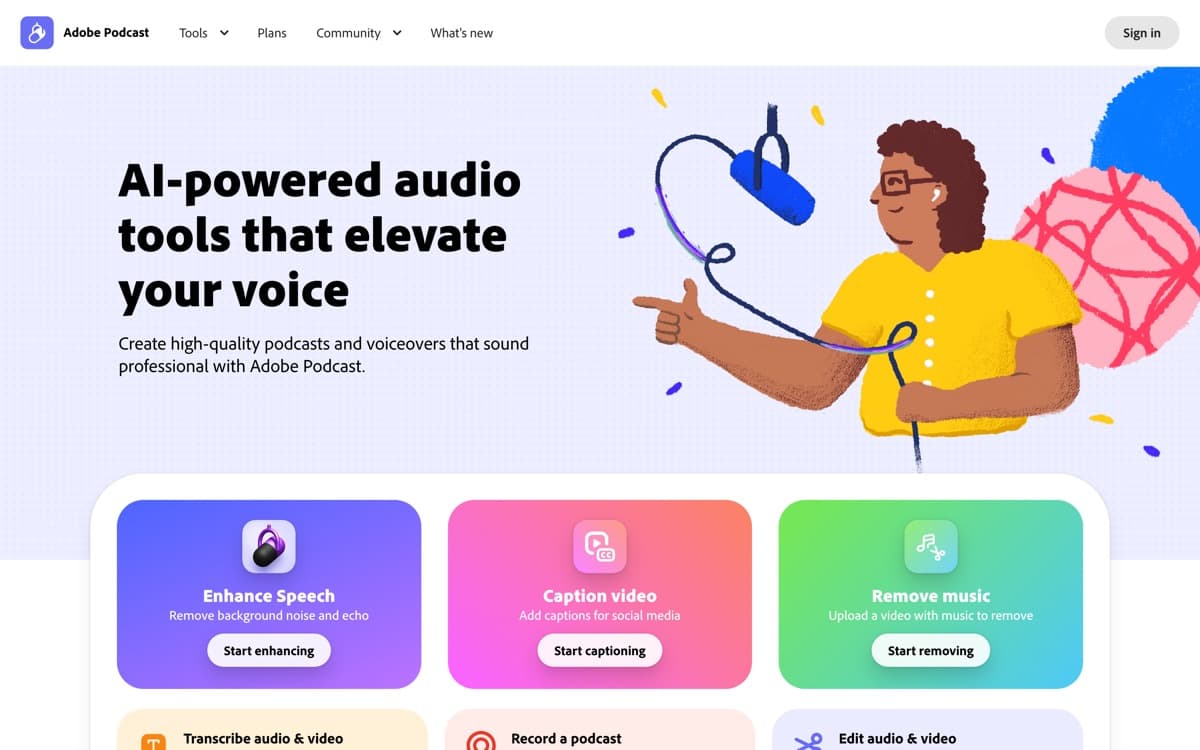
Adobe Podcast is the free tool we recommend more than any other in audio. Its Enhance Speech model takes a voice memo recorded in a car, a Zoom track from a kitchen, or a phone interview from a windy street, and returns something that sounds like it was cut in a treated booth — de-reverbed, de-noised, EQ'd, and leveled in one upload. Version 2 added a strength slider that solved v1's over-processed 'AI voice' artifact; used at 60–80%, results pass professional scrutiny an astonishing amount of the time.
Around that killer feature Adobe built a competent little browser studio: multitrack remote recording with per-guest local capture, Mic Check (an AI that tells you your mic is too far, too hot, or too echoey before you record), and royalty-free music. It won't replace Descript for editing, and it's speech-only by design. But as the rescue tool for every imperfect recording that actually happens in the real world, it's indispensable — and the price is zero.
Adobe Podcast: pros and cons
Pros
- Enhance Speech remains the best one-click voice cleanup on the internet
- Free tier covers real workloads (hour-long files)
- Browser recording studio with echo cancellation and remote guests
- Mic Check diagnoses your setup before you ruin a take
- Zero learning curve — upload, download, done
Cons
- Speech only — it will cheerfully destroy music beds
- Maximum enhancement can sound processed; use the strength slider
- Light feature set: this is a utility, not a suite
Standout features
Enhance Speech v2
The best noise-and-room remover we've tested, with a strength slider that keeps voices human. It has salvaged interviews we'd written off entirely.
Mic Check
Ten seconds of audio and it diagnoses placement, gain, and echo problems in plain English. The cheapest insurance in podcasting.
Browser recording studio
Remote sessions with local per-track capture and echo cancellation — the core of Riverside-style recording, free, no installs.
Adobe Podcast pricing
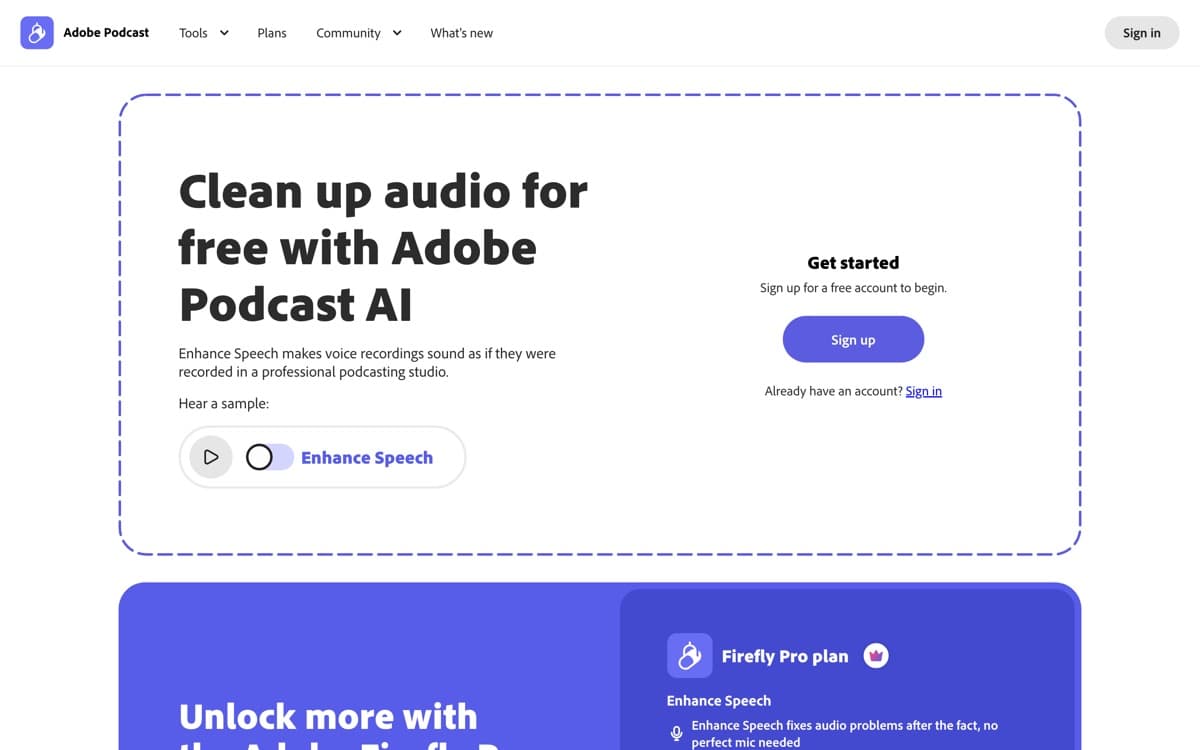
The core tools are free with generous limits (hour-scale files for enhancement). Adobe Express Premium (~$9.99/month) raises enhancement quotas and file sizes and unlocks Adobe's broader creative suite perks; Creative Cloud subscribers already have the higher limits.
For most podcasters the free tier simply suffices — which is why it's on this list despite being the least 'product-y' entry.
Our verdict
Every person who records speech should bookmark Adobe Podcast today — it's the highest value-per-dollar tool in this guide because the dollar is zero. Build your workflow on Descript, but run your messy tracks through Enhance first and sound like you upgraded your studio.
Skip it if: You're expecting an editor — it isn't one. It's a rescue-and-record utility that pairs with Descript rather than replacing it, and it does nothing for music.
4.4 / 5 — #3 in AI Audio Tools 2026
Adobe Podcast: FAQ
Is Adobe Podcast really free?
Yes — Enhance Speech, Mic Check, and the recording studio are free with practical limits. Express Premium (~$9.99/month) raises quotas for heavy users.
Does Enhance Speech work on music or singing?
No — it's trained for spoken voice and will mangle music beds and vocals. Enhance the speech track separately, then mix music in afterward (or use LALAL.AI to separate first).
Enhance Speech vs Descript Studio Sound?
Comparable quality; Adobe's strength slider gives finer control and its free limits are more generous, while Studio Sound wins on being inside your editor. Many producers use both.
Related rankings: best AI voice generators · best AI video generators