Top5Apps editorial · Updated September 3, 2026 · How we rank
Dictation used to mean watching your literal, filler-riddled speech land in a text box, then editing it into something sendable. The 2026 generation of AI dictation apps killed that workflow: you talk, and what appears is the finished version — punctuated, de-um'd, formatted for the app you're in, in the tone you'd have typed. For a lot of people (this site's editors included), it has quietly become the fastest way to write anything.
The category exploded this year, and it's converging with meeting notes: most of these apps now capture calls as well as keystrokes. Our ranking: Wispr Flow is the runaway leader — the most polished cleanup, every platform, and now a built-in meeting notetaker. Superwhisper is the privacy pick, running entirely on-device with the category's only lifetime license. Aqua Voice has the strongest raw-accuracy story and the cheapest unlimited plan. Willow is the fastest-improving challenger with the best iPhone keyboard, and MacWhisper is the pay-once transcription workhorse for Mac diehards.
One honesty note up front: every accuracy percentage in this category (including the ones vendors quote in their marketing) is a vendor benchmark — independent testing barely exists yet. We rank on what we experienced dictating real emails, docs, code comments, and Slack messages with each of them.
Speak naturally, ship finished writing — in every app
4.8
Editorial score
Best overallFree tier: Yes — 2,000 words/week (unlimited on Android)Paid from $12/mo (annual)
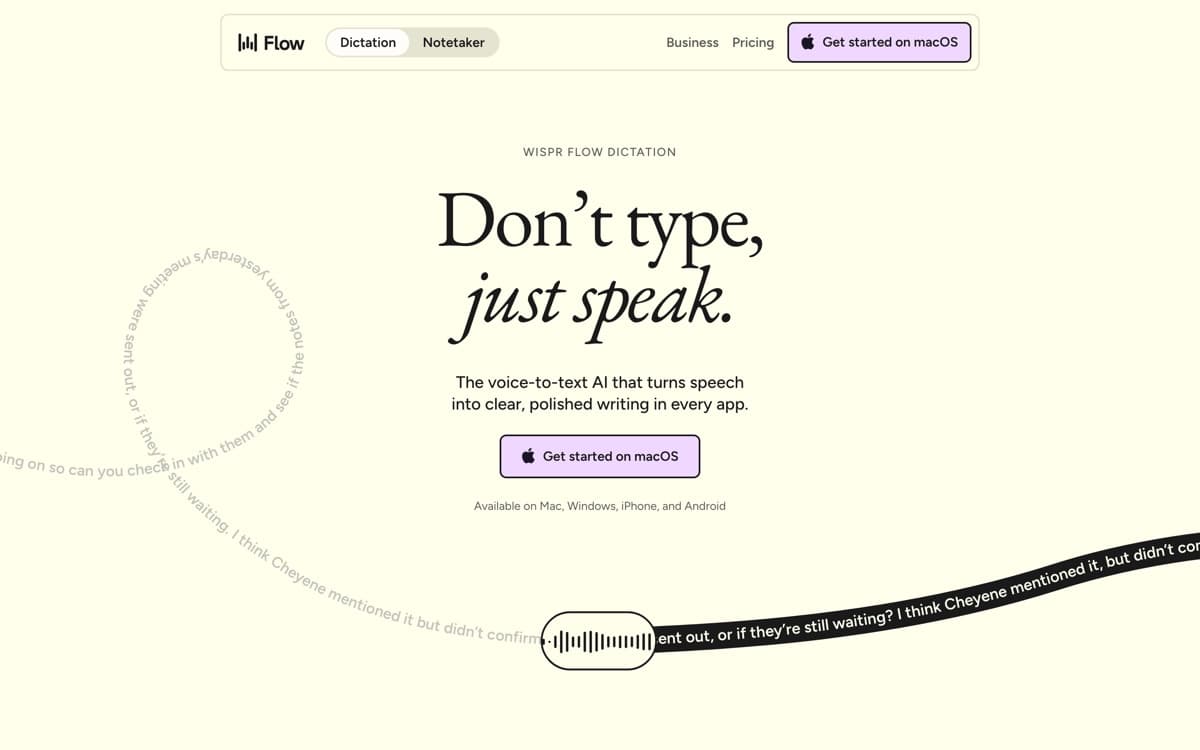
Wispr Flow is the app that turned dictation from an accessibility feature into a productivity movement. Hold a key, talk like a human — tangents, 'um's, mid-sentence reversals — and release: what lands in the text field is the email you meant to write, in the register you'd use in that app. Slack messages come out casual, docs come out structured, code comments come out terse. It learns your coworkers' names and your product's jargon without being told, and the personal-dictionary effect compounds weekly. Wispr told TechCrunch that after three months, average users are writing more than half their characters by voice — our experience tracks.
Pros
Best-in-class cleanup: filler gone, punctuation right, formatting matched to the app
Learns your names, jargon, and per-app tone automatically
The only leader on all four platforms — and Android is fully free
Best offline privacy & lifetime pricingFree tier: Yes — unlimited with small local modelsPaid from $8.49/mo (or $249.99 lifetime)
Superwhisper is the answer for everyone who read Wispr Flow's privacy page and thought 'no thanks, my audio stays home.' Everything can run on-device — the speech models, the cleanup, all of it — which means dictation that works in airplane mode and satisfies compliance officers without a meeting. The free tier is remarkable — and got better on August 26, 2026: all local Whisper models are now free on macOS, not just the small ones, with the Pro trial expanded from 15 minutes to 3,000 words. Unlimited on-device dictation, forever, in any app, with meeting recording included.
Pros
Runs entirely on-device — dictate on a plane, audio never leaves your machine
The category's only lifetime license: $249.99, done, no subscription
Custom Modes tune tone and structure per context
Bring-your-own frontier models (GPT, Claude, Gemini, local Llama) for cleanup
Cons
Windows app is young (1.0 shipped late 2025) and trails the Mac version
No Android
Local small models trade some accuracy against the cloud leaders
Best raw accuracy & cheapest unlimitedFree tier: Trial only — 1,000 words totalPaid from $8/mo (annual)
Aqua Voice went after the hardest part of dictation: getting the words themselves right when the words are 'useEffect,' 'Kubernetes,' or your CFO's unusually spelled surname. Its proprietary Avalon model was built for human-computer speech — the vendor's own benchmarks have it beating Whisper Large v3 on seven of eight test sets and hitting 97.4% on technical AI-terminology recognition (vendor numbers, as with everything in this category). In our use it's the app least likely to mangle a variable name mid-sentence.
Pros
Proprietary Avalon model tuned for technical speech — code, AI jargon, product names
Screen-context awareness: it reads what you're looking at and spells accordingly
Cheapest unlimited plan of the venture-backed leaders ($8/mo annual)
Realtime mode refines phrasing and grammar as you speak
Cons
Cloud-only — no on-device or offline story at all
1,000-word lifetime free tier is a demo, not a tier
Best features (realtime, voice commands) live on the $24–30/mo Max plan
The fast-improving challenger with the best iPhone keyboard
4.3
Editorial score
Best on iPhone & fastest-improvingFree tier: Yes — unlimited on a weaker modelPaid from $12/mo (annual)
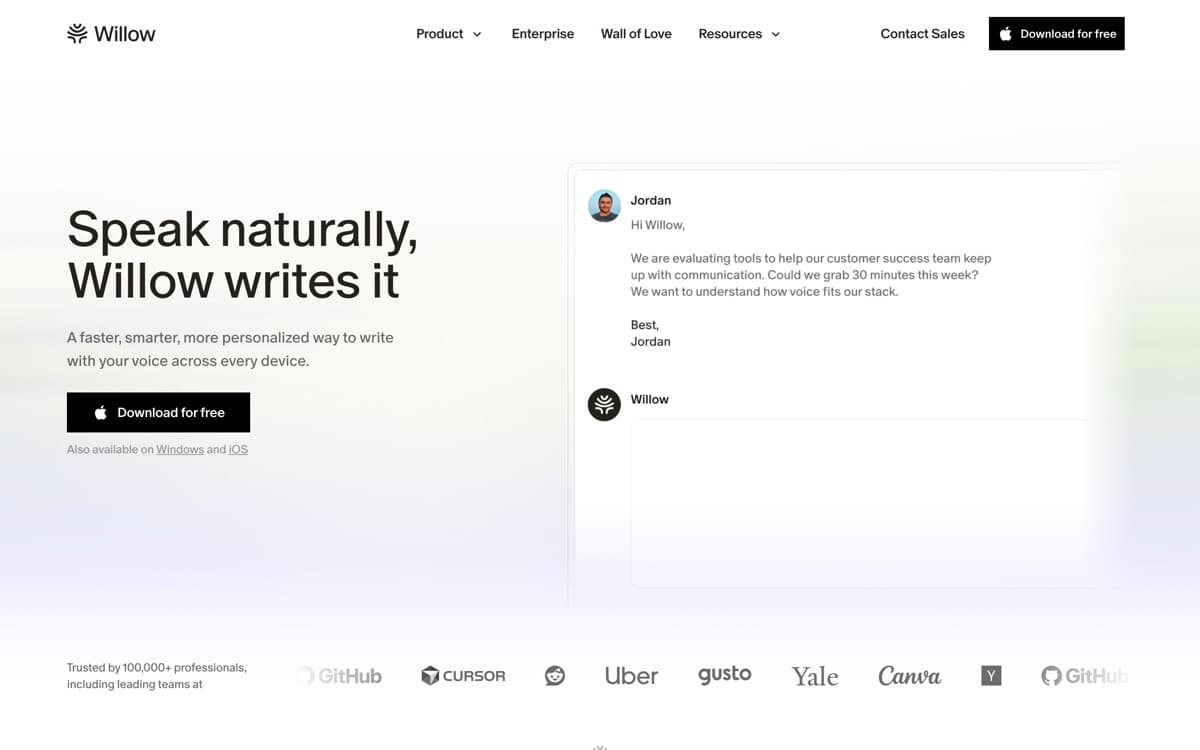
Willow is what a challenger should look like: shipping fast, undercutting nobody on price but out-executing on the details. The one everyone notices is the iPhone keyboard — unlike Wispr's number-row-only implementation, Willow gives you a full keyboard with voice on top, so you can dictate a message and then actually fix a word by hand without app-switching. It sounds small; it's the difference between a demo and a daily driver on mobile.
Pros
Snappy: text lands in as little as ~200ms (vendor figure), and it feels it
The best iOS voice keyboard — full keyboard included, so you can edit what you said
Tone adaptation across email, Slack, docs, and technical tools
Free tier is unlimited (on the weaker Frontier Mini model)
Cons
Free tier's model is explicitly the weak one — the real product starts at Pro
Zero-retention privacy is paywalled at the $28–35/mo Business tier
Youngest and least-funded of the leaders; no Android yet
Best one-time purchase for MacFree tier: Yes — core transcription free foreverPaid from €64 one-time
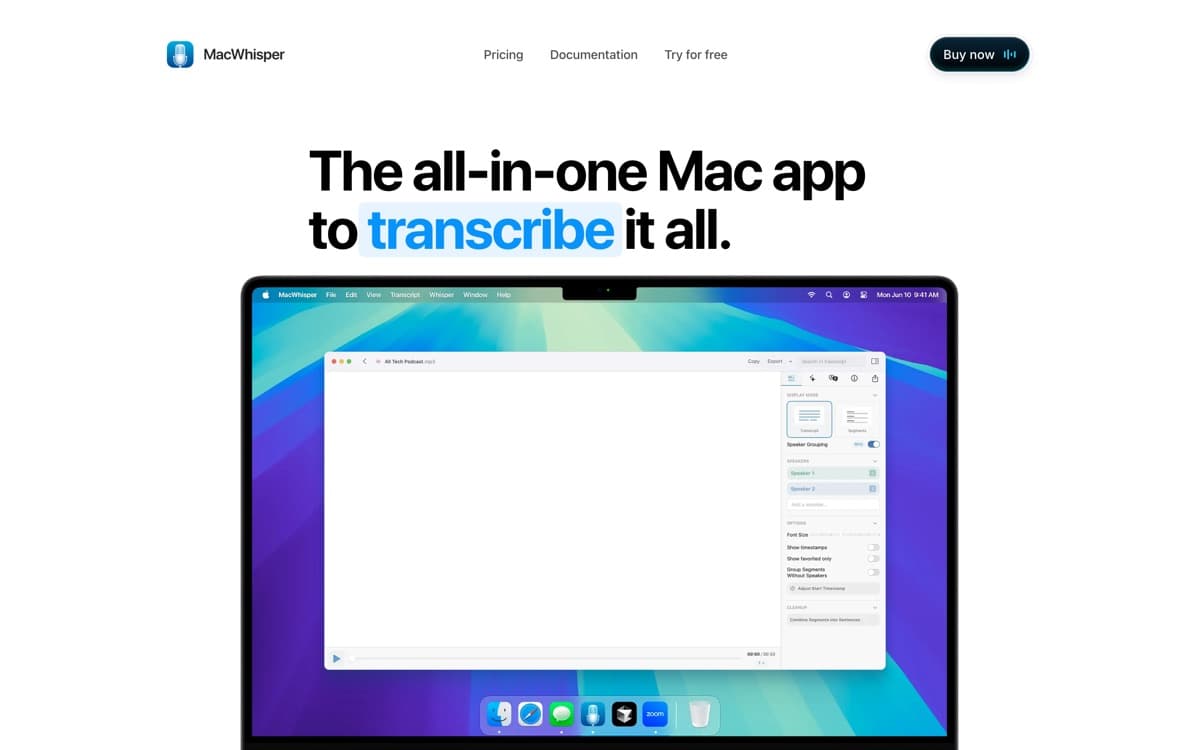
MacWhisper is the beloved indie tool of this category — the app podcasters, journalists, and researchers already owned before 'AI dictation' became a market. Built by Dutch indie developer Jordi Bruin on Whisper's open models, it does the unglamorous things brilliantly: drop in any audio or video file and get clean transcripts with speaker labels; record a Zoom or Teams call straight off system audio; export subtitles; and yes, dictate system-wide into any app. All of it can run entirely on your Mac.
Pros
One-time €64 — no subscription, lifetime updates
Fully local processing on your Mac; nothing leaves the machine
Drag-and-drop file transcription plus system-wide dictation
Records and transcribes Zoom/Teams/Webex/Discord calls with speaker labels
Cons
Mac-only, truly — no Windows, no mobile beyond a companion app
Monologue4.1— Every's Apple-only three-in-one (dictation, voice notes, bot-free meeting capture) is genuinely lovely — but it's a single-developer product inside a media company, and this list already covers each of its jobs with deeper teams behind them.
Apple built-in Dictation3.6— Free, on-device, always there — and unedited: no cleanup, no tone, no learned vocabulary. The baseline the whole category exists to beat.
Talon4.0— Not dictation — full hands-free computing (voice + eye tracking) beloved for accessibility and voice-coding. Different sport, played brilliantly; if RSI or accessibility drives your search, start there.
How we ranked them
Two weeks of real use per app: emails, Slack, long-form docs, code comments, and phone dictation, plus meeting capture where offered. We scored output quality after zero manual edits (40%), speed and reliability (20%), platform coverage and app integration (15%), privacy architecture (15%), and price for unlimited use (10%). Vendor accuracy benchmarks were noted but not scored — nobody's independently tested this category yet, and we won't pretend otherwise. Method: how we rank.
The real dividing line: cloud brains vs local privacy
Wispr Flow, Aqua, and Willow process in the cloud — that's where the magical cleanup comes from, and 'zero-retention' policies are promises, not physics. Superwhisper and MacWhisper can run entirely on your machine — that's where the privacy guarantees come from, and the cleanup is more modest. Decide which side of that line your work sits on before comparing features; it eliminates half the list either way.
Dictation and meeting notes are merging
Wispr's Notetaker, Superwhisper's meeting recording, MacWhisper's call transcription — the category is converging with AI notetakers fast. If you're paying for both a dictation app and a notetaker, check whether one subscription now covers you; that consolidation is this year's quiet money-saver.
Why not just use built-in dictation?
Apple's and Windows' native dictation are free, private, and fine for a text message. What they don't do is the work: no filler removal, no punctuation intelligence, no tone matching, no personal dictionary that learns your product names. The apps above exist because raw transcription of how humans actually talk reads terribly — the AI rewrite layer is the product.
AI Dictation: FAQ
What is the best AI dictation app in 2026?
Wispr Flow overall — the best cleanup quality, all four platforms, and meeting notes now bundled in. Superwhisper leads for on-device privacy and lifetime pricing, Aqua Voice for technical-vocabulary accuracy, Willow on iPhone, and MacWhisper as the pay-once Mac transcription multitool.
How is AI dictation different from regular dictation?
Regular dictation transcribes your literal speech, fillers and all. AI dictation rewrites as it transcribes — removing 'um's, fixing punctuation, matching the tone of the app you're in, and learning your vocabulary — so the output is sendable without editing.
Which AI dictation apps work offline?
Superwhisper and MacWhisper run fully on-device (offline included). Wispr Flow, Aqua Voice, and Willow are cloud-based — some offer zero-retention modes, but processing still happens on their servers.
Are these apps' accuracy claims trustworthy?
Treat every percentage as marketing: the category has essentially no independent benchmarks yet. All the leaders are dramatically better than built-in dictation — the differences among them are real but smaller than the vendor numbers imply.
Do any dictation apps also take meeting notes?
Increasingly yes — Wispr Flow's Notetaker (bot-free, launched August 2026), Superwhisper's meeting recording, and MacWhisper's call transcription all bundle it. If you pay for a standalone notetaker, it may now be redundant.