Top5Apps editorial · Updated October 6, 2026 · How we rank
The AI presentation maker — call it a presentation generator, slide generator, or deck builder; the tools answer to all of them — finally crossed the line from party trick to workflow in the last year. The 2026 generation takes a prompt, a doc, or a pile of notes and returns a designed, structured deck; the good ones return one you'd actually present, in a file you can actually edit.
That last part is the real dividing line, so we tested for it explicitly: every tool below generated the same three decks (a startup pitch, a quarterly business review, a training deck), and we graded what came out — design quality, how editable the result was in PowerPoint and Google Slides, and what iteration actually costs. Our ranking: Gamma is the purpose-built leader and the category's obvious #1. Claude is the surprise power pick — it writes genuine .pptx files on every plan, agentically. Canva puts good-enough AI decks inside the design tool a quarter-billion people already use. Google Gemini now generates native, editable presentations right inside Google Slides. And Replit is the newcomer whose React-rendered slides export cleaner than tools twice its age.
Prices below are the honest ones — most of this category runs on AI credits, and the sticker tier rarely covers a heavy month. We flag where the meters bite.
The purpose-built leader — prompt to polished deck
4.8
Editorial score
Best overallFree tier: Yes — 400 credits at signup, exports includedPaid from $9/mo (annual)
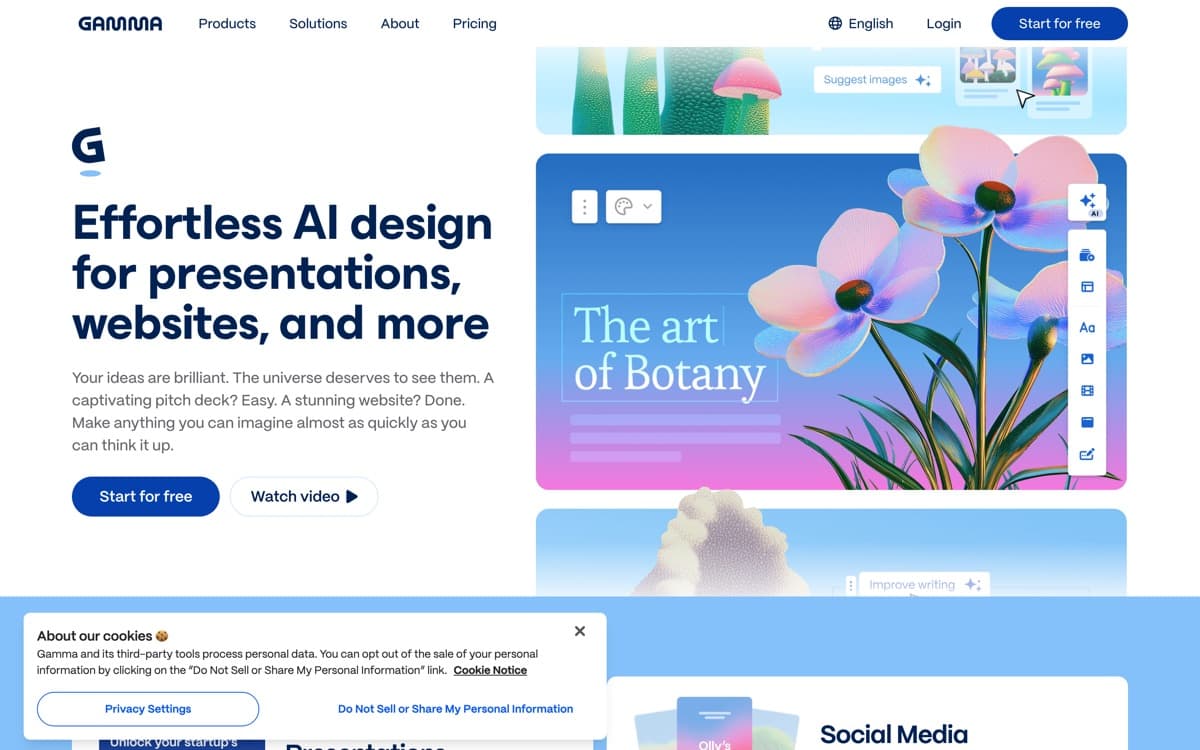
Gamma is what happens when a team spends four years on exactly one problem: turning an idea into a presentable deck without a designer. Type a prompt, paste notes, or import a PDF, approve the outline, and a designed presentation appears — real visual hierarchy, sane charts, images where images belong. In our same-prompt test it produced the deck we'd most willingly present unedited, and the September 2025 Gamma 3.0 release added the layer that keeps it ahead: Agent, a chat that operates on the whole deck — restyle everything, tighten the narrative, pull in web research with citations — instead of making you fix slides one by one.
Pros
The best prompt-to-deck output quality we tested, by a clear margin
Real .pptx files, written agentically — on every plan
4.6
Editorial score
Best for native PowerPoint files & agentic decksFree tier: Yes — file creation includedPaid from $20/mo
Claude earns its place in this category by refusing to play the category's game. There's no template gallery and no canvas; you describe the deck — or hand over the strategy doc it should be made from — and Claude writes an actual PowerPoint file, built with the same open-source pptx machinery Anthropic publishes on GitHub, downloadable and fully editable like any deck a colleague sent you. For the enormous class of presentations that are really documents wearing a costume — QBRs, research readouts, board updates — this is the most direct path from source material to finished file we've tested, and the writing inside the slides is the best in the category by a distance.
Pros
Outputs genuine .pptx files — fully editable in PowerPoint, not an export approximation
Cowork turns deck-making agentic: research, outline, draft, and revise in one delegated task
The best writing quality in the category — decks argue instead of listing
File creation works on every plan, free included
Cons
No visual editor — revisions happen by asking, not dragging
Design ceiling below Gamma's: clean and professional, rarely striking
Real deck sessions want a paid plan despite the free-tier capability
AI decks inside the design tool everyone already uses
4.5
Editorial score
Best for teams & design controlFree tier: Yes — generousPaid from $15/mo (annual)
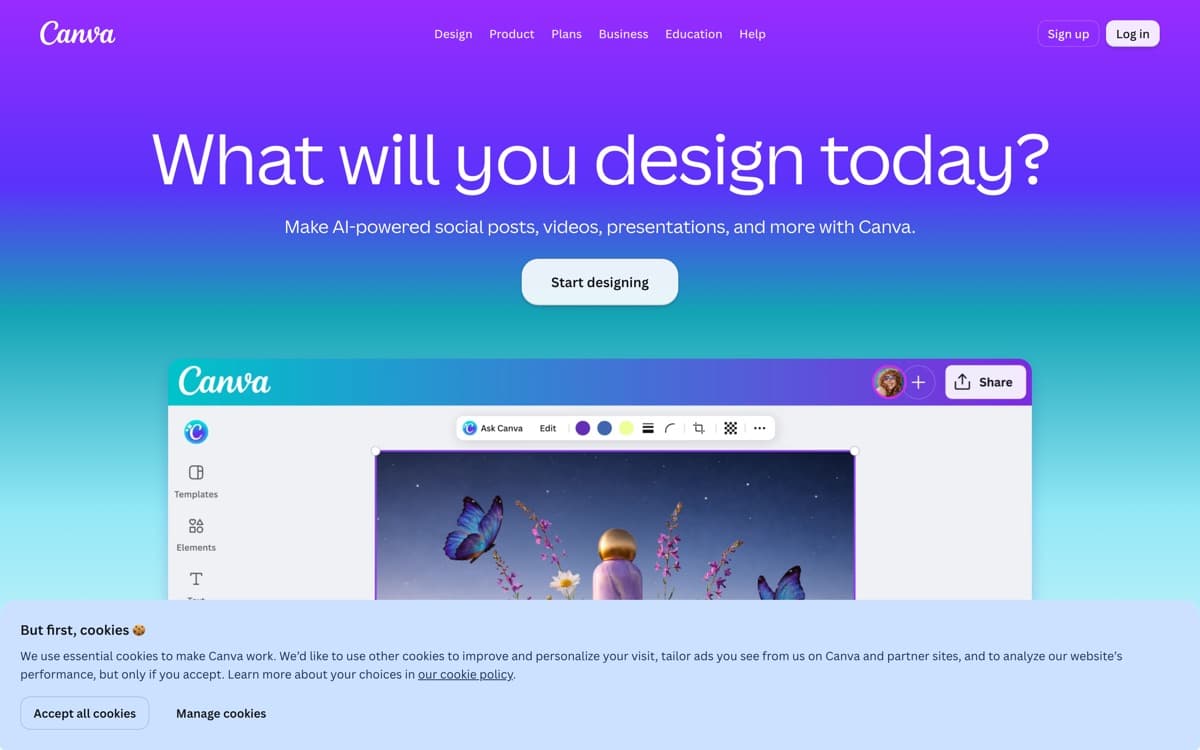
Canva's argument for a top-five slot is arithmetic: it put competent AI deck generation inside a product 265 million people already use monthly — a business that crossed $4 billion in annual revenue with 31 million paying subscribers, per TechCrunch. Magic Design takes a prompt or a document and produces a deck in any of Canva's thousands of templates; the result starts more conservative than Gamma's, but it lands in an editor where every fix is a drag away, your brand kit is already loaded, and the colleague who needs to tweak slide six already knows the tool.
Pros
Prompt-to-deck lands inside a world-class visual editor — fix anything by hand
The deepest template, asset, and brand-kit library in the category
Collaboration, comments, and presenting are mature, not bolted on
One subscription covers decks plus every other design artifact your team ships
Cons
AI generation quality trails Gamma — more template fill-in than art direction
Heavy AI use meters through the AI Pass add-on on top of paid plans
The everything-app interface buries the deck workflow under forty other jobs
Best for Google WorkspaceFree tier: Yes — Canvas routePaid from $19.99/mo (AI Pro)
Gemini's deck story got serious in June 2026, when Google shipped what the old export pipeline never was: full presentation generation natively inside Google Slides — one prompt, grounded in your Drive content, producing genuinely editable slides rather than a pasted approximation. For the millions of teams whose decks are born, reviewed, and presented in Slides, this collapses the AI-deck workflow to zero new tools: the draft appears where the collaboration already happens, with version history, comments, and sharing intact.
Pros
Generates fully native, editable presentations directly in Google Slides (June 2026)
Grounds decks in your own Drive files — the QBR built from the actual docs
Canvas route is available broadly, including free-tier experimentation
Every slide lands in the collaboration suite your team already shares
Cons
Two overlapping deck features with different availability confuse everyone
Design quality is serviceable, not striking — templates feel Google-y
The native-Slides route gates behind Workspace Standard+ or AI Pro/Ultra
Decks built as code — with the cleanest PPTX export in the class
4.2
Editorial score
Best newcomer & data-driven decksFree tier: Yes — daily creditsPaid from $17/mo (annual)
We'll be honest: when Replit's name came up for this category we expected to file it under 'category mismatch.' Then we read the shipping record. Replit Slides launched in April 2026 as a first-class artifact type — describe the deck to Agent, get slides built in React under the hood — and because the slides are code, they export to what Replit's docs accurately call pixel-perfect, fully editable PPTX, Google Slides, or PDF. In our testing that claim held: the PowerPoint files Replit produced were the cleanest exports in this ranking, every element a real, editable object.
Pros
React-rendered slides export to pixel-perfect, fully editable PPTX, Google Slides, or PDF
Agent builds the deck conversationally from a description or source material
Uniquely good at data-driven decks — live charts, custom visuals, real interactivity
Speaker notes and presenter view shipped within weeks of launch
Cons
Four months old: no templates, no drag-and-drop editing within slides yet
Effort-based credit pricing makes complex decks hard to cost-predict
Design taste is developer-clean, not designer-striking
Beautiful.ai4.1— The strongest cut from the top five, and the pick if you want design guardrails above all: its layout engine keeps every slide proportioned as you type, and a $45 million March 2026 investment from General Catalyst (company announcement) says it's here to stay. Pro runs $14.50/month annual. It lost the fifth slot to Replit on capability ceiling, not quality — swap them if maturity matters more to you than trajectory.
Plus AI4.0— The best 'never leave your tools' option: an add-on that generates and edits decks natively inside Google Slides and PowerPoint, from $10/month annual. If your organization mandates Slides/PPT files with zero new apps, start your trial here.
Microsoft Copilot in PowerPoint3.9— The distribution king — bundled into Microsoft 365 Copilot ($18/user/month at the current promo for business) and already inside the PowerPoint your company runs. Generated decks lean template-heavy and text-dense in our testing; it's the default you settle into, not the tool you'd choose.
Manus3.8— The general agent with a real slides feature ($20/month), back to independent operations after China ordered its Meta acquisition unwound. Capable output, but credit economics and agent-first workflow make it a decks-among-many-things tool.
Napkin AI3.7— The companion tool: it turns text into the diagrams, flowcharts, and infographics that make slides good, with a generous free tier (500 credits/week) and PPT export from $9/month — and its new Napkin Slides feature is inching toward full decks. Use it alongside your deck maker, whichever you choose.
How we ranked them
Every tool generated the same three decks — a startup pitch, a quarterly business review, and a training deck — from identical prompts and source documents. We scored first-draft quality (35%), editability of the real deliverable including PPTX/Slides fidelity (30%), iteration workflow and cost (20%), and team/brand features (15%). Rankings updated October 2026; details on how we rank.
The editability trap
The category's dirty secret is what happens after generation: many tools produce decks that look great inside the app and degrade into un-editable soup when exported. It's why we weighted real-file fidelity so heavily — Claude and Replit write genuinely native files, Gamma's exports are good, and Gemini's June 2026 native-Slides route exists precisely because the old export path wasn't. Always test the round trip before adopting anything.
The Tome lesson
The cautionary tale every buyer should know: Tome was this category's hype leader — 20 million users at peak — and it shut down its presentation product in April 2025, with its founders pivoting to a CRM and the brand sold off. Decks-from-prompts alone wasn't a durable business. The survivors above all have something more — Gamma's profitability, and platform economics for the rest — but the lesson stands: export your work, and favor tools whose economics you can see.
Watch the credit meters
Almost everything here runs on AI credits — Gamma's tiers, Canva's AI Pass, Replit's effort-based billing. Stickers between $9 and $20/month cover moderate use; daily generation with AI imagery can double that anywhere. Run a real month before you standardize a team on any of them.
AI Presentation Makers: FAQ
What's the best AI presentation maker in 2026?
Gamma, for the strongest prompt-to-deck quality, conversational whole-deck editing via its Agent, and free-tier exports that let you verify both claims before paying. The full ranking above covers when Claude, Canva, Gemini, or Replit beat it for specific situations.
What's the best free AI presentation maker?
Gamma's free tier (400 signup credits with full PPTX/PDF/Google Slides export) for the best output, Claude's free plan for genuine .pptx files, and Gemini's Canvas route for Google users. All three let you produce a real deck without paying.
Can AI generate an actual PowerPoint file?
Yes — Claude and Replit write native, fully editable .pptx files directly; Gamma and Canva export to PPTX with good (not perfect) fidelity; Gemini generates native Google Slides which download to PPTX. If PowerPoint fidelity is the requirement, that ordering is your shortlist.
What's the best AI pitch deck generator?
For the deck itself, Gamma — prompt with your one-liner and metrics, then iterate with Agent. Pair it with Claude to pressure-test the narrative before you design it. No generator gets your numbers slides right unaided; budget your own hour there.
What happened to Tome?
Tome — the early hype leader for AI presentations — shut down its deck product on April 30, 2025; the founders pivoted to an AI CRM (Lightfield) and the Tome brand was sold to AngelList. It's the category's reminder to export your decks and pick tools with visible business models.
Which AI presentation tools work inside PowerPoint or Google Slides?
Natively: Gemini generates editable decks inside Google Slides (June 2026 feature), Microsoft Copilot works inside PowerPoint, and Plus AI adds generation to both as an add-on. Gamma, Canva, and Replit export into those formats instead.