

Bolt Review (2026)
Real code out — the builder for sites that are secretly apps
Top5Apps editorial · Last tested & updated October 6, 2026 · Reviewed under The Receipts Standard
Developer
StackBlitz
Free tier
Yes — daily token allowance
Paid from
$25/mo
Platforms
Web
What is Bolt?
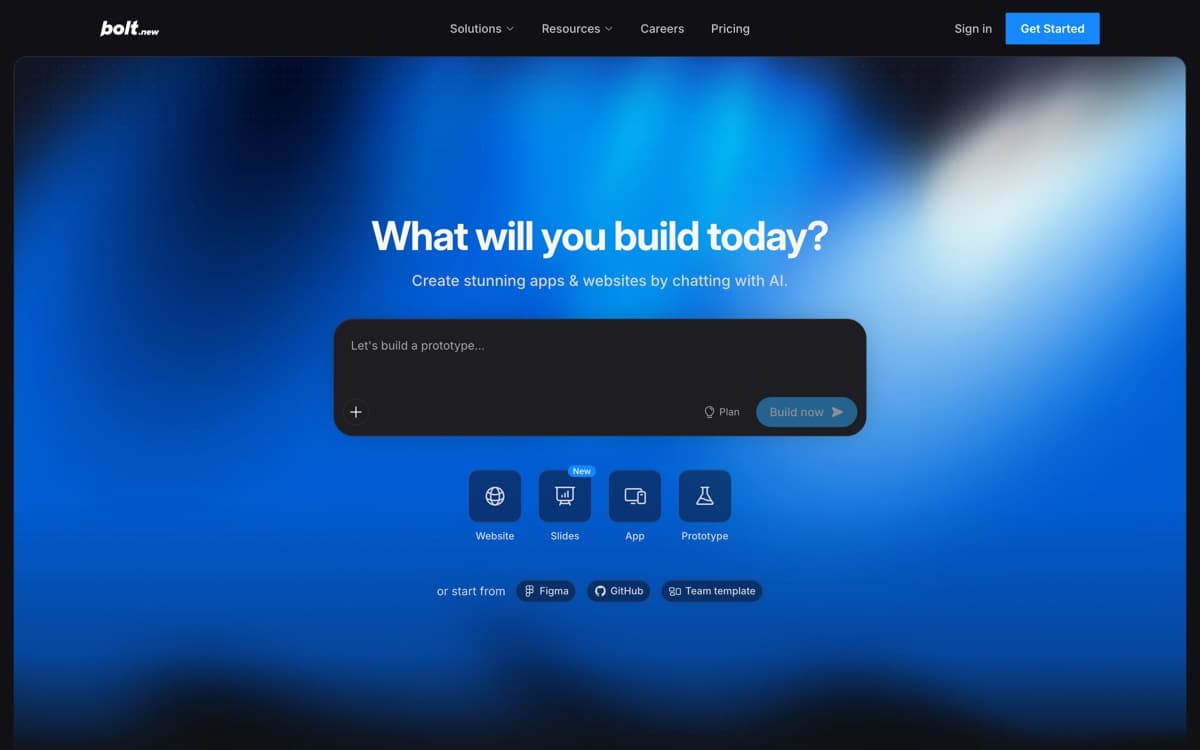
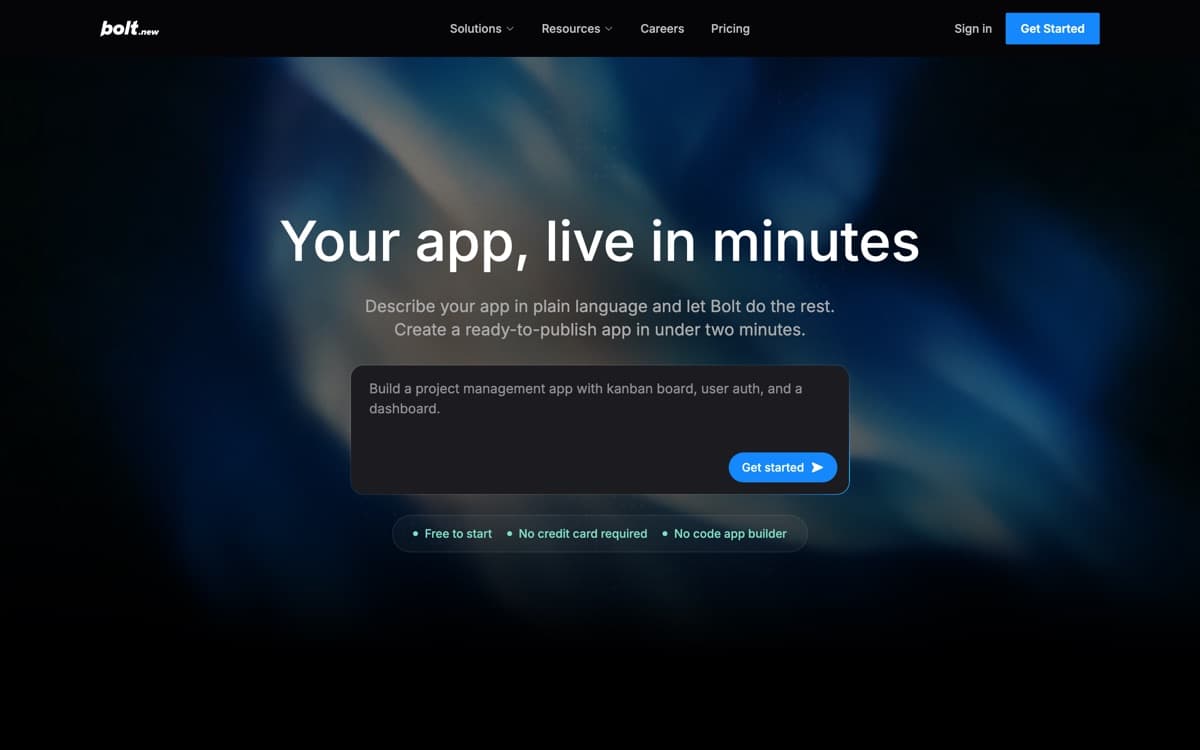
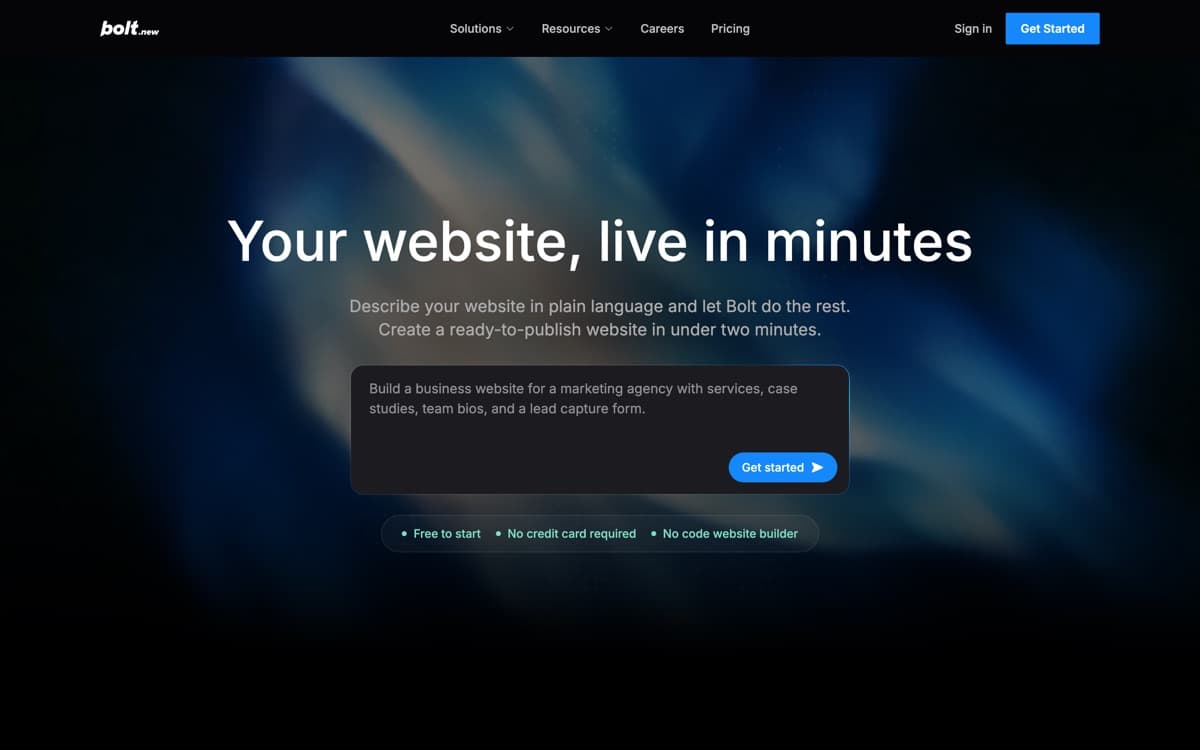
Bolt's pitch is ownership: describe what you want and it writes a real full-stack codebase in your browser — every file inspectable, exportable, and GitHub-syncable, with Bolt Cloud available when you'd rather the database and auth be managed. In our same-prompt test it built the most legible project of the five — the one a developer could pick up tomorrow — which is exactly the insurance policy the walled-garden builders can't offer.
It's also outgrown its indie roots: Bolt is distributed through the Microsoft Marketplace with direct Azure deployment, and claims 75% of the Fortune 500 have used it — a vendor number, but the Microsoft deal is the corroborating tell. Rank it fourth here only because this page is about websites: for a marketing site, Wix and Framer get you further faster. The moment your site grows a login, a dashboard, or a workflow, Bolt's ranking rises accordingly.
Bolt: pros and cons
Pros
- Genuine full-stack output — the whole codebase is yours, exportable, GitHub-ready
- Bolt Cloud adds databases, auth, and hosting when you want them managed
- Token pricing with rollover — the most transparent meter on this page
- Runs entirely in the browser; nothing to install
- Enterprise-credible: Microsoft Marketplace distribution and Azure deployment
Cons
- No guided setup — you direct everything, which overwhelms true beginners
- Output polish trails Lovable's on identical prompts in our testing
- Design taste is developer-default; bring your own art direction
Standout features
The code is the product
Everything Bolt writes is standard, exportable code — the cleanest exit rights in the category. Adopt it precisely because leaving it is easy.
Bolt Cloud, optional
Databases, auth, storage, and hosting managed when you want them — but as an option on top of portable code, not a cage around it.
Tokens that roll over
Pro's monthly tokens carry forward unused — a small policy that reveals the pricing philosophy. Every credit-metered rival on this page should copy it.
Bolt pricing
Free includes a daily token allowance (300K daily / 1M monthly) for real experimentation. Pro at $25/month starts at 10M tokens with rollover; Teams at $30/member adds collaboration; Enterprise is custom. Yearly billing saves up to 28%.
Token burn scales with ambition — scaffolding a site sips, iterating an app drinks. The rollover means light months bank for heavy ones, which is more than we can say for most credit systems here.
Our verdict
Bolt is the pick when you're building something and a website is just its front door — real code, fair metering, and enterprise legitimacy. For pure marketing sites, the three tools above serve you faster; keep Bolt's tab open for the day your site needs to do more.
Skip it if: You want guided business setup or design guardrails — Bolt hands you a code-writing agent and gets out of the way, which is either the point or the problem.
4.2 / 5 — #4 in AI Website Builders 2026
Bolt: FAQ
Bolt vs Lovable — which vibe-coder?
Lovable for the more polished product loop and stronger first drafts; Bolt for maximum code ownership and the fairest meter. Technical founders often prefer Bolt; everyone else usually ships faster on Lovable.
Can a non-coder use Bolt?
Yes, to a point — the agent does the writing, and plenty of non-coders ship with it. But there's no guided path, so when something breaks you're debugging by conversation. Beginners get more hand-holding everywhere else on this page.
Do I own what Bolt builds?
Completely — export the codebase or sync to GitHub anytime. Bolt Cloud services are optional and replaceable with your own infrastructure later.
Related rankings: best AI code editors · best AI presentation makers · best AI image generators