

Canva Review (2026)
The fastest route from idea to finished graphic for non-designers
Top5Apps editorial · Last reviewed & updated November 20, 2026 · Reviewed under The Receipts Standard
Developer
Canva
Free tier
Yes: limited AI, no published number
Paid from
$18/mo (Canva Pro, monthly)
Platforms
Web, iOS, Android, macOS, Windows
What is Canva?
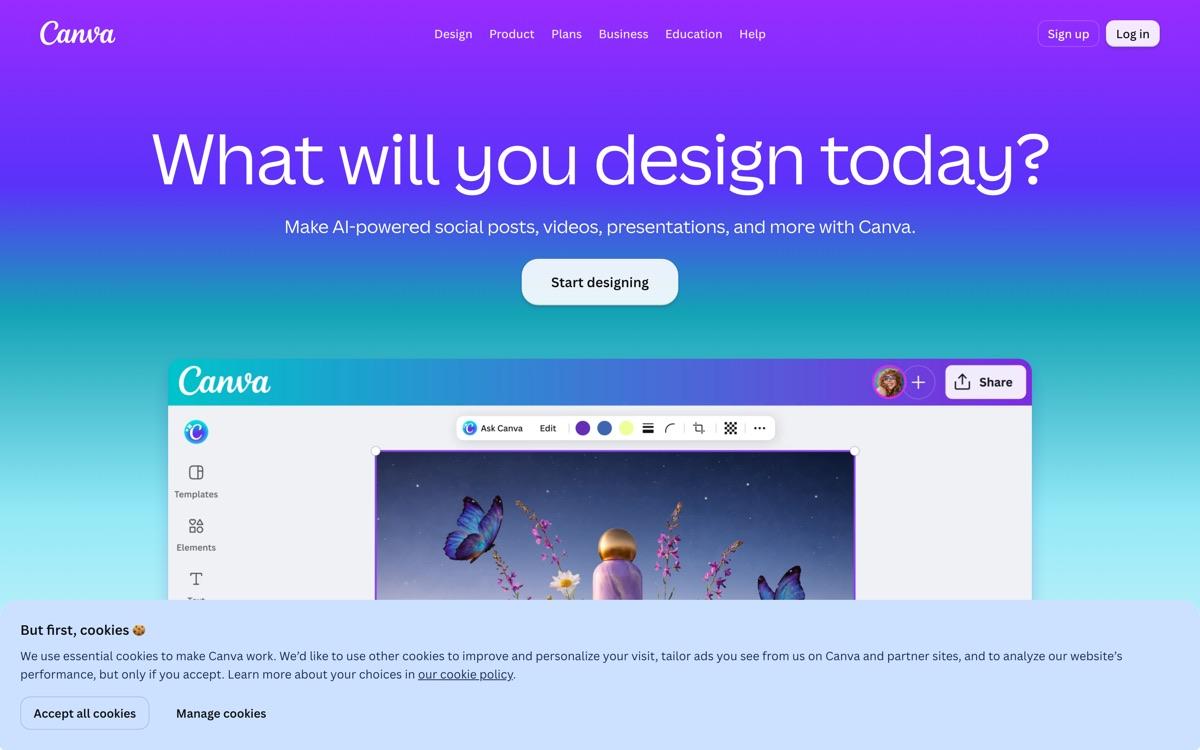
Canva is the design tool for people who don't call themselves designers, and its AI is built for the same audience. You describe a campaign and get editable social posts, presentations and documents in your brand colors. Magic Layers separates a flat image into layers you can move. On October 22 Canva released Canva Craft, its first in-house image model, which is aimed at layouts with a lot of text.
The company behind it had a rough second half of 2026, and buyers should know. Fortune reported in August that Canva cut its expected revenue growth by a third, to 20%, after AI features cost more to deliver than planned. In November TechCrunch reported that Canva was cutting 22% of its staff, or 1,271 people. Canva says more than 6 million teams use it, which is its own figure.
Outside testing of the new model is early. A TechRadar writer ran Craft against ChatGPT on five prompts using both free plans. ChatGPT won three, Canva won one and one was a tie, and the free Canva allowance ran out after about five prompts. Canva ranks second here for reach and ease. Its place depends on the editor and templates more than on the image model.
Canva: pros and cons
Pros
- Templates, brand kits and AI in one editor that needs no training
- Magic Layers turns a flat image into editable layers
- Canva Craft, its own image model, launched October 22, 2026
- Works from inside ChatGPT, Claude and Gemini through connectors
- Exports to PDF, PPTX, PNG, JPG, GIF and MP4
Cons
- The free AI allowance has no published number
- Pricing and AI limits changed several times between August and October
- Canva AI 2.0, its agent, launched as a research preview with no confirmed full release
- The privacy policy allows AI training on your content unless you change the setting
Standout features
Design in bulk, on brand
Brand kits hold your colors, fonts and logos, and the AI applies them across formats. One request can produce a matching set of posts, a deck and a document that all stay editable.
Magic Layers
Give it a flat image, including one an AI model made, and it returns separate layers for text, objects and background. That turns a generated picture into something you can keep designing.
Canva inside your chatbot
Canva runs as a connector in ChatGPT, Claude and Gemini, and it offers an MCP server with tools for creating designs and generating images. A Tom's Guide test found it produced editable résumés quickly in ChatGPT and Claude, and kept producing slides in Gemini.
Canva pricing
Canva's pricing page lists Free at $0, Pro at $18 a month for one person and Business at $25 a month per person, with lower rates on yearly billing. When we read it, a promotion offered 50% off the first three months of a monthly plan.
AI is metered through a shared monthly allowance that varies by plan. Standard AI tools on paid plans sit outside it. An AI Pass add-on gives 40 times the Pro allowance or 20 times the Business one. Canva doesn't publish the allowance as a number of images or requests.
Our verdict
Pick Canva if you make marketing material and want it done today. Nothing else here gets a non-designer to a finished, on-brand graphic as quickly. Pay for Pro if you plan to use the AI regularly, check the training setting in your privacy controls, and keep an eye on the plan terms, which have moved a lot this year.
Skip it if: You design interfaces or need pixel-level control, which is Figma's job. Skip the free plan for AI work as well: Canva no longer publishes how much AI it includes, and one reviewer ran out after about five image prompts.
4.5 / 5 — #2 in AI Design Tools 2026
Canva: FAQ
How much AI do you get on Canva's free plan?
Canva doesn't say. Its pricing page describes a monthly AI allowance that varies by plan and gives no number for Free. A TechRadar reviewer in November 2026 reported running out after about five image prompts.
What is Canva Craft?
Canva Craft is Canva's first in-house image generation model, released on October 22, 2026. It's available in Canva's image tools and through its developer API, where it sits beside two other models.
Does Canva use my designs to train AI?
Its privacy policy, updated November 2, 2026, says Canva may use your content to train its models and that you can manage this in your privacy settings. It says content from Canva Education isn't used for AI training.
Related rankings: best AI website builders · best AI image generators · best AI presentation makers