Top5Apps editorial · Updated November 20, 2026 · How we rank
An AI design tool takes a description, a screenshot or an existing file and produces design work you can edit: app screens, brand graphics, slide layouts, clickable prototypes. That makes it a different thing from an AI website builder, which ships a finished site, and from an AI image generator, which returns a flat picture. The tools here hand you layers, components or code that a designer can keep working on.
The category moved fast in 2026. Google rebuilt Stitch as a canvas with a design agent in March. Anthropic launched Claude Design in April and folded it into every Claude conversation in September. Figma made its agent generally available on October 6, Canva shipped its first in-house image model on October 22, and Adobe opened Firefly Design as a beta on November 10. All five now offer a free way in.
The short version: Figma is the pick for product and interface design, because its AI works inside the files and design systems teams already use. Canva is the pick for people who aren't designers and need marketing graphics in volume. Adobe Firefly is the pick for commercial brand and vector work with the clearest terms on training. Google Stitch is the best free way to go from a prompt to interface screens you can paste into Figma. Claude Design is the pick for turning a brief into a prototype, a one-pager or a deck if you already use Claude. (Disclosure, per The Receipts Standard: this site is produced with Claude-family tools, and Claude Design is ranked here.)
AI that works inside the design files teams already use
4.6
Editorial score
Best overall for product designFree tier: Yes: 500 AI credits a month, capped at 150 a dayPaid from $16/mo per Full seat (annual billing)
Figma is where most product design already happens, and in 2026 it put AI inside that work. The Figma agent, generally available since October 6, generates and edits designs directly on the canvas using your own components and styles. Figma Make turns a prompt or an existing frame into a working, code-backed prototype. Code layers, in open beta since October, put running code next to static frames. None of it asks you to leave the file your team shares.
Pros
The agent edits real Figma layers, components and variables on the canvas
Figma Make turns a prompt or a frame into a working prototype with code
Other agents can read and write your files through Figma's MCP server
A free plan with 500 credits a month lets you try every AI feature
Cons
A five-screen flow costs 300 or more credits; 3,000 a month goes quickly
Trains on Starter and Professional content unless an admin opts out
Sites, Buzz, Motion and code layers are still labeled beta
The fastest route from idea to finished graphic for non-designers
4.5
Editorial score
Best for non-designers and marketing teamsFree tier: Yes: limited AI, no published numberPaid from $18/mo (Canva Pro, monthly)
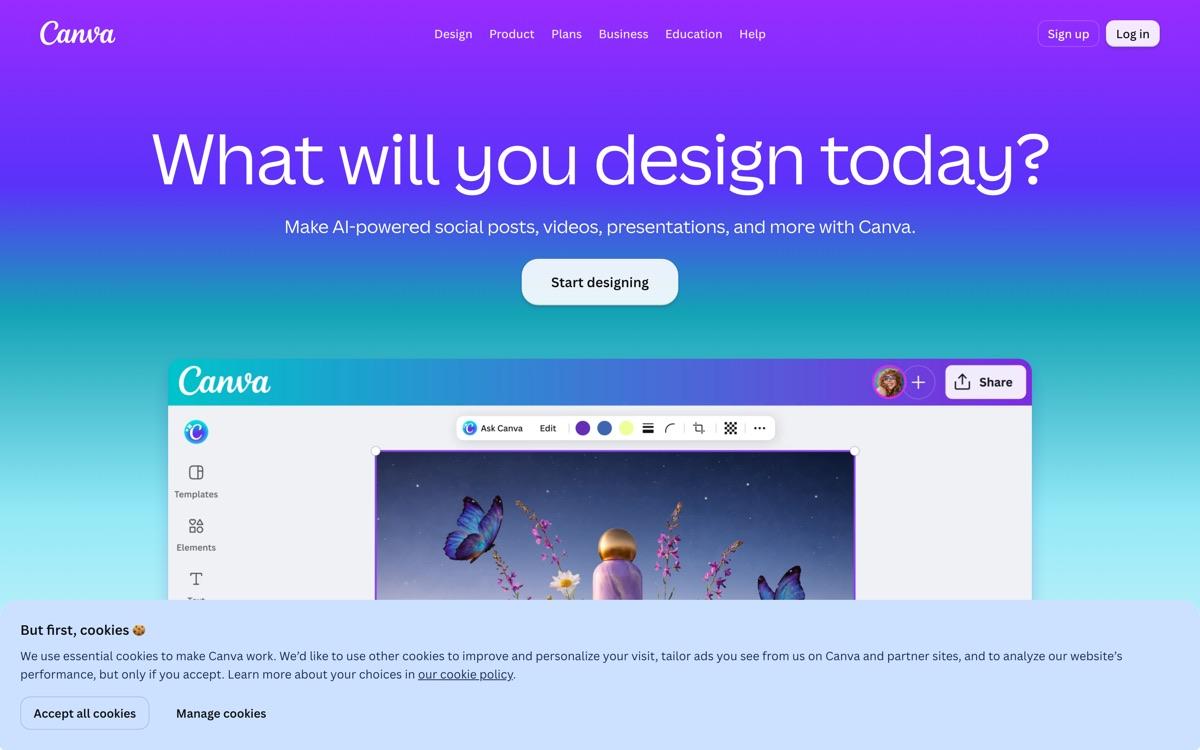
Canva is the design tool for people who don't call themselves designers, and its AI is built for the same audience. You describe a campaign and get editable social posts, presentations and documents in your brand colors. Magic Layers separates a flat image into layers you can move. On October 22 Canva released Canva Craft, its first in-house image model, which is aimed at layouts with a lot of text.
Pros
Templates, brand kits and AI in one editor that needs no training
Magic Layers turns a flat image into editable layers
Canva Craft, its own image model, launched October 22, 2026
Works from inside ChatGPT, Claude and Gemini through connectors
Cons
The free AI allowance has no published number
Pricing and AI limits changed several times between August and October
Canva AI 2.0, its agent, launched as a research preview with no confirmed full release
Brand and vector work with the clearest terms on training
4.4
Editorial score
Best for commercial brand and vector workFree tier: Yes: free daily generations, no published numberPaid from $9.99/mo (Firefly Standard)
Firefly is Adobe's AI studio, and it's the strongest choice here for brand graphics a company will publish. It generates images, video, audio and true vector artwork. At its MAX conference on November 10, Adobe added Firefly Design, a beta workspace that combines illustration, image editing, animation, 3D and print on one canvas and can build a brand kit from an existing identity.
Pros
Adobe says it has never trained Firefly on customer content
Generates editable vectors as well as images, video and audio
Firefly Design puts illustration, image editing, motion and print on one canvas
Cheapest paid plan on this list at $9.99 a month
Cons
Firefly Design is a beta that launched on November 10, 2026
The commercial-safety promise doesn't cover the partner models in the app
Credits don't roll over, and video uses them quickly
Free prompt-to-screen design that pastes into Figma
4.3
Editorial score
Best free option for interface screensFree tier: Yes: free during betaPaid from Free (no paid plan)
Stitch is Google's tool for turning a description into app and web screens. Google rebuilt it in March 2026 as an open canvas with a design agent that takes text, images, code and voice. You get high-fidelity screens, up to five variants per request, and clickable prototypes. It costs nothing while it's in beta.
Pros
Free, with no paid plan to upsell
Exports to Figma as editable layers, and to HTML with Tailwind
Google says it doesn't train on your data by default
Design systems travel in an open DESIGN.md file
Cons
Still a beta with no published limits or pricing
Makes interface screens only: no brand graphics or print
A hands-on review found accessibility failures in its output
From a brief to a prototype or one-pager inside a Claude chat
4.2
Editorial score
Best for prototypes and one-pagers if you use ClaudeFree tier: Yes: included in Claude's free plan with limited usagePaid from $20/mo (Claude Pro, monthly)
Claude Design turns a prompt, a screenshot, a document or a codebase into designs, interactive prototypes, one-pagers, mockups and landing pages. Anthropic launched it on April 17, 2026 as a separate preview. Since September 16 it works inside any Claude conversation, and the standalone site closes on December 14. You edit by chatting, by leaving comments on an element, or by moving things on a canvas.
Pros
Included in every Claude plan, including Free
Takes screenshots, documents and a codebase as starting material
Exports to PDF, PPTX, Google Slides and standalone HTML
Sends work on to Canva, Adobe, Lovable, v0 and other tools
Cons
No Figma export and no SVG export documented
No version history, by Anthropic's own list of limitations
No independent hands-on review of the current version
Magic Patterns— The closest miss. Its MagicOS canvas, launched October 13, 2026, runs parallel design tasks through one agent and exports to Figma. Plans start at $20 a month for 1,000 credits, and the vendor's own guide puts one generation at about 70 credits. We found no independent test since the relaunch.
v0 by Vercel— A code-first builder with a Design Mode for adjusting a live preview. It reads Figma files and has no export back to Figma. New users pay $30 a month for Plus. It's covered in our website builders ranking.
Recraft— Strong for vector and brand graphics, with plans from $12 a month. On the free plan, images are public, owned by Recraft and barred from commercial use, and training on your content is on by default.
Framer— Its agent designs and publishes whole sites, which is why it's ranked in website builders. Sites can't be exported as HTML.
Flora— A node-based canvas for images, video and 3D that runs other companies' models, from $18 a month per seat. It doesn't produce interface designs or code.
Relume— It has shifted from wireframe exports toward a hosted site builder, Relume Publish, in beta since August 24, 2026. It still exports sitemaps and wireframes to Figma.
Uizard— Prompt-to-screen prototypes for non-designers, with Pro at $12 a month on annual billing. The free plan allows three AI generations a month.
Kittl— Templates and AI graphics for merchandise sellers and small brands, with Pro at $19 a month. Its pricing page gives two different answers on whether the free plan allows commercial use.
How we ranked them
We haven't run our own test yet, so these scores are provisional. We weighed five things from documents we could read on November 20, 2026: what the tool produces and how editable it is (30%), independent hands-on evidence (20%), price and free access (20%), how work gets out to other tools (15%), and what the terms say about training and ownership (15%). A tool with no current outside review lost points on the second measure. Details on how we rank.
Which job are you hiring it for?
These five do different work. Figma and Google Stitch make interface screens. Canva and Adobe Firefly make graphics, brand assets and marketing material. Claude Design makes prototypes, one-pagers and decks from a brief. Pick by the output you need. A team often ends up with two.
Who trains on your work?
The defaults differ more than the prices do. Adobe says it has never trained Firefly on customer content. Google says Stitch won't train on your data by default. Figma trains on Starter and Professional content unless an admin turns it off. Canva's policy allows training with a setting to manage it. Anthropic's consumer terms allow training unless you opt out, and its business plans bar it.
Can you get your work out?
Stitch exports to Figma and to plain HTML. Figma Make downloads code or pushes it one way to GitHub. Canva and Firefly export standard image, document and video formats. Claude Design exports PDF, PPTX and HTML and has no Figma export. If your team's source of truth is a Figma file, that last point decides a lot.
What the credits really buy
Four of the five meter AI. Figma prices a five-screen flow at 300 or more of a Professional seat's 3,000 monthly credits. Adobe's $9.99 plan gives 2,000 credits, which it describes as up to 400 images. Canva and Stitch don't publish their limits. Claude Design shares limits with the rest of your Claude use. Run one real project on a free plan before you pay.
AI Design Tools: FAQ
What's the best AI design tool in 2026?
Figma for product and interface design, because its AI works inside the files teams already share. Canva is the pick for non-designers, Adobe Firefly for commercial brand work, Google Stitch for free interface screens, and Claude Design for prototypes if you already use Claude. Our own hands-on test is still in progress, so these scores are provisional.
What's the best free AI design tool?
Google Stitch is free with no paid plan while it's in beta, and it exports to Figma. Figma's free plan includes 500 AI credits a month. Canva, Adobe Firefly and Claude Design also have free plans with limits.
Can AI replace a designer?
On the evidence so far, no. On Contra Labs' November 2026 benchmark, professional designers' work ranked above every AI model the public can use. The one independent Figma review we cite found the agent's output needed finishing by hand.
Which AI design tools export to Figma?
Google Stitch exports editable layers to Figma, and Figma's own tools work in Figma natively. Magic Patterns also exports to Figma. Claude Design and v0 don't.
Do AI design tools train on my designs?
It depends on the tool and the plan. Adobe says it doesn't train Firefly on customer content, and Google says Stitch doesn't by default. Figma, Canva and Anthropic's consumer plans allow training unless you change a setting.
Is this ranking based on hands-on testing?
Not yet. Unlike our other rankings, this one is built from vendor documentation, financial filings and published reviews by named outside testers. We'll update it with our own same-brief test and note what changes.