

Wispr Flow Review (2026)
Speak naturally, ship finished writing — in every app
Top5Apps editorial · Last tested & updated September 3, 2026 · Reviewed under The Receipts Standard
Developer
Wispr AI
Free tier
Yes — 2,000 words/week (unlimited on Android)
Paid from
$12/mo (annual)
Platforms
macOS, Windows, iOS, Android
What is Wispr Flow?
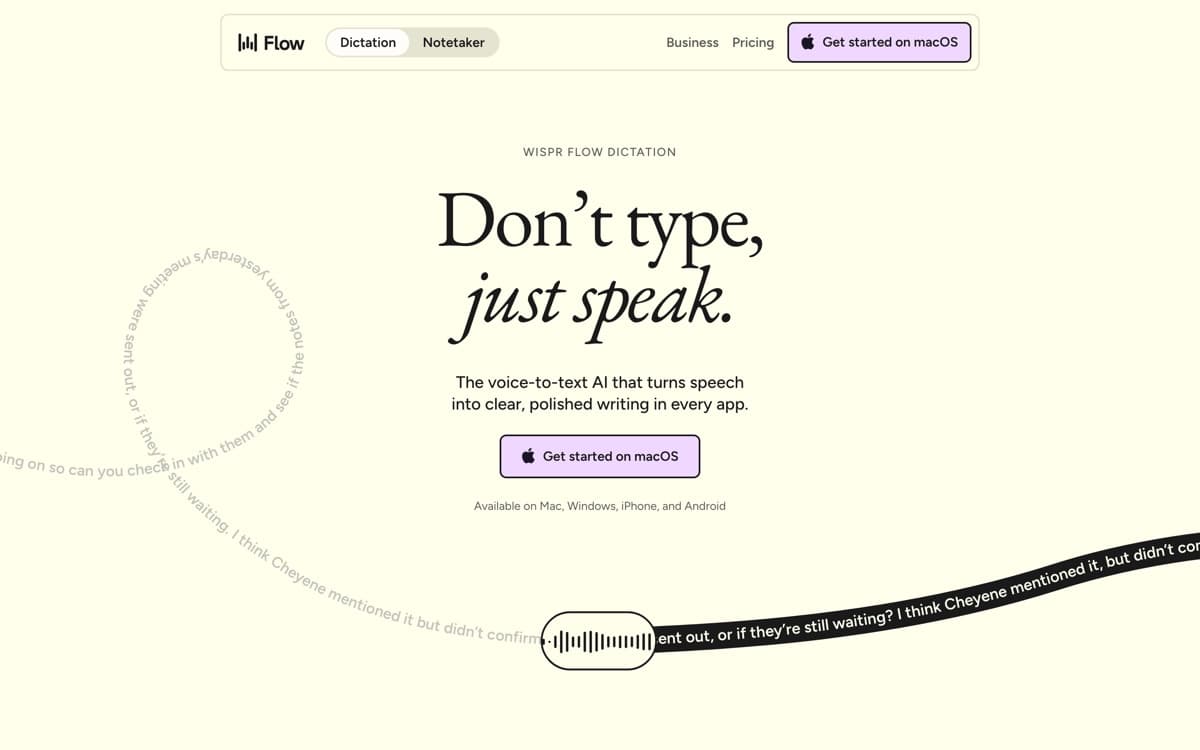
Wispr Flow is the app that turned dictation from an accessibility feature into a productivity movement. Hold a key, talk like a human — tangents, 'um's, mid-sentence reversals — and release: what lands in the text field is the email you meant to write, in the register you'd use in that app. Slack messages come out casual, docs come out structured, code comments come out terse. It learns your coworkers' names and your product's jargon without being told, and the personal-dictionary effect compounds weekly. Wispr told TechCrunch that after three months, average users are writing more than half their characters by voice — our experience tracks.
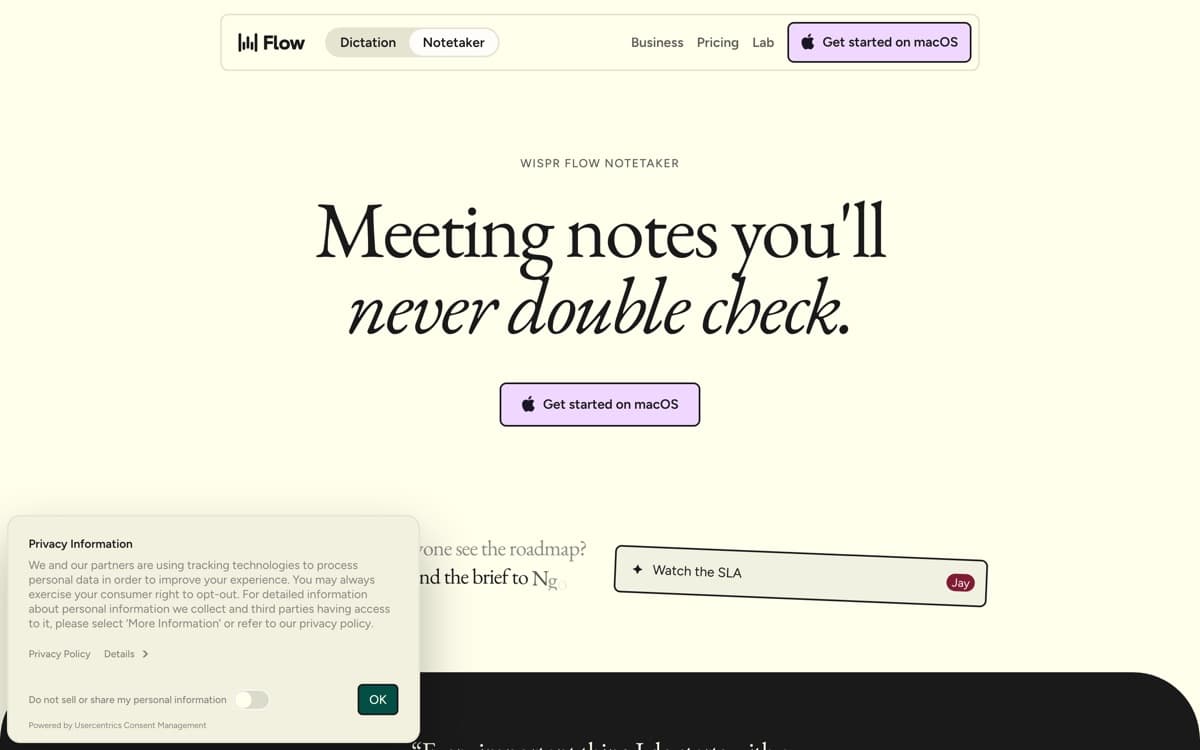
2026 turned Flow into a platform play. In August it shipped Flow Notetaker — Granola-style meeting capture with no bot in the call, producing transcripts, summaries, and action items, bundled into the existing subscription (and even the free tier). Momentum is the other story: the long-rumored round closed on August 17 — a $280 million Series B at a $2 billion valuation, led by Menlo Ventures, taking total funding to $361 million and nearly tripling the company's value in nine months. Announced alongside it: a preview of Canto, Wispr's first in-house speech model, which the company claims cuts word-error rates in the hardest conditions — background noise, wind, heavy accents — from over 30% to somewhere between 5% and 10%. The dictation wars have a frontrunner.
Wispr Flow: pros and cons
Pros
- Best-in-class cleanup: filler gone, punctuation right, formatting matched to the app
- Learns your names, jargon, and per-app tone automatically
- The only leader on all four platforms — and Android is fully free
- Flow Notetaker (Aug 2026) adds Granola-style bot-free meeting notes, included free
- 100+ languages with automatic detection
Cons
- Cloud processing — Privacy Mode is zero-retention, but there's no offline mode
- 2,000 free words a week evaporates fast once dictation becomes a habit
- Notetaker launched Mac-first; other platforms trail
Standout features
Cleanup that sounds like you
Not transcription — translation from spoken-you to written-you. Filler removal, self-correction handling ('actually, scratch that'), and per-app tone matching add up to text you send without touching.
Flow Notetaker
The August 2026 addition: bot-free meeting notes from system audio, with speaker attribution and Q&A across your meeting history — included in every tier, deeper storage on Pro. Dictation and meetings in one subscription is the category's new bar.
Everywhere, including Android
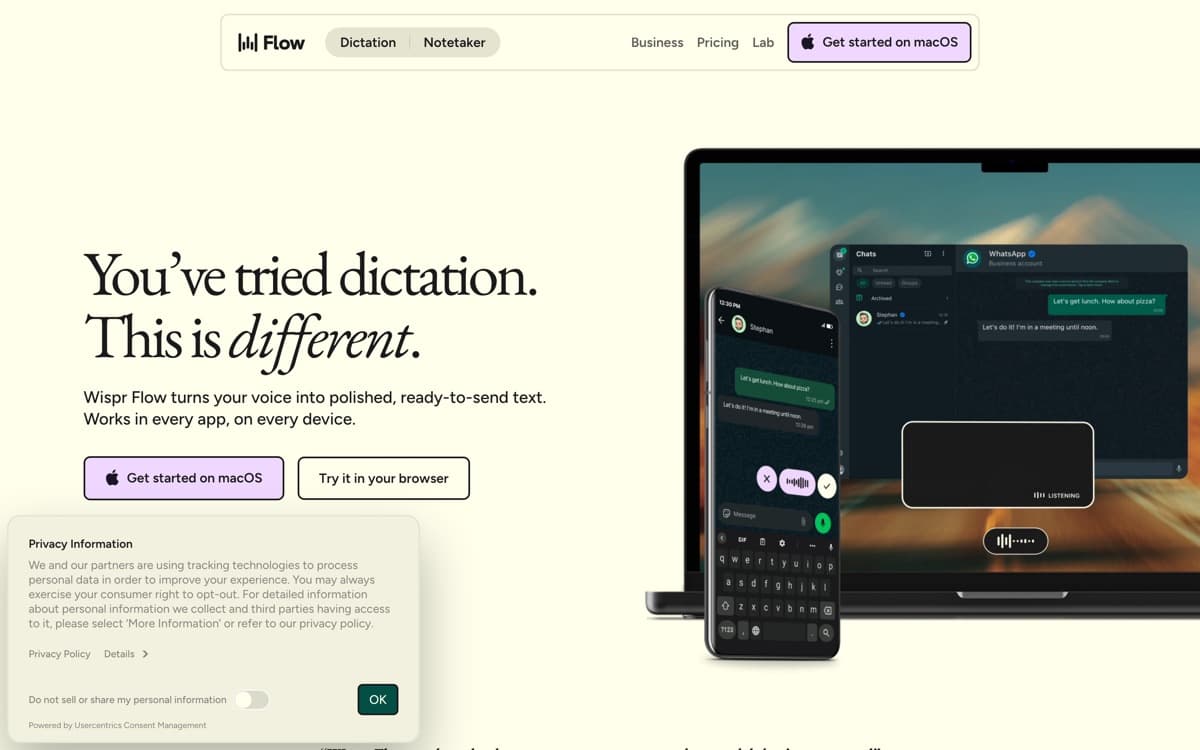
Mac, Windows, iPhone keyboard, and an Android app whose free tier is fully unlimited — unique among the leaders, and the reason Flow spreads through teams device-first.
Wispr Flow pricing
Free covers 2,000 words a week on desktop (1,000 on iPhone, unlimited on Android) plus the Notetaker with speaker ID. Pro at $15/month ($12 annual) removes the caps and keeps more meetings for longer; Enterprise adds admin and compliance controls.
The free tier is a genuine trial of the real product — but if dictation sticks, you'll blow through 2,000 words in a day or two. Budget for Pro; it's the category's going rate.
Our verdict
Wispr Flow is the reason this category exists on our site: the most finished product, the widest platform net, and now meetings folded in. Privacy-first users should look at Superwhisper — for everyone else, Flow is the default.
Skip it if: You need on-device processing or offline dictation — Flow is cloud-only (zero-retention mode or not) — or your budget stops at free and you're not on Android.
4.8 / 5 — #1 in AI Dictation 2026
Wispr Flow: FAQ
Is Wispr Flow free?
There's a real free tier: 2,000 words/week on desktop, 1,000 on iPhone, and fully unlimited on Android — plus the meeting Notetaker. Pro at $12–15/month removes the word caps.
Does Wispr Flow work offline?
No — processing is cloud-based. Privacy Mode offers zero-retention (dictations aren't stored), but if on-device processing is a requirement, Superwhisper or MacWhisper are the picks.
Is Wispr Flow a meeting notetaker now too?
Yes — Flow Notetaker launched for Mac in August 2026: bot-free capture from system audio with transcripts, summaries, and action items, included in the subscription (and the free tier, with limits).
Head-to-head: Wispr Flow vs Superwhisper
Related rankings: best AI notetakers · best AI voice generators · best AI chatbots