

Leonardo AI Review (2026)
The production studio wrapped around the best models
Top5Apps editorial · Last tested & updated September 10, 2026 · Reviewed under The Receipts Standard
Developer
Leonardo (Canva)
Free tier
Yes — daily token allowance
Paid from
$12/mo
Platforms
Web, iOS, Android, API
What is Leonardo AI?
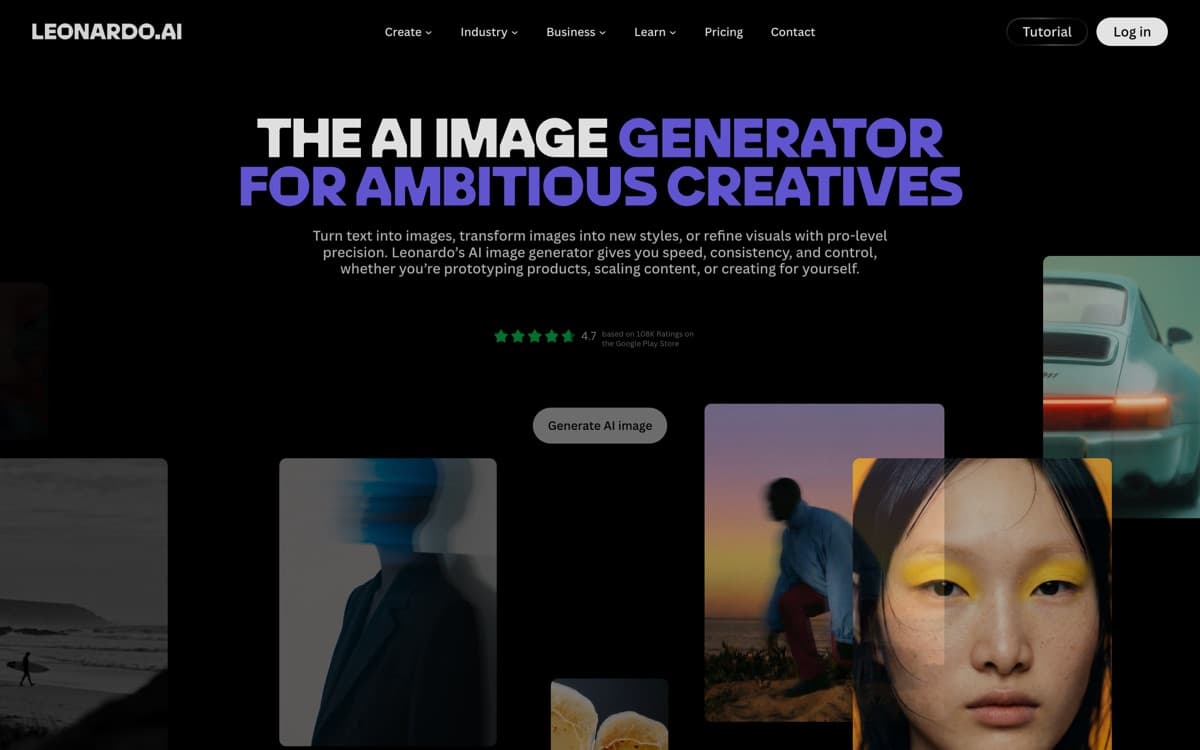
Leonardo answers a different question than the model labs: not 'what's the best image model?' but 'what does a working creative team need around one?' The platform wraps its own Phoenix and Lucid models plus licensed heavyweights (including FLUX) in genuinely production-grade tooling — a layered canvas editor, universal upscaler, background removal, consistent-character pipelines, batch generation, and team workspaces. Since the Canva acquisition it's grown into the default 'serious hobbyist to mid-size studio' choice.
Where Leonardo shines brightest is repeatable production: game studios generating item sets in a locked style, marketing teams churning campaign variants, print-on-demand sellers iterating designs. Custom model training — upload 20–40 images of your style or product and get a private fine-tune — remains its killer feature for brand consistency, easier than wrangling LoRAs yourself and more controllable than prompting alone.
Leonardo AI: pros and cons
Pros
- One subscription, many models — including FLUX and its own Phoenix/Lucid line
- Real production tools: canvas editor, upscalers, background removal, batch runs
- Fine-tune custom models on your own style or product images
- Strong game-asset and marketing-design pedigree
- Generous free tier to learn on
Cons
- Token economics take spreadsheet-thinking to optimize
- Interface density overwhelms first-timers
- Peak output depends on which underlying model you pick — quality varies
Standout features
Custom model training
Fine-tune on your own art style, character, or product line in an afternoon, no ML skills required. For teams that need every asset on-brand, this beats prompt engineering every time.
The full production toolchain
Canvas editing, upscaling to print resolution, background removal, and batch runs in one place — the unglamorous features that decide whether AI images actually ship.
Multi-model access
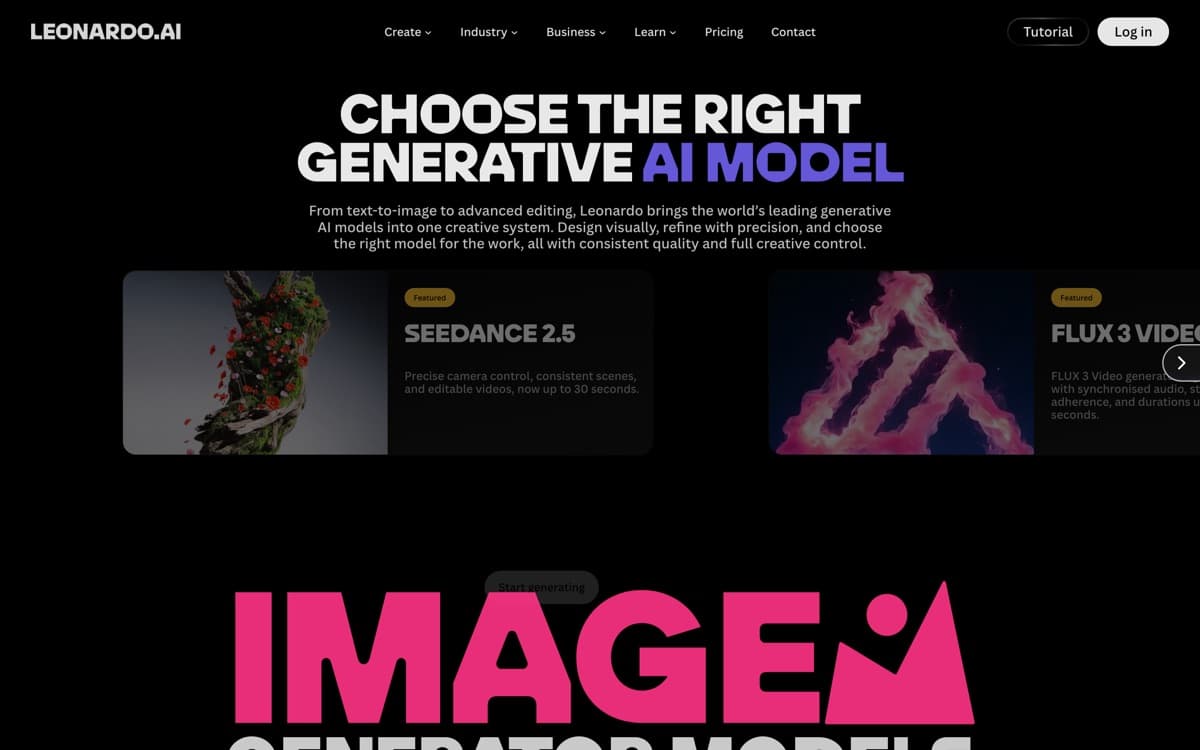
Phoenix for control, Lucid for realism, FLUX for photoreal fidelity — pick per job under one subscription instead of juggling three vendors.
Leonardo AI pricing
Free grants a daily token allowance (~150 tokens) that genuinely lets you learn the platform. Apprentice ($12/month) suits regular creators; Artisan ($30) adds volume and concurrency; Maestro ($60) is studio-scale. Annual billing discounts ~17–20%.
Tokens meter everything (generation, upscales, training), so heavy users should watch consumption for a month before choosing a tier. API pricing is separate for developers.
Our verdict
Leonardo is the pick when images are a workflow, not a one-off — custom models, consistent styles, and finishing tools under one roof. Pure image quality ceiling belongs to the models above it, but as the place where a small team ships creative work every day, it earns the final slot on merit.
Skip it if: You just want great single images fast — the platform's depth is pure overhead until you're producing assets in volume or need a locked custom style.
4.4 / 5 — #5 in AI Image Generators 2026
Leonardo AI: FAQ
Is Leonardo AI free?
Yes — free accounts get a daily token allowance sufficient for casual creation. Paid plans from $12/month add volume, private generations, and custom model training.
Leonardo vs Midjourney?
Midjourney wins on raw aesthetic ceiling; Leonardo wins on workflow — editing, upscaling, batch production, custom style models, and a free tier. Many creators prototype in Midjourney and produce in Leonardo.
Can I train Leonardo on my own images?
Yes — upload a small dataset and train a private fine-tuned model on paid plans. It's the platform's standout feature for brand and character consistency.
Related rankings: best AI video generators · best AI chatbots · best AI detectors