

Canva Review (2026)
AI decks inside the design tool everyone already uses
Top5Apps editorial · Last tested & updated October 6, 2026 · Reviewed under The Receipts Standard
Developer
Canva
Free tier
Yes — generous
Paid from
$15/mo (annual)
Platforms
Web, Windows, macOS, iOS, Android
What is Canva?
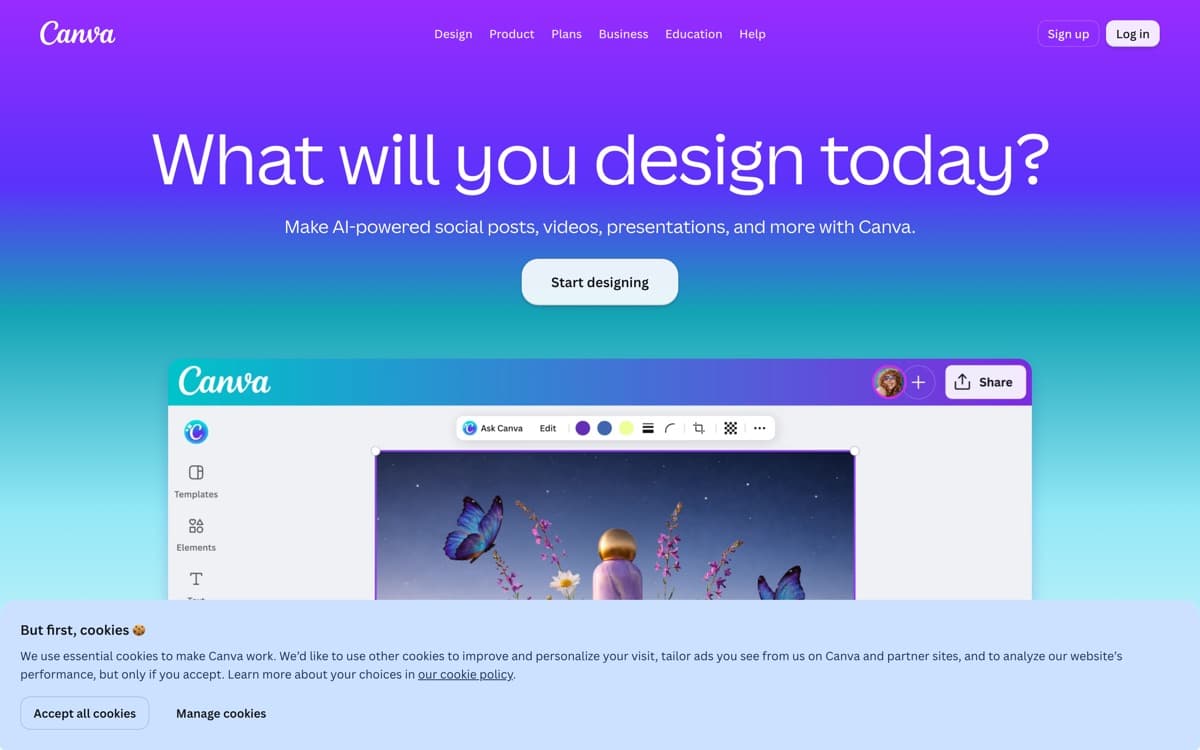
Canva's argument for a top-five slot is arithmetic: it put competent AI deck generation inside a product 265 million people already use monthly — a business that crossed $4 billion in annual revenue with 31 million paying subscribers, per TechCrunch. Magic Design takes a prompt or a document and produces a deck in any of Canva's thousands of templates; the result starts more conservative than Gamma's, but it lands in an editor where every fix is a drag away, your brand kit is already loaded, and the colleague who needs to tweak slide six already knows the tool.
That's the real positioning: Canva wins not on generation brilliance but on everything around it — brand control, team workflows, asset libraries, and the fact that a deck is rarely the only thing a team ships. The company has been explicit that it's becoming an AI platform wrapped in design tools, and the strategy shows: AI features spread through the whole product, with the new AI Pass add-on metering the heaviest use. For organizations that live in Canva already, adding AI decks is free momentum; for everyone else it's a very good tool that happens to come with an entire design suite attached.
Canva: pros and cons
Pros
- Prompt-to-deck lands inside a world-class visual editor — fix anything by hand
- The deepest template, asset, and brand-kit library in the category
- Collaboration, comments, and presenting are mature, not bolted on
- One subscription covers decks plus every other design artifact your team ships
- Free tier is genuinely usable for occasional presentations
Cons
- AI generation quality trails Gamma — more template fill-in than art direction
- Heavy AI use meters through the AI Pass add-on on top of paid plans
- The everything-app interface buries the deck workflow under forty other jobs
Standout features
Generate, then actually edit
The category's best answer to 'the AI got it 80% right': a full visual editor with your fonts, colors, and assets, where the last 20% takes minutes instead of prompt roulette.
Brand kits and team guardrails
Locked brand colors, approved fonts, shared templates — decks that look like your company made them, no matter who prompts. The enterprise feature purpose-built rivals are still building.
One tool, every artifact
The deck, the one-pager, the social clip announcing it — same subscription, same brand kit. The bundle is the moat, and for small teams it's decisive.
Canva pricing
Free covers real deck work with limited AI generations. Pro at $180/year (~$15/month) unlocks the brand kit, premium assets, and higher AI allowances; Business at $250/year per person adds team controls. The AI Pass add-on multiplies AI usage (40× Pro's allowance) for genuinely heavy generators.
Most individuals do fine on Pro; the AI Pass question only arises if generation becomes a daily habit — audit a month of real use before adding it.
Our verdict
Canva is the pragmatic team pick: not the smartest generator, but the place where AI drafts meet real design control and brand governance. If your org already runs on Canva, this is your answer by default; if raw generation quality is the contest, Gamma still takes it.
Skip it if: You want the strongest raw AI generation — Canva's decks start more template-bound than Gamma's — or you find its everything-app sprawl distracting when slides are the only job.
4.5 / 5 — #3 in AI Presentation Makers 2026
Canva: FAQ
Can Canva's AI make a whole presentation?
Yes — Magic Design generates a full deck from a prompt or uploaded document, using Canva's template system. Expect a solid, brand-safe starting point you'll refine in the editor rather than a finished art-directed deck.
Canva or Gamma for presentations?
Gamma generates better decks; Canva gives you more control after generation plus brand management and team workflows. Design-led teams pick Canva, speed-led individuals pick Gamma.
Does Canva export to PowerPoint?
Yes — PPTX export is built in, along with PDF and direct presenting from Canva itself. Complex animations and some fonts may simplify in the export.
Head-to-head: Gamma vs Canva
Related rankings: best AI chatbots · best AI image generators · best AI code editors