
Google Gemini Review (2026)
Prompt to native, editable Google Slides
Top5Apps editorial · Last tested & updated October 6, 2026 · Reviewed under The Receipts Standard
Developer
Free tier
Yes — Canvas route
Paid from
$19.99/mo (AI Pro)
Platforms
Web, iOS, Android
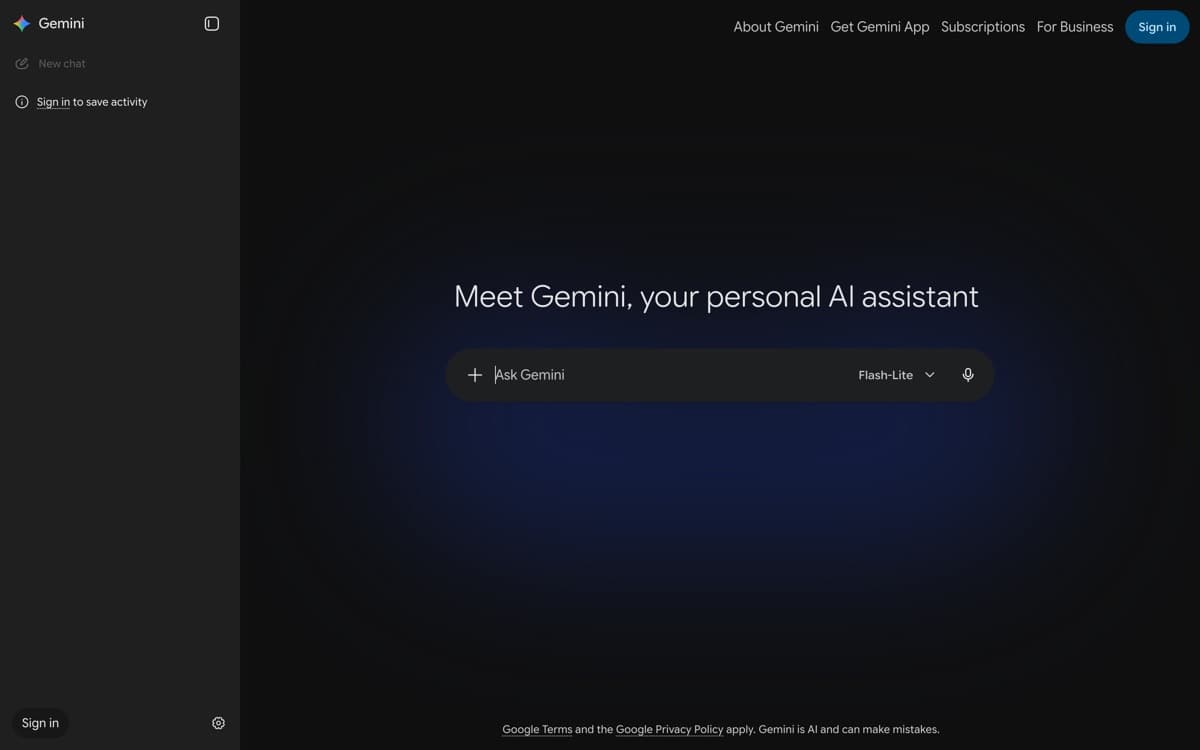
What is Google Gemini?
Gemini's deck story got serious in June 2026, when Google shipped what the old export pipeline never was: full presentation generation natively inside Google Slides — one prompt, grounded in your Drive content, producing genuinely editable slides rather than a pasted approximation. For the millions of teams whose decks are born, reviewed, and presented in Slides, this collapses the AI-deck workflow to zero new tools: the draft appears where the collaboration already happens, with version history, comments, and sharing intact.
The older Canvas route still exists — prompt the Gemini app, get a themed deck, export to Slides — and its broad availability makes it the free way in. Output quality across both sits mid-pack: clean, structured, occasionally generic, with the Drive-grounding as the differentiator no rival can match (Gamma researches the web; Gemini reads your quarterly docs). As part of the most generous free-tier assistant and the $19.99 AI Pro bundle, it's less a standalone deck tool than the deck feature of an ecosystem — which, for Workspace organizations, is exactly the point.
Google Gemini: pros and cons
Pros
- Generates fully native, editable presentations directly in Google Slides (June 2026)
- Grounds decks in your own Drive files — the QBR built from the actual docs
- Canvas route is available broadly, including free-tier experimentation
- Every slide lands in the collaboration suite your team already shares
- Bundled into AI Pro alongside the best free-tier assistant in our chatbot ranking
Cons
- Two overlapping deck features with different availability confuse everyone
- Design quality is serviceable, not striking — templates feel Google-y
- The native-Slides route gates behind Workspace Standard+ or AI Pro/Ultra
Standout features
Native Slides generation
The June 2026 upgrade: decks generated as real Google Slides objects — every text box, chart, and layout editable in place. The 'AI deck you can actually hand to a colleague' problem, solved inside the tool they already use.
Drive grounding
Point it at the strategy doc, the metrics sheet, and last quarter's deck; the new deck draws on all three. No other tool here reads your company's actual context this directly.
Zero-adoption rollout
No new logins, no exports, no 'where does this file live' — the deck appears in Slides with sharing and history like everything else. For IT and for habit, friction this low is a feature.
Google Gemini pricing
The Canvas route works broadly, free tier included. The native Slides route needs Google AI Pro ($19.99/month) or Ultra for consumers, or Workspace Business Standard ($14/user/month) and up for organizations.
If you're already paying for AI Pro (or your company runs Workspace Standard+), the deck features are effectively free — which is the whole competitive argument.
Our verdict
For Google Workspace teams, Gemini is the lowest-friction AI deck maker in existence and the June 2026 native generation makes it genuinely good rather than merely convenient. Outside the Google ecosystem, its case evaporates — pick Gamma or Claude instead.
Skip it if: Your organization doesn't live in Google Workspace — half the advantage is Slides-native output — or you need one tool with one obvious path, where Gemini's two overlapping deck features will annoy you.
4.4 / 5 — #4 in AI Presentation Makers 2026
Google Gemini: FAQ
Can Gemini create a Google Slides presentation?
Yes, two ways: generate in the Gemini app's Canvas and export to Slides (broadly available), or — since June 2026 — generate fully native, editable slides directly inside Google Slides on Workspace Business Standard+ or Google AI Pro/Ultra plans.
Is Gemini's presentation maker free?
The Canvas route is usable on the free tier. The stronger native-Slides generation requires a paid plan — AI Pro at $19.99/month for individuals, or a Business Standard+ Workspace subscription.
Gemini or Gamma for slides?
Gamma for design quality and iteration; Gemini for zero-friction output into the Slides workflow your team already lives in, grounded in your own Drive files. Workspace-first organizations reasonably choose Gemini despite the design gap.
Related rankings: best AI chatbots · best AI image generators · best AI code editors