
Microsoft Copilot Review (2026)
Frontier AI, free, inside Windows and Office
Top5Apps editorial · Last tested & updated September 24, 2026 · Reviewed under The Receipts Standard
Developer
Microsoft
Free tier
Yes — includes frontier models
Paid from
$20/mo
Platforms
Web, Windows, macOS, iOS, Android, Edge
What is Microsoft Copilot?
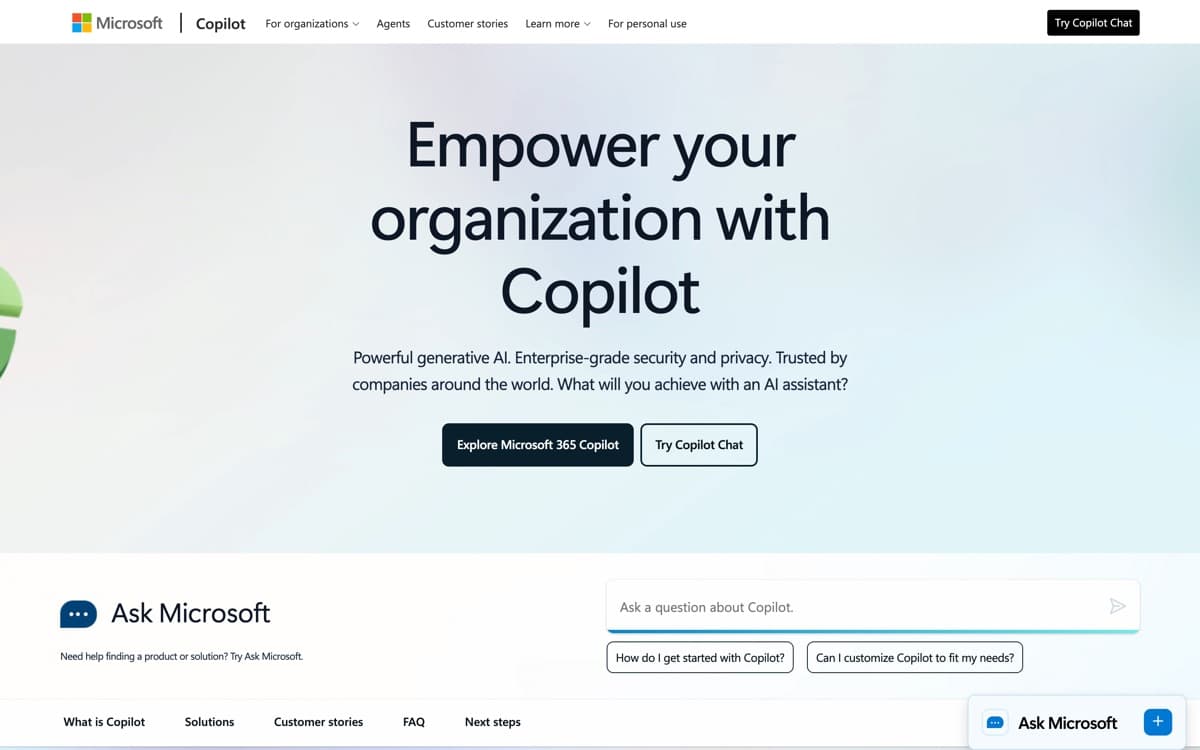
Copilot is Microsoft's bet that AI should live where you already work, not in a separate tab. The free tier is quietly one of the best deals in AI: OpenAI's frontier models (plus Microsoft's own MAI models), grounded with Bing search, with voice, vision, and image generation — no subscription required. For hundreds of millions of Windows users, it's the AI that's already installed. The split personality is measurable: Microsoft 365 Copilot passed 30 million paid enterprise seats by July 2026, while Sensor Tower pegged the consumer app at just 6 million daily users against ChatGPT's 440 million in February — the enterprise-strong, consumer-soft shape this review describes.
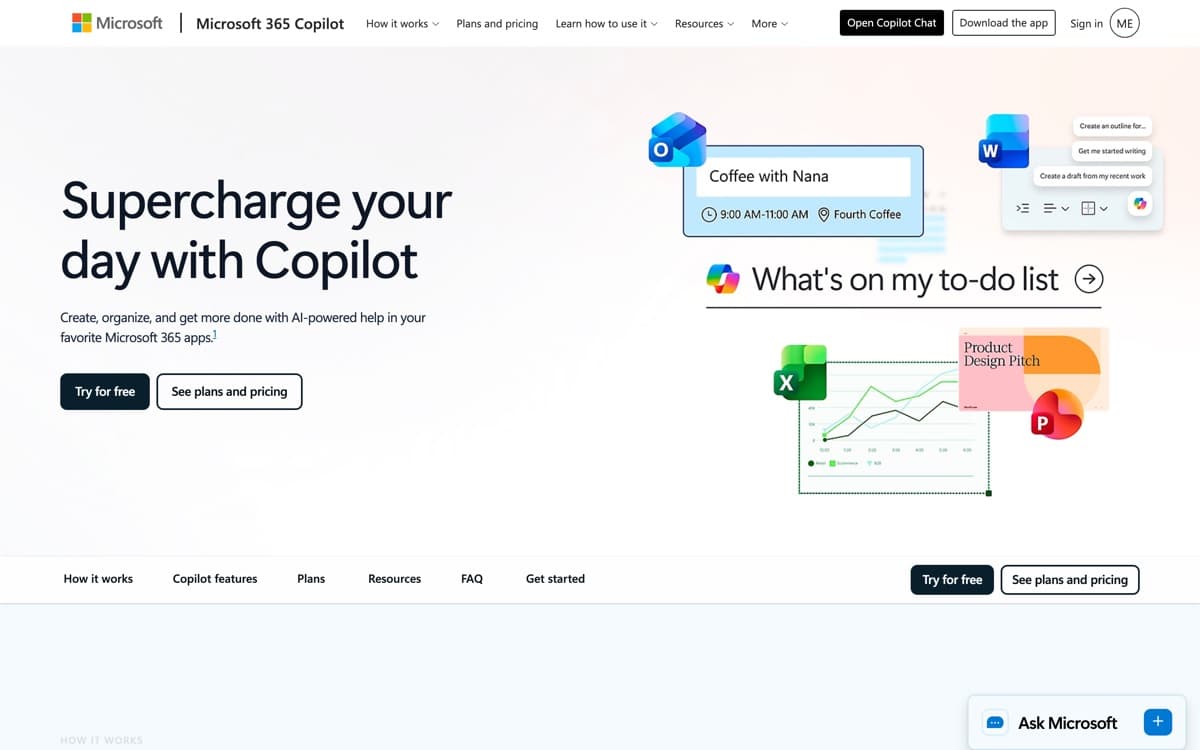
The real differentiation is Microsoft 365. With Copilot in Office, Excel builds and explains formulas from plain English, Word drafts from your documents, Outlook triages and replies, and Teams summarizes meetings you skipped. Quality varies by app — Excel and Teams impress most — but when it clicks, it saves the exact minutes office workers lose every day. Copilot Vision, which can watch your screen (with permission) and coach you through any software, is the sleeper feature of the lineup.
Microsoft Copilot: pros and cons
Pros
- Free access to OpenAI frontier models with web grounding
- Built into Windows, Edge, and (with M365) Word, Excel, and Outlook
- Copilot Vision can see your screen and talk you through anything
- Strong enterprise story: compliance, data protection, admin controls
- Voice mode and memory now rival the standalone assistants
Cons
- The consumer app trails ChatGPT in features despite similar models
- Confusing product line — Copilot, Copilot Pro, M365 Copilot all differ
- Office integration quality varies by app; Excel is great, others uneven
Standout features
Free frontier models
Copilot's free tier serves OpenAI-class models with web grounding and few caps. If you've never paid for AI and don't want to start, this is the strongest no-cost assistant alongside Gemini.
Copilot in Excel
Describe what you want — 'monthly revenue by region, flag anything down 10%+' — and it writes the formulas, builds the pivot, and explains its work. The single best Office integration Microsoft has shipped.
Copilot Vision
Share your screen and talk: it sees what you see and walks you through Photoshop, a tax form, or a broken settings menu. Genuinely useful tech support for everyone who is someone's tech support.
Microsoft Copilot pricing
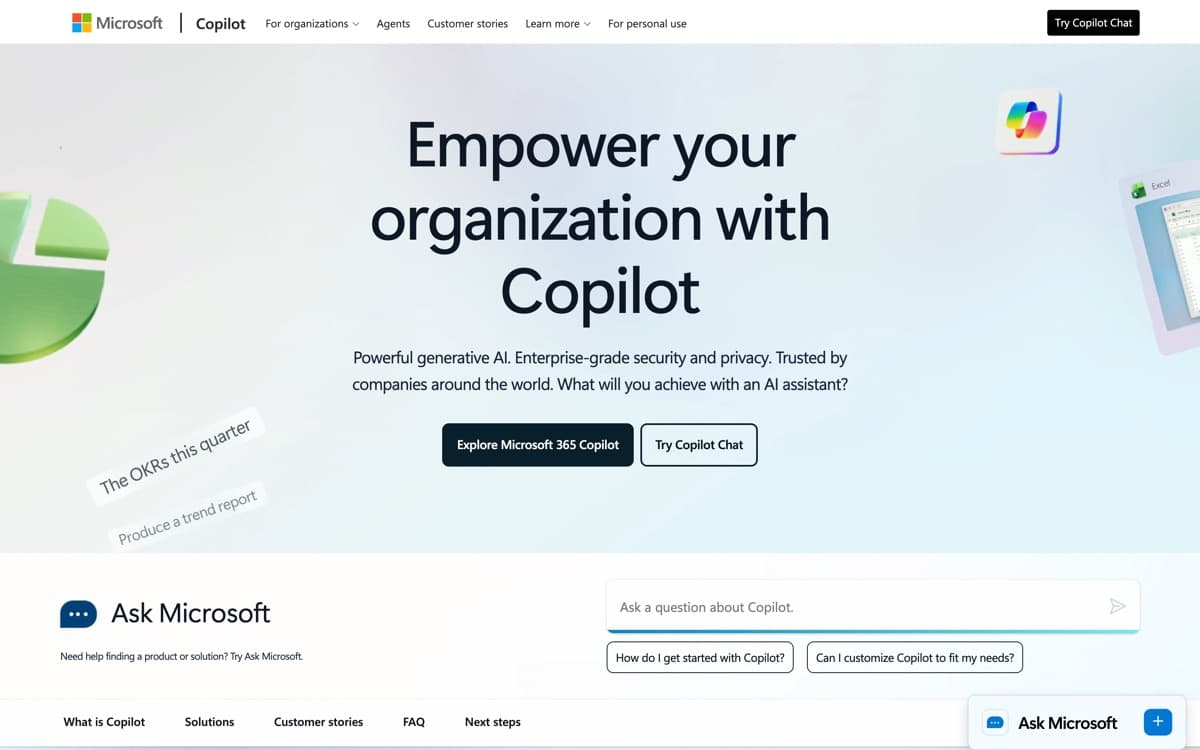
Free covers chat, voice, vision sessions, and image generation with daily limits. Copilot Pro at $20/month adds priority access at peak times, higher limits, and Copilot in the free web Office apps. Microsoft 365 Copilot ($30/user/month for business) is the full Office integration with enterprise data protection.
Consumer M365 Personal/Family subscriptions now include Copilot credits too — many households effectively already pay for a working tier of this.
Our verdict
Copilot is the pragmatic pick: if your day happens in Windows, Edge, and Office, it delivers 80% of ChatGPT where you already are — much of it free. Power users will still prefer ChatGPT or Claude as a primary assistant. But as the AI you don't have to think about, it's earned its slot in the top five.
Skip it if: You don't live in Windows, Edge, or Office — as a standalone chatbot it trails ChatGPT despite the shared model DNA, and there's little reason to choose it on merit alone.
4.4 / 5 — #5 in AI Chatbots 2026
Microsoft Copilot: FAQ
Is Microsoft Copilot free?
Yes — the consumer Copilot app is free with frontier models, voice, and image generation under daily limits. Copilot Pro ($20/month) adds priority access; Office integration for business is $30/user/month.
Is Copilot the same as ChatGPT?
They share OpenAI model DNA, but the products differ: ChatGPT ships new features first, while Copilot integrates deeper into Windows and Office and adds Microsoft's own MAI models.
Which Copilot do I need for Word and Excel?
Business users need Microsoft 365 Copilot ($30/user/month). Individuals get Copilot in Office apps via M365 Personal/Family AI credits or Copilot Pro for the web apps.
Related rankings: best personal AI agents · best AI code editors · best AI dictation