

Speechify Review (2026)
Turn anything you read into anything you can hear
Top5Apps editorial · Last tested & updated September 10, 2026 · Reviewed under The Receipts Standard
Developer
Speechify
Free tier
Yes — basic voices
Paid from
$139/yr (~$11.58/mo)
Platforms
Web, iOS, Android, Chrome, macOS
What is Speechify?
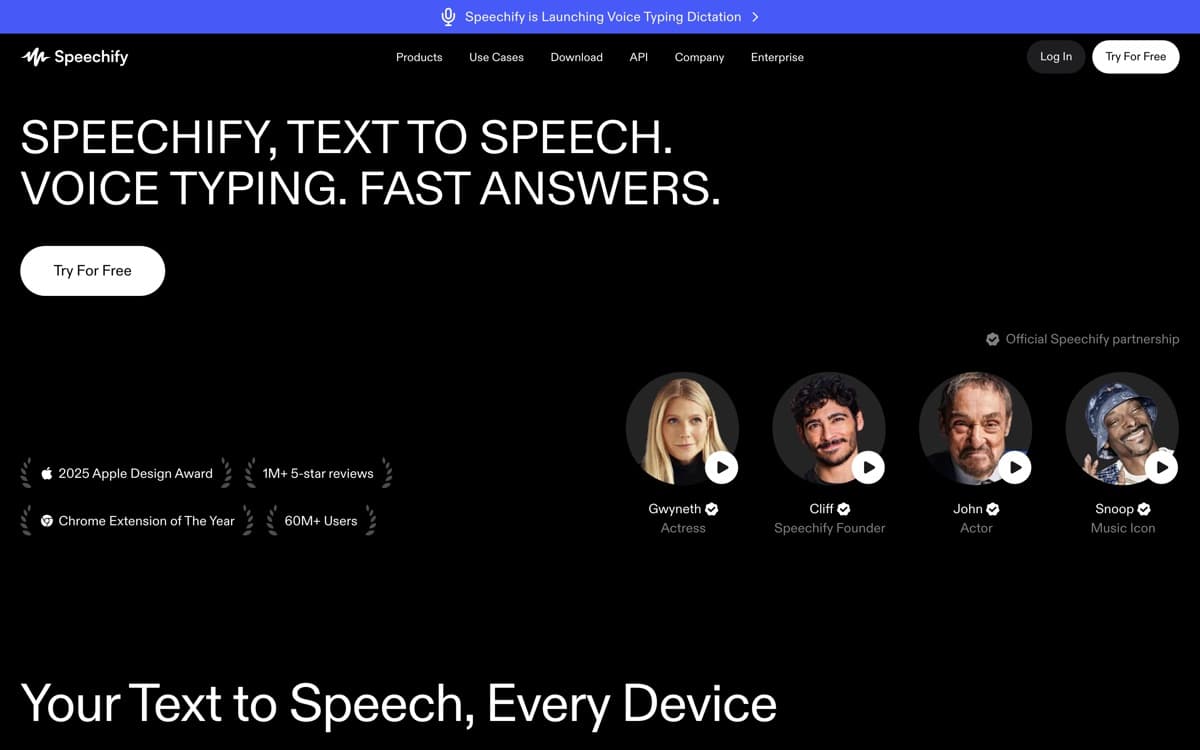
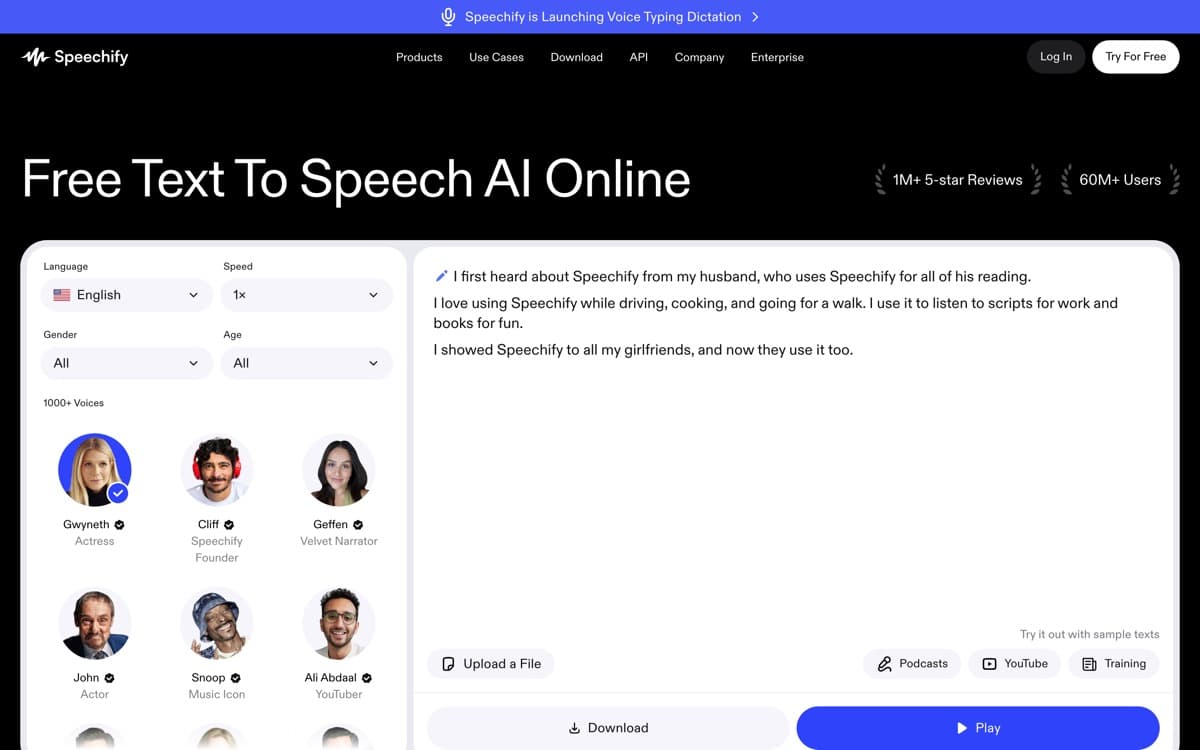
Speechify flips this category around: instead of giving your words a voice, it gives your ears access to everything written. Founded by a dyslexic student who needed textbooks read aloud, it became the world's most popular reading app — past 60 million users across nearly 200 countries as of July 2026 — paste, upload, photograph, or browse to any text and a natural voice reads it at up to 4.5× speed. Commuters finish reports; students absorb chapters; people with dyslexia or vision impairment get real independence.
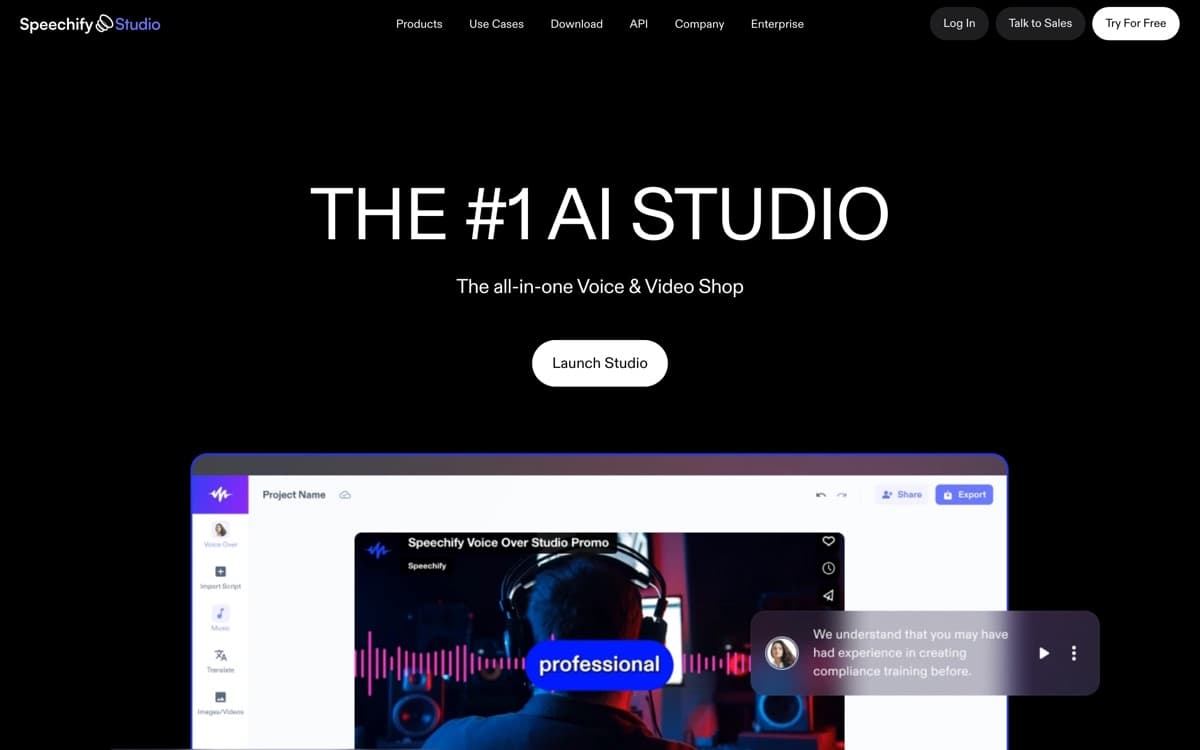
The listening experience is what earns its slot here. Highlighting follows along word-by-word (which measurably aids comprehension and retention), voices stay pleasant for hours, and the celebrity roster — yes, Snoop can read your emails — turns a utility into a habit. Speechify Studio adds serviceable voiceover, dubbing, and cloning for creators — and its in-house Simba model is quietly serious, taking the #1 spot on Artificial Analysis's TTS leaderboard in July 2026 — but treat creation as a bonus: you buy Speechify to consume, and it has no equal there.
Speechify: pros and cons
Pros
- Best-in-class reader: PDFs, articles, emails, books, even photographed pages
- Celebrity voices (Snoop Dogg, Gwyneth Paltrow, MrBeast) make listening fun
- Up to 4.5× speed with surprisingly preserved clarity
- Everywhere you read: browser, phone, desktop, scanned paper
- Studio product adds decent voiceover generation for creators
Cons
- Creation tools trail the specialists above
- Premium price is steep for what's mostly consumption
- Aggressive upsells throughout the free experience
Standout features
Read-anything pipeline
PDFs, web pages, Kindle books, Google Docs, physical pages via camera OCR — one library, one voice, synced across devices. The friction of 'I'll read it later' disappears.
Speed listening that works
Voices stay intelligible at 3–4.5×, with word highlighting keeping your eyes anchored. Heavy users report doubling their reading throughput; our experience agrees.
Celebrity and premium voices
Familiar voices lower the barrier for reluctant listeners — a genuinely clever accessibility play dressed up as a gimmick.
Speechify pricing
Free includes basic voices at limited speed. Premium (~$139/year) unlocks 1,000+ premium voices, celebrity voices, top speeds, OCR scanning, and offline listening. Studio plans for voiceover creation price separately (from ~$24/month).
The annual-only framing annoys some buyers; watch for the frequent discounts. For students and professionals who process serious reading volume, the productivity math clears easily.
Our verdict
Speechify is the best way to hear the written world — an accessibility tool that became a productivity tool. Creators should look to ElevenLabs or Murf for production voice, but as a listening layer over your reading life, Speechify stands alone.
Skip it if: You're producing content rather than consuming it — Studio is serviceable, but every specialist above beats it at every production job. Buy Speechify for your ears, not your output.
4.3 / 5 — #5 in AI Voice Generators 2026
Speechify: FAQ
Is Speechify free?
A free tier offers basic voices at limited speeds. Premium (~$139/year) unlocks natural voices, celebrity voices, 4.5× speed, and scanning — and goes on sale often.
Is Speechify good for dyslexia and ADHD?
It's the category's accessibility standard: synchronized highlighting plus audio supports focus and comprehension, and it's widely recommended in education settings.
Can Speechify create voiceovers for videos?
Yes — Speechify Studio handles voiceover, dubbing, and cloning at a reasonable level. Dedicated creation platforms remain stronger for professional production.
Related rankings: best AI audio tools · best AI video generators · best AI dictation