

GitHub Copilot Review (2026)
The enterprise standard, everywhere GitHub is
Top5Apps editorial · Last tested & updated September 23, 2026 · Reviewed under The Receipts Standard
Developer
GitHub (Microsoft)
Free tier
Yes — monthly completion/chat allowance
Paid from
$10/mo
Platforms
VS Code, JetBrains, Visual Studio, Neovim, Xcode, github.com
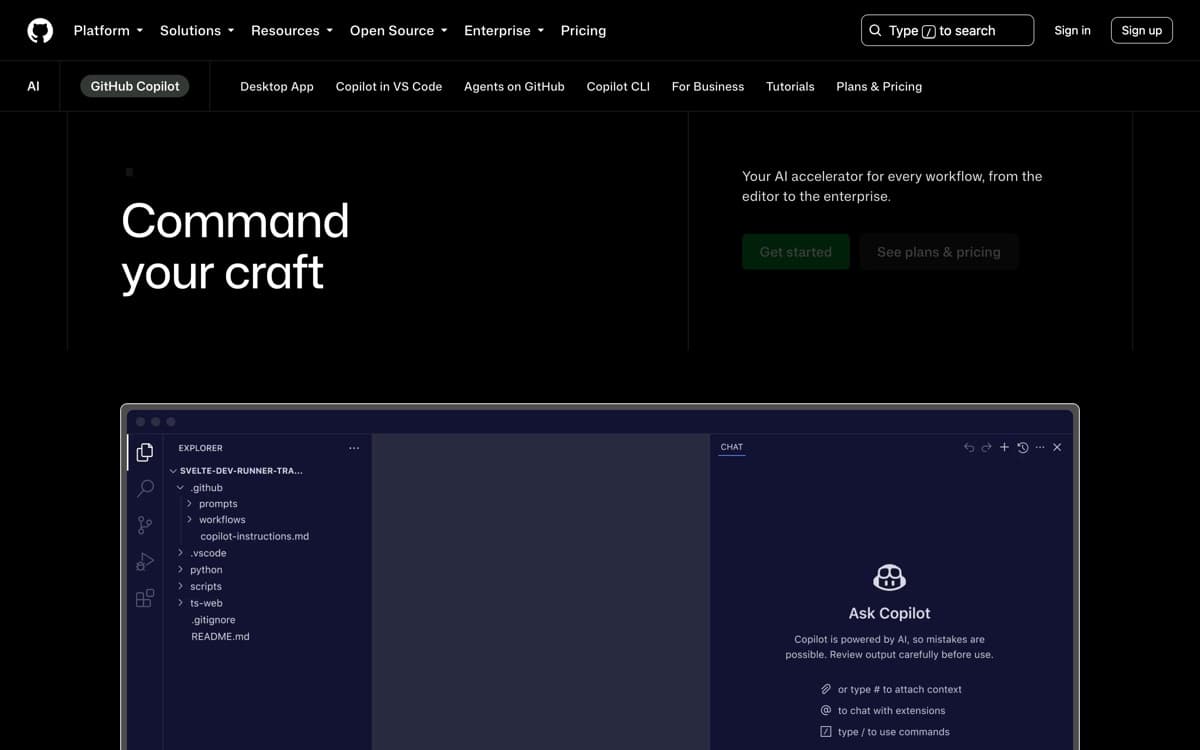
What is GitHub Copilot?
Copilot invented this category in 2021, and while startups out-innovated it for a stretch, GitHub's 2025–26 run closed most of the gap: agent mode in VS Code, a cloud coding agent you assign issues to, an AI code reviewer, and a model picker that includes Claude and Gemini alongside OpenAI. It remains the tool your CTO will approve without a meeting — and now it's genuinely good. It's also, by headcount, the biggest: Satya Nadella put Copilot at 50 million users on Microsoft's July 2026 earnings call, with revenue accelerating over 60% quarter-on-quarter after June's shift to usage-based billing.
Copilot's unfair advantage is the platform. Assign an issue to the coding agent on github.com and a PR appears with CI passing; Copilot code review comments on every team PR automatically; Copilot Chat answers questions about any repo you can see. None of it requires changing editors or workflows, which is exactly why enterprises with thousands of seats keep choosing it — and at $10 for individuals, it's the best price-to-utility ratio in AI coding. The most interesting September move is Project HydraFusion (September 4, research preview in Copilot CLI): instead of you picking a model, it builds an execution plan that drafts on one provider's model, critiques and revises on another, and cascades to a heavier one only when needed. GitHub's own benchmark math — +4.9 points on Terminal-Bench 2.1 at 67% lower estimated cost than running Claude Opus 5 straight — is vendor-reported, but the direction is the tell: Copilot's answer to the model wars is increasingly 'all of them, orchestrated.'
GitHub Copilot: pros and cons
Pros
- Cheapest paid entry point in the category at $10/month
- Coding agent lives on github.com — assign it an issue, get a PR
- Multi-model: Claude, GPT, and Gemini under one subscription
- Code review agent catches real bugs before human review
- Enterprise controls, IP indemnity, and compliance teams already approve it
Cons
- In-editor agent trails Cursor and Claude Code on complex tasks
- Best experience assumes your life is on GitHub
- Feature rollout is staggered across editors — VS Code gets everything first
Standout features
Coding agent on github.com
Assign an issue to Copilot like a teammate; it works in a cloud sandbox and opens a PR for review. For well-scoped fixes and chores, it's a real force multiplier for teams drowning in backlog.
Copilot code review
Automatic first-pass review on PRs — bugs, security smells, missed edge cases — before a human looks. Teams tell us it meaningfully cuts review latency; our experience matches.
Multi-model choice at commodity prices
Pick Claude, GPT, Gemini, or Grok per conversation — and the roster stays current: Copilot added Grok 4.6 in mid-August, Grok 4.7 the day it launched (September 21), and on September 22 both Claude Opus 5.5 and GPT-6 Sol and Luna within hours of their launches (Luna reaches the $10 Pro plan; Opus 5.5 and Sol need Pro+ or above), Claude Fable 5.1 the same day Anthropic shipped it, and GPT-6 Astra went generally available September 4 for long-horizon agent work — on Pro+, Max, Business, and Enterprise, not the $10 Pro tier. Getting frontier-model choice at $10–39/month still undercuts everyone else in the category.
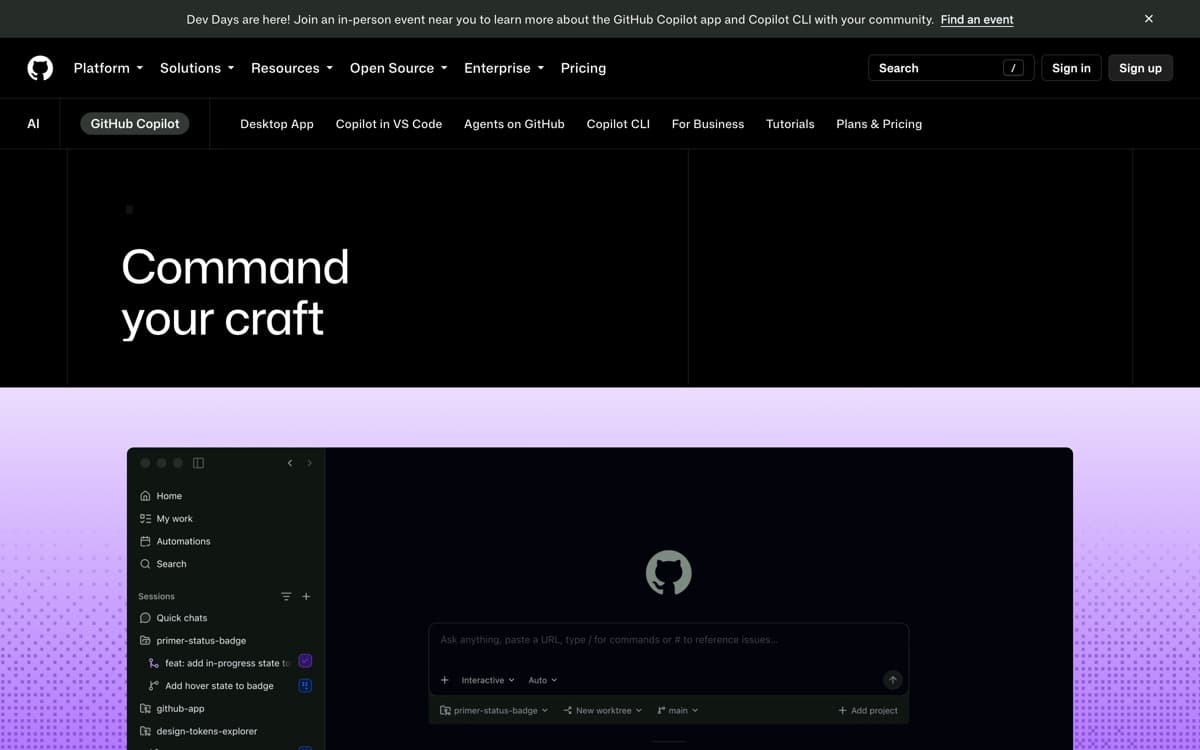
GitHub Copilot pricing
Free covers a monthly allowance of completions and chats. Pro ($10/month) unlocks unlimited completions, agent mode, and the model picker; Pro+ ($39/month) adds the premium-request pool for heavy agent and review use; the new Max ($100/month) tier targets sustained agent workflows with $200 in monthly credits and priority access to new models. (GPT-6 Astra requires Pro+ or above.) Business ($19/user) and Enterprise ($39/user) add policy controls, IP indemnity, and org-wide agents.
Students, teachers, and open-source maintainers get Pro free — still the best deal in developer AI.
Our verdict
Copilot is the pragmatic choice: lowest price, zero workflow disruption, and agents that live where your code already does. Individual power users will hit its ceiling and graduate to Cursor or Claude Code — but for teams standardizing on one tool, it's the easiest yes in this list.
Skip it if: You want the strongest in-editor agent, full stop — Cursor and Claude Code are a tier up — or your repositories don't live on GitHub, where most of Copilot's compounding value sits.
4.5 / 5 — #3 in AI Code Editors 2026
GitHub Copilot: FAQ
Is GitHub Copilot still worth it in 2026?
Yes — especially at $10/month. Agent mode, multi-model chat, and the GitHub-native coding agent make it far more than autocomplete. It's the best value pick, if not the capability leader.
Copilot vs Cursor?
Cursor's agents and completions are stronger in-editor; Copilot is cheaper, works in your existing editor, and its github.com agent + code review are unmatched for team workflows.
Does Copilot train on my code?
Business and Enterprise code is excluded from training, with IP indemnity included. Individual users can opt out of telemetry/training in settings.
Related rankings: best AI chatbots · best open-source AI models · best mcp servers