

Claude Code Review (2026)
The agent senior engineers trust with real work
Top5Apps editorial · Last tested & updated September 23, 2026 · Reviewed under The Receipts Standard
Developer
Anthropic
Free tier
No — included with Claude Pro/Max
Paid from
$20/mo (Claude Pro)
Platforms
Terminal (macOS, Linux, Windows), Desktop app, Web, IDE extensions
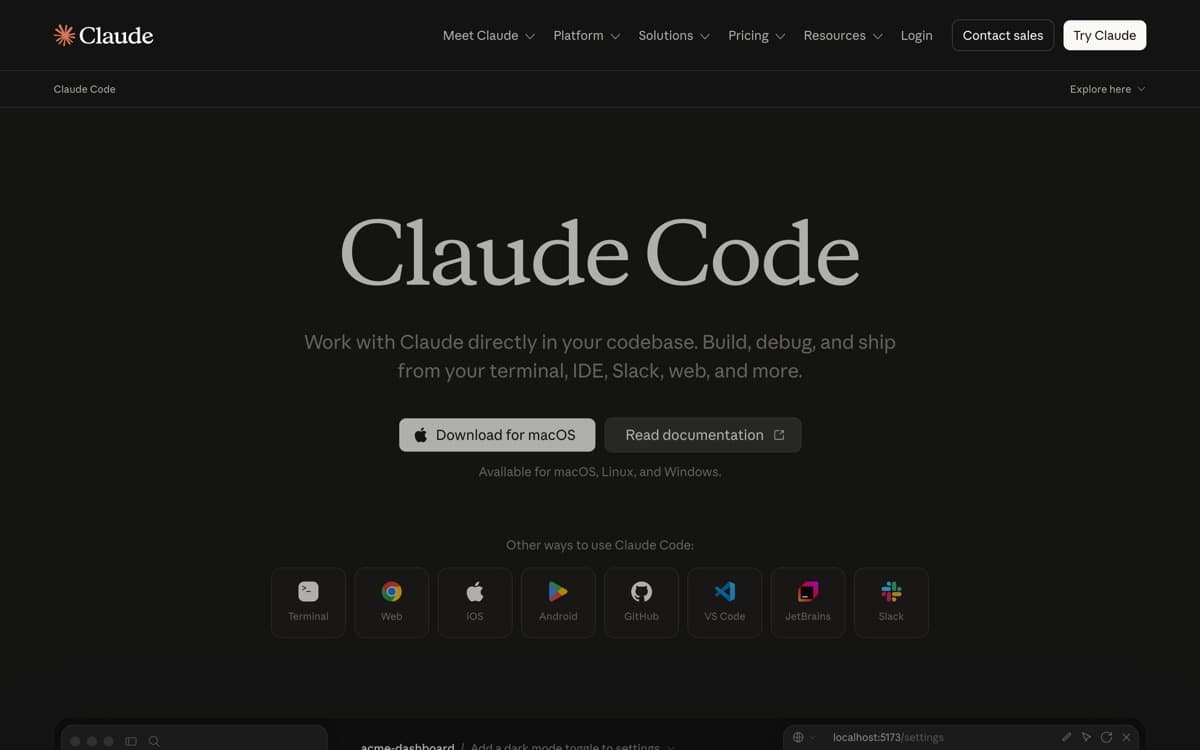
What is Claude Code?
Claude Code is what happened when Anthropic pointed its best models at a terminal and let them work. It reads your repository, forms a plan, edits files, runs commands, fixes its own test failures, and ends with a commit — an engineering loop, not a suggestion box. Through 2025 it became the tool of choice for senior engineers, and in 2026 it's the yardstick for 'agentic coding.'
Living in the terminal turns out to be a superpower. Claude Code works over SSH on a prod box, inside CI pipelines, in git worktrees for parallel tasks, and alongside any editor — including inside Cursor and VS Code via extensions. Power users script it with hooks, extend it with MCP servers, and fan out subagents for big migrations. The desktop and web apps added a friendlier face, but the soul of the product is a very capable engineer who happens to live in your shell. The market noticed: Claude Code passed $2.5 billion in run-rate revenue in mid-February 2026, with weekly active users doubling since New Year's. And September 1's Fable 5.1 upgrade is the biggest engine swap since launch: Anthropic's Terminal-Bench score jumped from 42.0% to 55.8%, cache reads got 75% cheaper, sessions see roughly 60% fewer safeguard interruptions — and as of September 2, computer use runs in the background on desktop, so Claude can drive GUI apps while you keep working.
Claude Code: pros and cons
Pros
- The deepest autonomy of any coding tool — plans, edits, tests, commits
- Terminal-native: works over SSH, in CI, and with any editor
- Subagents, hooks, and MCP make it endlessly customizable
- Powered by the best coding models in the industry — Opus 5.5 became the default Opus on Sept 22, and Pro's default moved from Sonnet to Opus
- Also does DevOps: debugging prod issues, git surgery, infra scripts
Cons
- No GUI editor — you review diffs, you don't caret-edit alongside it
- Heavy use on Max plans costs $100–200/month
- Terminal-first workflow has a learning curve for IDE-native developers
Standout features
True long-horizon autonomy
Hand it a real ticket — 'add rate limiting to these endpoints, with tests' — and it delivers the branch. It handles hours-long tasks with checkpoints and plan mode, which rivals still struggle to sustain. And as of August 14, 2026, auto mode is the default: it proceeds without per-action prompts unless something is irreversible or destructive, with customizable deny rules and prompt-injection screening (Anthropic's testing: automated screening caught 89% of harmful actions versus 13.6% for human review).
Works everywhere code lives
Terminal, SSH, CI, worktrees, your IDE, the web. Because it's not welded to a GUI, it slots into automation: nightly dependency upgrades, PR review bots, incident triage.
Subagents, hooks, and MCP
Spawn specialized agents for exploration or review, gate its actions with hooks, and connect internal tools via MCP. Teams build real engineering systems on these primitives.
Claude Code pricing
Claude Code is included with Claude Pro ($20/month) — fine for daily focused sessions, and better value since September 22, when Claude Opus 5.5 became the default Opus model (1M context, $4/$20 per million tokens on the API) and Pro's default model switched from Sonnet to Opus — while Max plans ($100/$200/month) provide the 5–20× limits heavy users actually consume. API pay-as-you-go is available for teams and CI.
The honest math: an engineer using Claude Code seriously will want Max. $100–200/month sounds steep until you compare it to the loaded cost of the hours it returns; it remains the best value-per-autonomy in the category.
Our verdict
If Cursor is the best place to work with AI, Claude Code is the best AI to hand work to. Backend engineers, infra teams, and anyone comfortable in a shell get the most from it — and most Cursor power users end up running both. For pure capability per task, this is the strongest tool on the list.
Skip it if: You want to co-edit with the AI in a GUI rather than review an agent's diffs — or a terminal-first workflow sounds like homework instead of home.
4.8 / 5 — #2 in AI Code Editors 2026
Claude Code: FAQ
Claude Code vs Cursor — which should I pick?
Cursor if you want an IDE where you and the AI edit together; Claude Code if you want to delegate whole tasks and review results. Many professionals use Cursor as the workspace and Claude Code as the heavy-lift agent.
Do I need the $100 Max plan?
Start with Pro ($20). If you hit session limits most days — common once agents do real work — Max 5× pays for itself. Occasional users never need it.
Can Claude Code work with my IDE?
Yes — extensions bring it into VS Code, Cursor, and JetBrains IDEs, or run it beside any editor in a terminal split. It's editor-agnostic by design.
Head-to-head: Cursor vs Claude Code
Related rankings: best AI chatbots · best open-source AI models · best mcp servers