
Replit Review (2026)
Idea to deployed app in one browser tab
Top5Apps editorial · Last tested & updated September 23, 2026 · Reviewed under The Receipts Standard
Developer
Replit
Free tier
Yes — trial credits
Paid from
$20/mo
Platforms
Web, iOS, Android
What is Replit?
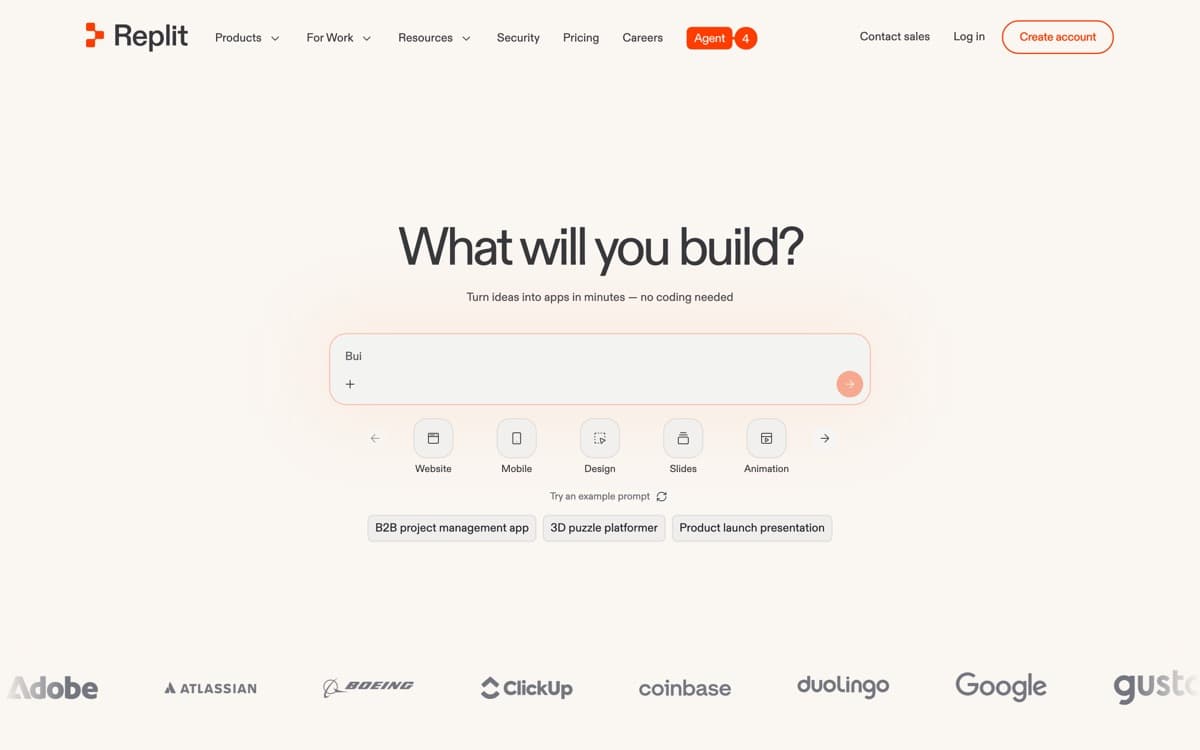
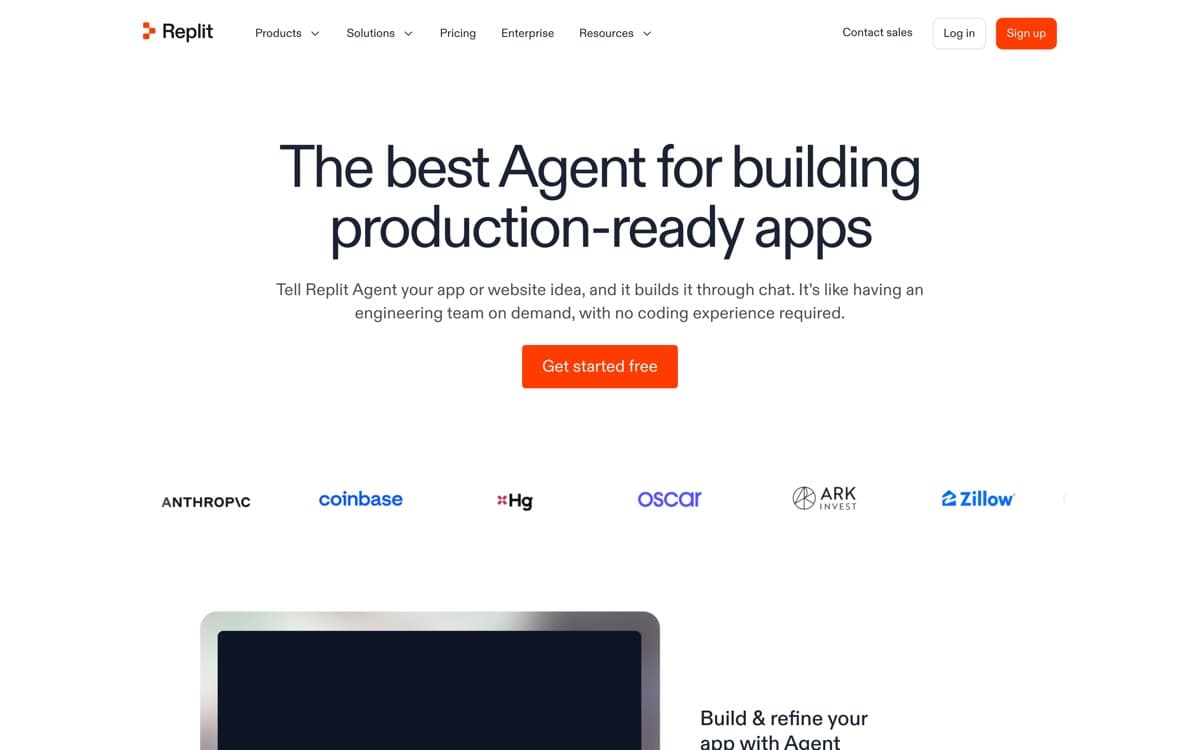
Replit is the answer to a different question than the rest of this list. Not 'how do engineers code faster?' but 'why do you need to be an engineer at all?' Describe an app — a booking tool, an internal dashboard, a SaaS prototype — and Agent 3 plans it, writes it, spins up the database, wires auth, tests it in a real browser, and deploys it to a URL you can send to customers. All in a browser tab.
Agent 3, launched late 2025, pushed autonomy hard: it runs for hours, tests its own work visually, and fixes what it finds. The 'vibe coding' wave made Replit the tool of choice for founders validating ideas and ops teams automating workflows — millions of apps have shipped this way. Engineers will still feel the ceiling (opinionated stack, cloud-only), but as end-to-end idea-to-production magic for everyone else, nothing on this list touches it. The numbers back the vibe: Replit raised $400 million at a $9 billion valuation in March 2026, claims over 50 million users, and says it's tracking toward $1 billion in run-rate revenue by year-end. The shipping cadence backs it too: a week after Free Mode, Replit added Conversations and Routines — start in a lightweight private chat that can graduate into a full Project with your context and files carried forward, and schedule the agent to repeat work on a timer.
Replit: pros and cons
Pros
- Agent 3 builds, tests, and fixes complete apps from a description
- Zero setup: dev environment, database, auth, and hosting included
- The only tool here that takes you from prompt to live URL
- Mobile app lets you genuinely build from a phone
- Huge template and community ecosystem for starting points
Cons
- Effort-based pricing makes big builds hard to predict
- Wrong tool for existing large codebases or local-first workflows
- Generated apps still need engineering review before serious scale
Standout features
Agent 3 autonomy
It doesn't just write code — it opens the app, clicks through flows like a QA tester, and repairs what breaks. Long-running, self-correcting builds are the feature; watching it debug itself is the demo that sells people.
Everything included
Editor, runtime, Postgres, auth, secrets, cron, object storage, and one-click deploys in one place. The 'it's already set up' feeling is exactly what non-engineers need and engineers forget they're missing.
Prompt to production
Deployments are first-class: autoscaling, custom domains, monitoring. Your prototype and your production app live in the same place — no migration cliff when an idea works.
Replit pricing
Starter (free) gives trial credits to feel out the agent. Core ($20/month, or $17 annual at the current promo — down from the old $25) includes monthly credits that cover light building plus full agent access; Teams ($40/user) adds collaboration and centralized billing. Beyond included credits, agent work bills by effort — simple tweaks cost cents, complex checkpoints dollars. August 2026's Free Mode softens that meaningfully: everyday Agent tasks — chatting, ideating, small edits — run on OpenAI's low-cost GPT-5.6 Luna without consuming credits at all, with usage limits that reset every five hours. One naming caveat: despite the name, Free Mode is a feature of the paid Core and Pro plans, not a free tier. Late August added Intelligent Model Routing: Replit now auto-picks the model and effort level per task — its own testing claims identical output quality at 65% lower cost than the previous Max Mode — and enterprise admins can whitelist which models a workspace may use.
The practical guidance: budget for usage on top of the subscription during heavy build weeks. Validating a startup idea for the cost of a dinner is still the bargain of the decade; just watch the meter.
Our verdict
Replit is the best tool ever made for turning an idea into a working product without an engineering team — and a great prototyping scratchpad for engineers too. For maintaining serious existing codebases, use Cursor or Claude Code. For everything before that stage, Replit is where momentum lives.
Skip it if: You're maintaining an existing production codebase or want local-first control — Replit is built for zero-to-app, not brownfield engineering.
4.3 / 5 — #5 in AI Code Editors 2026
Replit: FAQ
Can Replit really build a full app from a prompt?
Yes — Agent 3 handles frontend, backend, database, auth, and deployment, and tests its own work. Expect to iterate through a few prompts for anything non-trivial, and get an engineer's review before scaling anything customer-critical.
Why did my Replit build cost more than expected?
Agent pricing scales with effort: long autonomous runs with lots of testing consume more credits. Break big builds into smaller checkpointed asks and review between runs to keep costs predictable.
Is Replit good for professional developers?
As a prototyping and internal-tools machine, absolutely. As a primary environment for large production codebases, most professionals will prefer a desktop IDE like Cursor with more control.
Related rankings: best AI chatbots · best open-source AI models · best mcp servers