

Fathom Review (2026)
The best free notetaker — and it's not a trick
Top5Apps editorial · Last tested & updated September 3, 2026 · Reviewed under The Receipts Standard
Developer
Fathom
Free tier
Yes — unlimited recordings & transcripts
Paid from
$15/mo (annual)
Platforms
Web, macOS, Windows, iOS
What is Fathom?
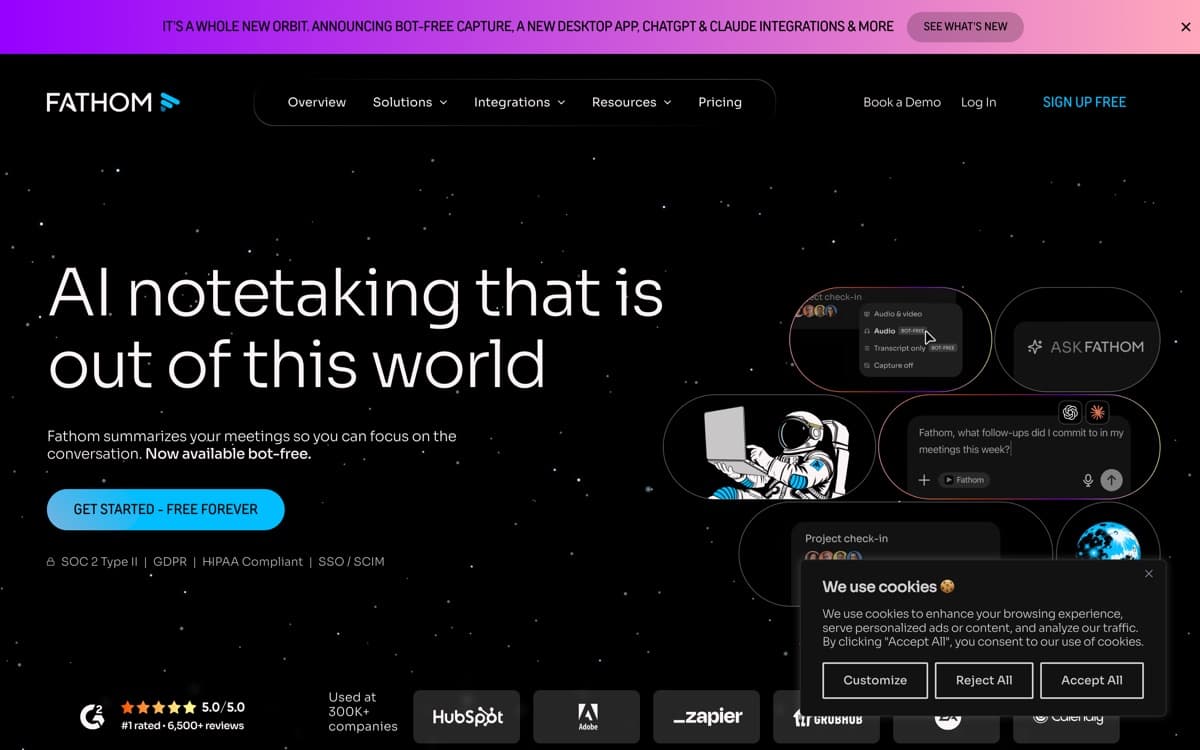
Fathom's growth strategy was radical honesty: give away what others charge $20 for — unlimited recordings and transcripts, forever — and charge only for the genuinely advanced layer. It worked; Fathom became one of the highest-rated B2B products on review sites, and our testing agrees with the crowds. The experience is ruthlessly simple: it joins your call, you tap highlight buttons at key moments ('action item', 'decision'), and a crisp summary with clips hits your inbox about thirty seconds after hangup — the fastest turnaround we've measured.
The summaries deserve their reputation: tight, correctly attributed, and formatted for forwarding, with clickable timestamps back to the video. Paid tiers add Ask Fathom (chat across your meeting history), CRM autologging, and team libraries with coaching metrics — solid, though the intelligence ceiling sits below Fireflies for revenue analytics. For freelancers, consultants, and any team that mostly needs excellent notes without a budget line, Fathom is the obvious first install — a logic that has spread it to 300,000+ companies, per Fathom, and in April 2026 it even added a bot-less capture mode aimed squarely at Granola, making the visible bot optional.
Fathom: pros and cons
Pros
- Free plan: unlimited meetings, recordings, and transcripts — permanently
- Summaries arrive ~30 seconds after the call ends, and they're good
- Highlight moments live with one click; instant clips for sharing
- Top-rated on G2 across notetaker categories for years running
- HIPAA-compliant options — rare at this price point
Cons
- Bot joins calls by default (a Granola-style bot-less mode arrived April 2026)
- Advanced AI features (Ask Fathom across meetings, CRM sync) are paid
- Fewer power-user knobs than Fireflies or enterprise suites
Standout features
Actually-unlimited free tier
Unlimited meetings, recordings, transcripts, and next-day-searchable archives at $0 — not a trial, not a teaser. It resets your expectations for the category.
30-second summaries
Notes arrive before you've refilled your coffee, formatted for forwarding with timestamped links. Speed compounds: instant notes get sent; delayed notes get skipped.
Live highlight clips
One keystroke marks a moment mid-call and generates a shareable video clip — the fastest path from 'customer said something important' to 'the team saw it.'

Fathom pricing
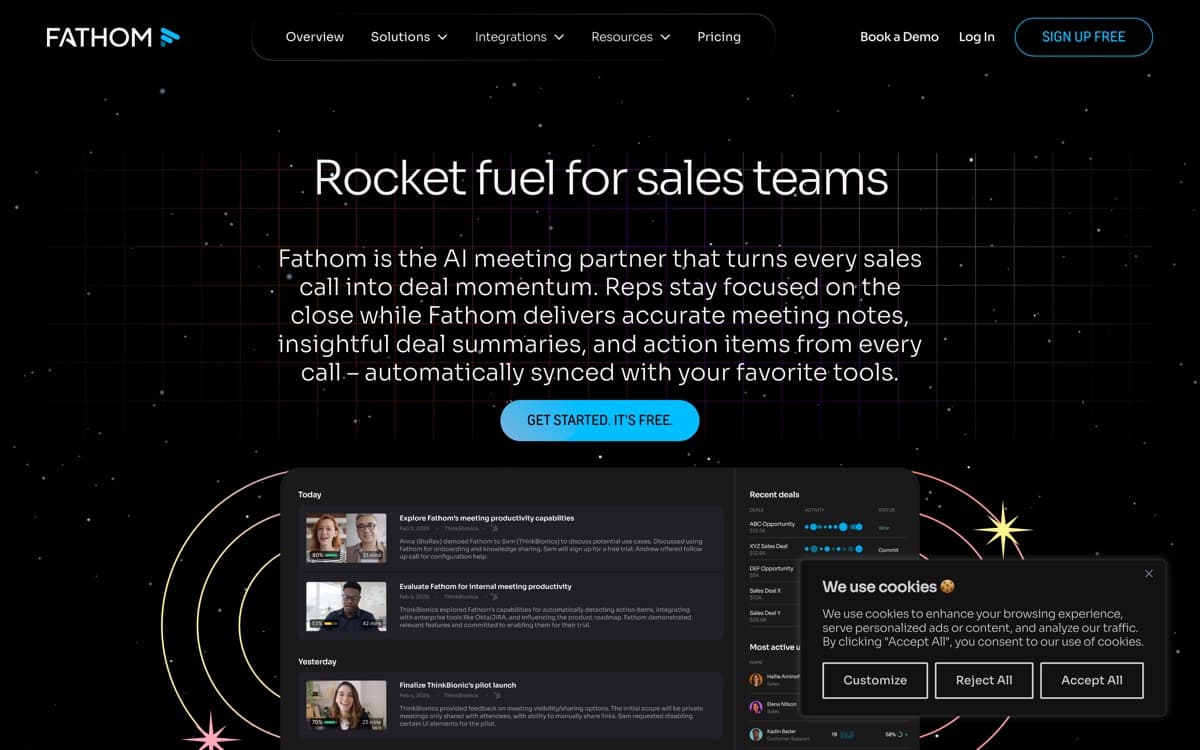
Free covers unlimited recording, transcription, and standard summaries. Premium ($15/month annual) adds advanced summaries, Ask Fathom, and CRM sync; Team Edition ($19/user) brings libraries, coaching metrics, and admin; enterprise options include HIPAA BAAs.
Most individuals genuinely never need to upgrade — which is precisely why their word-of-mouth built the company.
Our verdict
Fathom is the easiest recommendation on this list: install free, get top-three-quality notes with zero risk, upgrade only if the AI archive or CRM sync earns it. Power users will graduate to Granola or Fireflies; many never do.
Skip it if: You need multilingual coverage (that's Sembly) or deep conversation analytics (Fireflies Business) — Fathom's free brilliance covers the meeting-notes core, not the edges.
4.4 / 5 — #4 in AI Notetakers 2026
Fathom: FAQ
What's the catch with Fathom's free plan?
Genuinely little — unlimited recordings and transcripts are free forever, with advanced AI (cross-meeting chat, CRM sync, team features) reserved for paid tiers. The free tier is the product's marketing.
Is Fathom HIPAA compliant?
HIPAA-compliant configurations with BAAs are available — unusual in this category and valuable for healthcare, therapy, and adjacent fields.
Fathom vs Fireflies?
Fathom wins on free value, summary speed, and simplicity; Fireflies wins on integrations, analytics, and archive intelligence. Solo and simple → Fathom; systematized revenue team → Fireflies.
Related rankings: best AI dictation · best AI chatbots