
Sembly AI Review (2026)
Structured meeting intelligence in 48 languages
Top5Apps editorial · Last tested & updated September 3, 2026 · Reviewed under The Receipts Standard
Developer
Sembly AI
Free tier
Yes — 4 hrs/mo
Paid from
$10/mo
Platforms
Web, iOS, Android
What is Sembly AI?
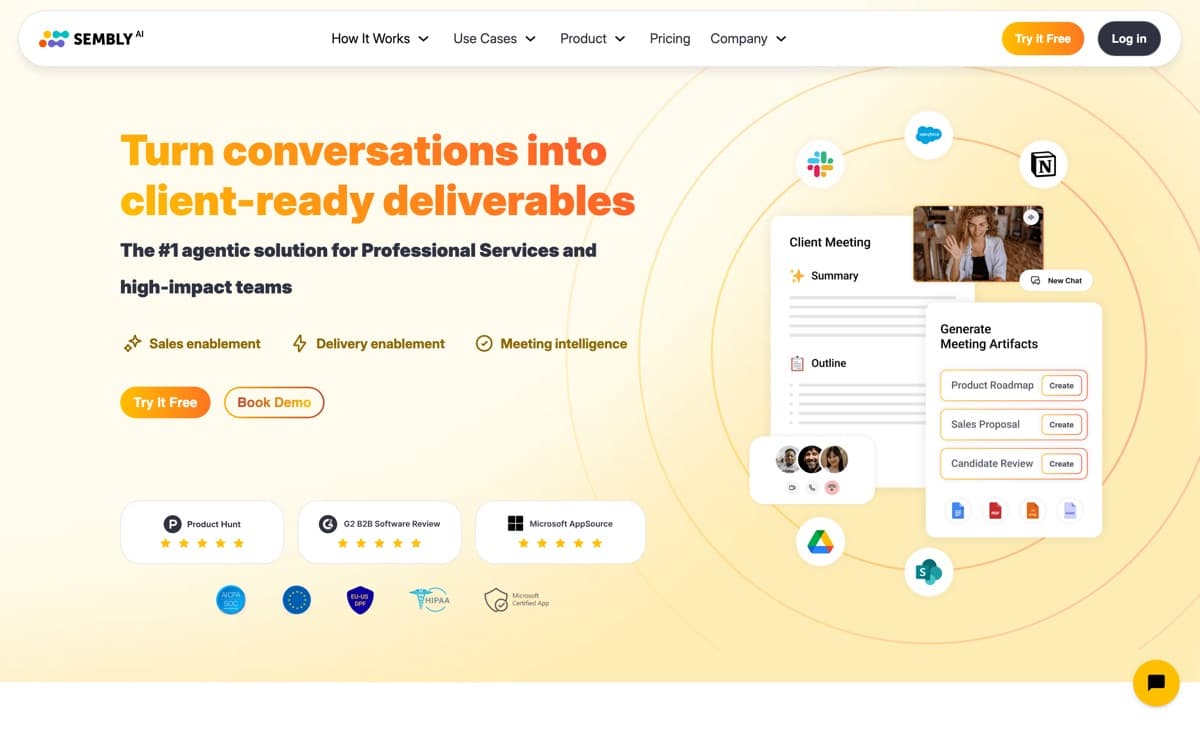
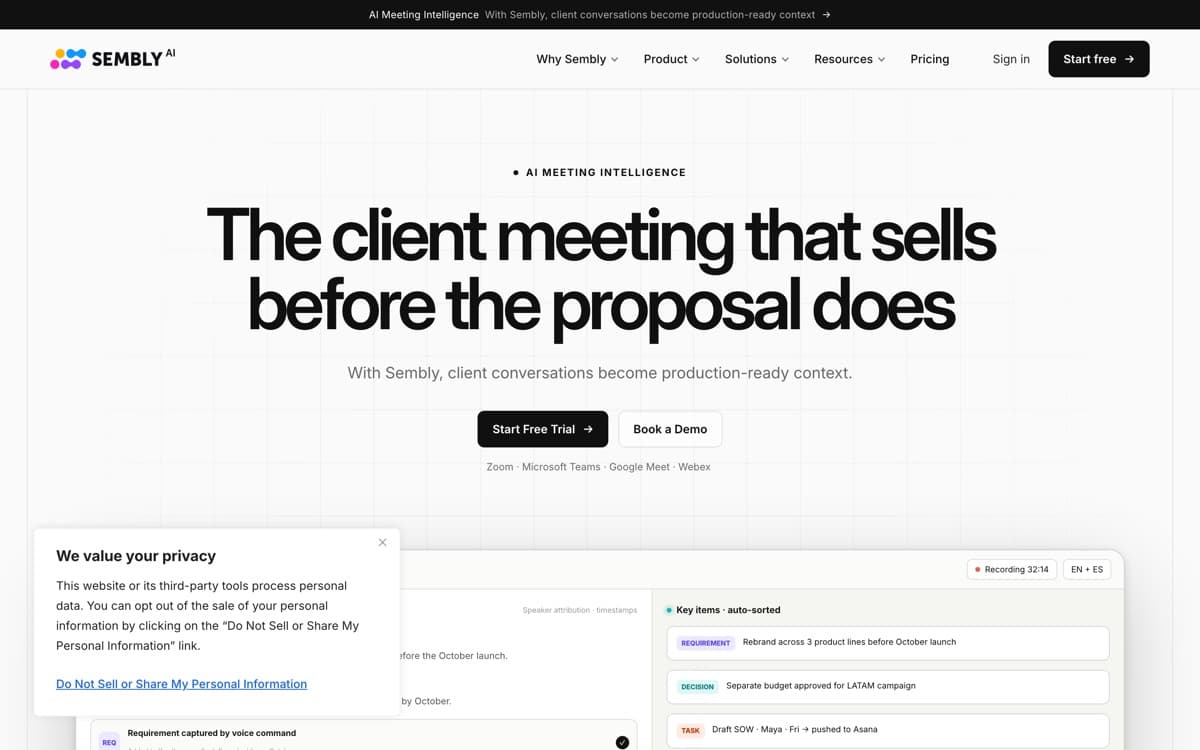
Sembly is what the category looks like when built for the global, process-driven organization rather than the Silicon Valley standup. Its transcription covers 48+ languages with the best non-English accuracy in our tests — mid-meeting language switches included — which alone decides the purchase for European and international teams. And where rivals produce prose summaries, Sembly extracts structure: decisions, risks, issues, requirements, and commitments, each tagged and exportable, closer to a junior PM's meeting minutes than a paragraph of vibes.
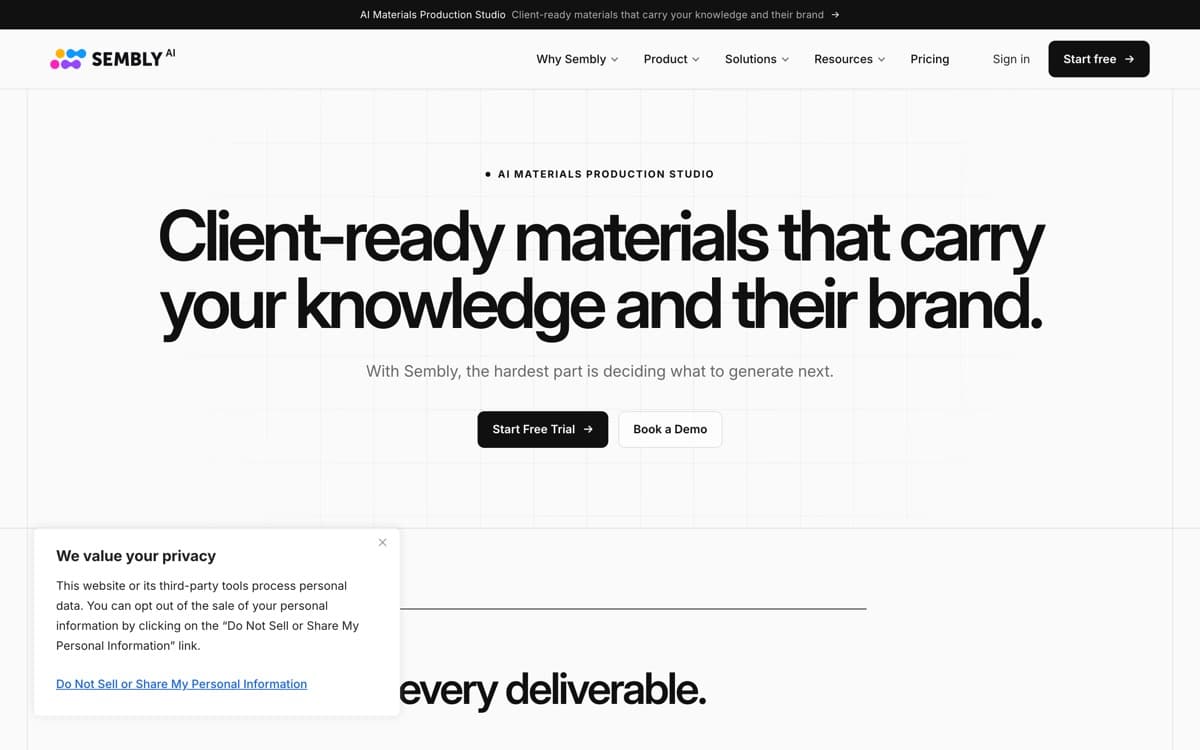
The Semblian 2.0 add-on pushes further than most: from a project kickoff it will draft the follow-up artifacts themselves — a requirements outline, a proposal skeleton, a status update — turning meeting content into deliverable starting points. Consultants get multi-workspace separation per client; compliance teams get GDPR-aligned processing options. It's less famous and less pretty than the four above, but for multilingual and process-heavy work, it's quietly the right tool.
Sembly AI: pros and cons
Pros
- 48+ languages with strong non-English accuracy — the multilingual leader
- Extracts structured artifacts: decisions, risks, requirements, issues
- Semblian add-on drafts follow-up documents from meeting content
- Multi-workspace support fits consultants juggling clients
- GDPR-forward posture and EU data options
Cons
- English-only summary quality trails the leaders slightly
- Interface is functional, not delightful
- Smaller ecosystem and community than the US-centric rivals
Standout features
True multilingual capture
48+ languages, resilient to code-switching mid-call — the feature that makes it the default for international orgs whose meetings don't happen in English.
Structured artifact extraction
Decisions, risks, requirements, and issues as tagged objects, not buried prose — export to project tools and audit trails like actual meeting minutes.
Semblian document drafting
Generates the post-meeting deliverables — proposals, requirement docs, status reports — from what was discussed. A genuine head start on the work after the meeting.
Sembly AI pricing
Personal (free) includes ~4 recording hours monthly. Professional ($10/month) removes core limits; Team ($20/user/month) adds workspaces, admin, and analytics; the Semblian AI add-on prices separately (~$10). Annual billing discounts throughout.
For multilingual teams comparing against Otter/Fireflies, price parity makes the language advantage effectively free.
Our verdict
Sembly earns its slot as the specialist: the multilingual leader with the most structured, process-ready output. English-only teams chasing summary polish should pick Granola or Fathom first — global and compliance-minded organizations should shortlist Sembly immediately.
Skip it if: Your meetings are English-only and summary polish is what you care about — the leaders simply read better. Sembly's edge is language breadth and structured output, not prose.
4.2 / 5 — #5 in AI Notetakers 2026
Sembly AI: FAQ
How many languages does Sembly support?
48+ for transcription and understanding, with the strongest non-English accuracy in our testing — including meetings that switch languages midstream.
What is Semblian?
Sembly's generative add-on that turns meeting content into draft deliverables — proposals, requirements docs, follow-up emails — beyond standard summaries.
Is Sembly GDPR compliant?
Sembly leads with GDPR-aligned processing, EU options, and enterprise data controls — a core differentiator for European organizations.
Related rankings: best AI dictation · best AI chatbots