

Google Veo 3.1 Review (2026)
The state of the art, with sound
Top5Apps editorial · Last tested & updated September 3, 2026 · Reviewed under The Receipts Standard
Developer
Google DeepMind
Free tier
Limited — via Gemini app
Paid from
$19.99/mo (Google AI Pro)
Platforms
Web (Flow, Gemini), API (Vertex AI)
What is Google Veo 3.1?
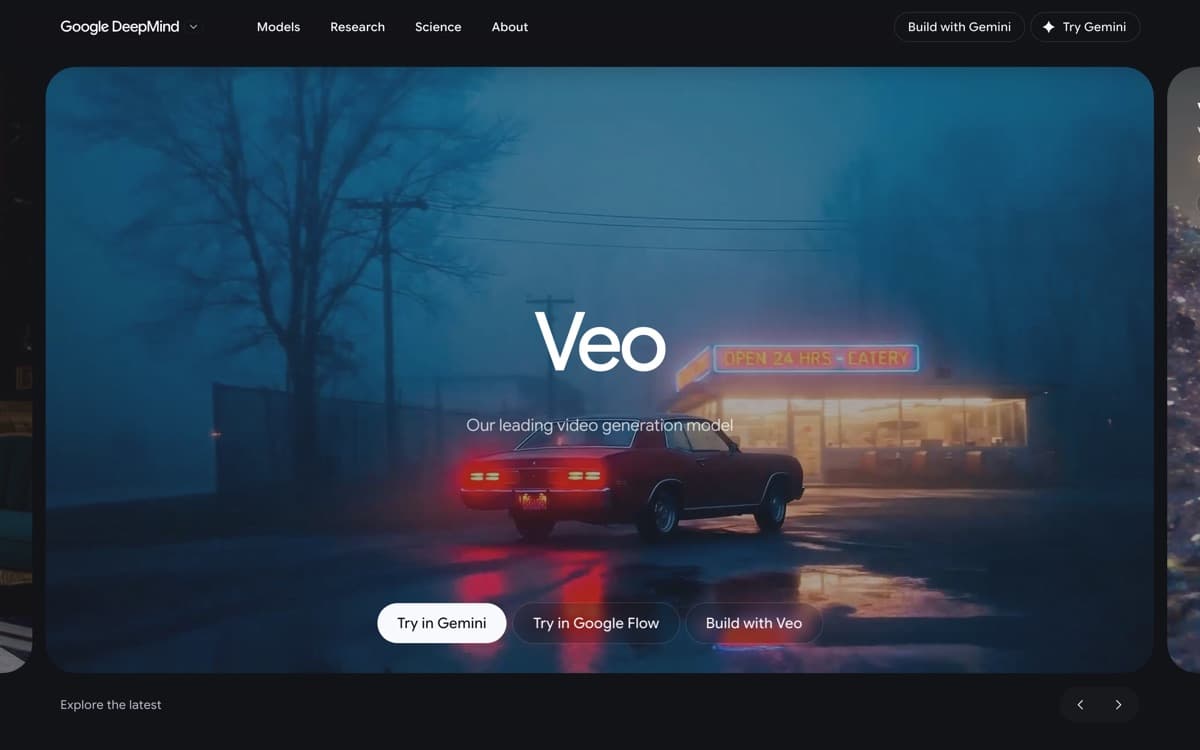
Veo 3 was the 'holy sh*t' demo of 2025 — the first mainstream model to generate video with synchronized dialogue and sound effects — and Veo 3.1 refined it into the most reliable high-end video model you can use today. Characters speak with matched lip movement, glasses clink audibly, rain sounds like rain. Physics holds: liquids pour, fabric drapes, crowds move like crowds. In our blind tests, Veo clips get mistaken for real footage more than any competitor's.
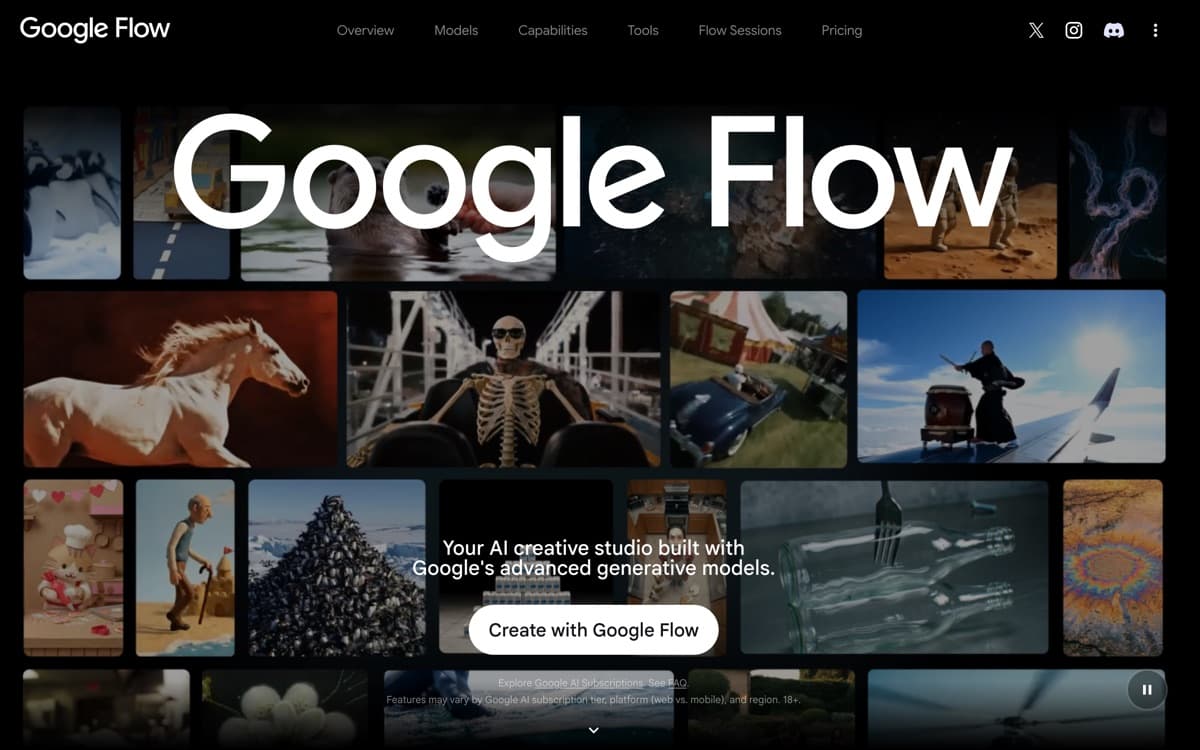
One buying note as of September 2026: Google now runs two video stacks. Veo remains the cinematic text-to-video flagship, while Gemini Omni 1.1 Flash (August 27) brings conversational, multimodal video — scene extension from prior footage, first-and-last-frame control, cheap 360p previews, and up to 4K output — to the Gemini app, Flow, and AI Studio. They're complements today; we'll re-test the ranking if Omni starts winning head-to-heads. Flow, Google's filmmaking interface — where creators had generated over 1.5 billion images and videos by February 2026 — is where Veo becomes a tool rather than a slot machine: build scenes from 'ingredients' (reference images for characters, props, settings), extend shots, and direct camera moves between clips. It's available through Gemini for casual use and Vertex AI for developers. The catch is capacity — generations are metered everywhere, and serious daily volume pushes you toward the $249.99 Ultra plan. For quality-per-prompt, though, Veo 3.1 is the bar every other model gets measured against.
Google Veo 3.1: pros and cons
Pros
- Best prompt adherence and physical realism we've tested
- Native audio: dialogue, ambience, and effects synced to the action
- Flow editor supports scene extension, ingredients-to-video, and camera direction
- 1080p native with 4K upscaling on higher tiers
- Backed by Gemini's understanding of complex, multi-part prompts
Cons
- Generation limits even on paid tiers frustrate heavy production use
- The best features live behind the pricey AI Ultra plan
- Conservative content filters can block benign cinematic prompts
Standout features
Native synchronized audio
Dialogue with accurate lip-sync, ambient soundscapes, and effects timed to on-screen action — generated together with the pixels, not bolted on after. It's the difference between a clip and a scene.
Flow's ingredients-to-video
Feed reference images of a character, wardrobe, and location, and Veo keeps them consistent across shots — the foundation of actual storytelling rather than disconnected pretty clips.
Prompt adherence
Complex directions — 'slow dolly-in as she turns from the window, golden hour, she whispers the line' — actually happen as written. Fewer re-rolls means the effective cost is lower than the sticker suggests.
Google Veo 3.1 pricing
A taste is free in the Gemini app. Google AI Pro ($19.99/month) includes a monthly allowance of Veo generations in Flow — enough for regular creators. AI Ultra ($249.99/month) unlocks the highest limits, 4K output, and priority access for professional volume. Developers pay per second via the Vertex AI API.
The AI Pro bundle math is compelling: Veo, Nano Banana Pro images, the Gemini chatbot, and 2TB storage for the price other vendors charge for video alone.
Our verdict
Veo 3.1 is the best AI video generator in 2026 — the one whose output most often survives contact with a paying client. Heavy-production shops will chafe at the caps and should pair it with Kling for volume work, but if quality is the metric, this is the pick.
Skip it if: You need volume production on a normal budget — generation caps arrive fast below the $249.99 Ultra tier — or your job is editing footage you already shot, which is Runway Aleph's territory.
4.8 / 5 — #1 in AI Video Generators 2026
Google Veo 3.1: FAQ
How do I actually use Veo 3.1?
Three doors: the Gemini app for quick clips (limited free), Flow at labs.google/flow with a Google AI Pro/Ultra subscription for real filmmaking tools, and the Vertex AI API for developers.
Does Veo generate sound and dialogue?
Yes — natively. Dialogue with lip-sync, ambience, and sound effects are generated with the video, which remains its biggest edge in blind comparisons.
Veo vs Sora — what happened there?
OpenAI discontinued the Sora app in April 2026 and is retiring its API in September 2026. Veo 3.1 is the closest quality replacement, and Flow covers most of Sora's creative workflow. Our migration guide covers the alternatives in depth.
Related rankings: best AI image generators · best AI audio tools · best AI voice generators