

Runway Review (2026)
The filmmaker's control room
Top5Apps editorial · Last tested & updated September 3, 2026 · Reviewed under The Receipts Standard
Developer
Runway AI
Free tier
Yes — one-time credits
Paid from
$12/mo
Platforms
Web, iOS, API
What is Runway?
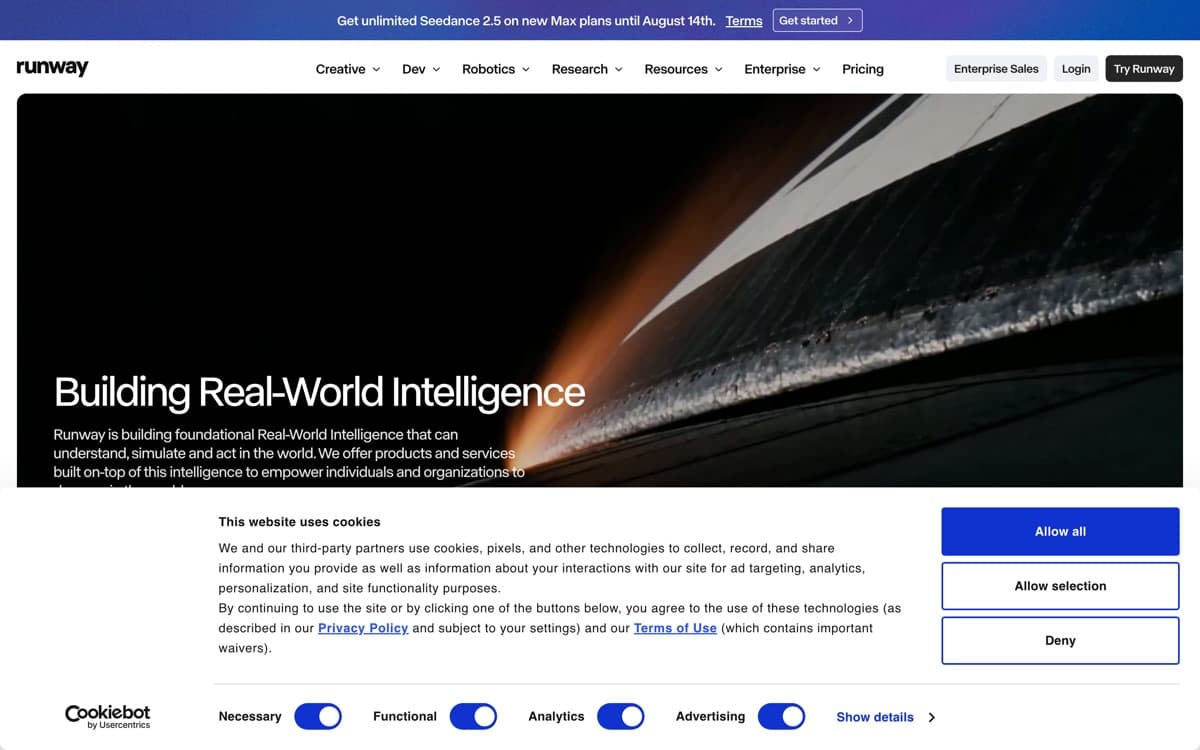
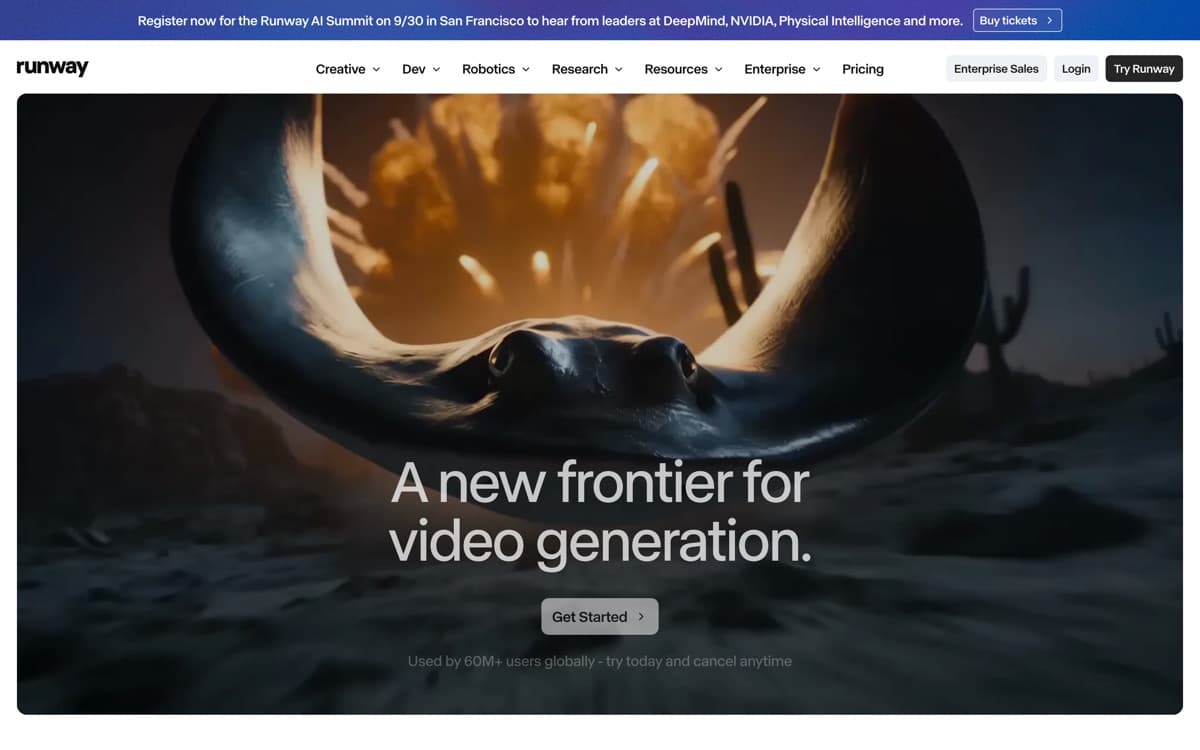
Runway has been making AI tools for filmmakers since before it was cool, and it shows: while others chase benchmark demos, Runway builds the boring, essential machinery of production — shot consistency, camera direction, editability, and export into real pipelines. Gen-4.5 is a genuinely excellent generator, and the surrounding toolkit is why studios, agencies, and A24-tier productions run it — and why investors have put $860 million into the company at a $5.3 billion valuation as of May 2026.
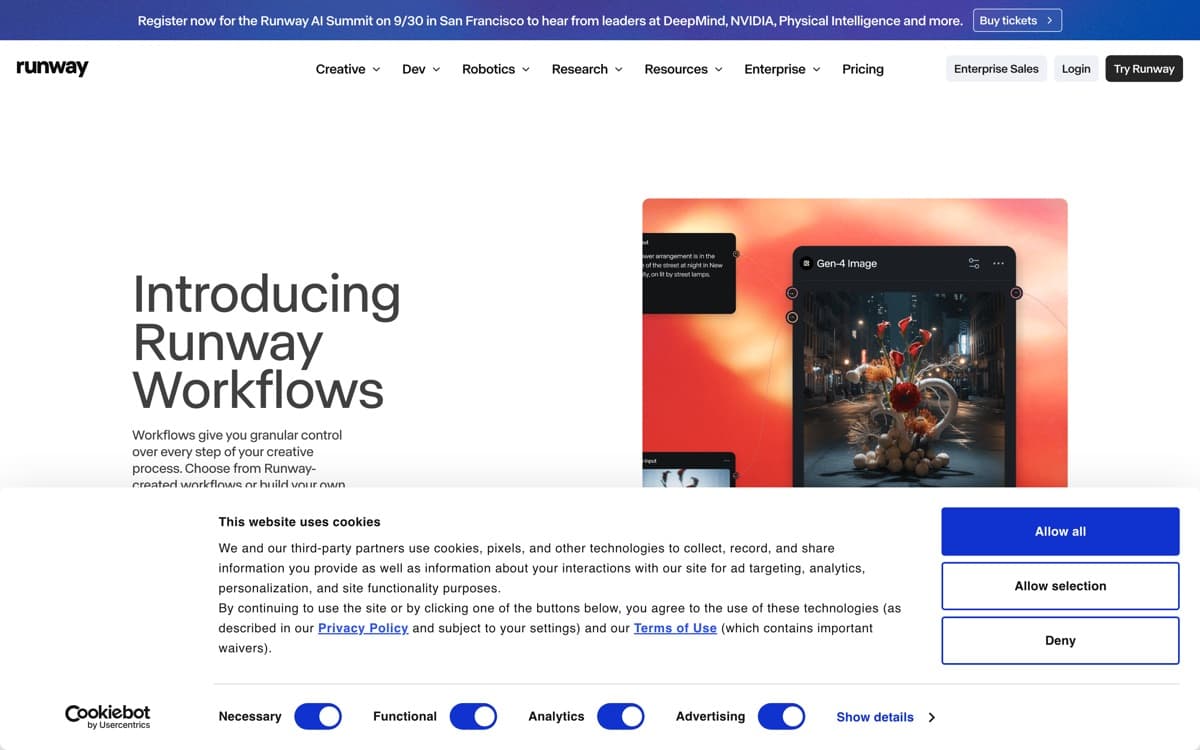
The 2025–26 sleeper hit is Aleph, Runway's video-editing model: feed it existing footage and ask for a different camera angle, a season change, an object removed, or a full relight. That turns Runway from a clip generator into something closer to a post-production department. Add Act-Two performance transfer (drive a character with your own acting), motion brushes, and keyframing, and you get the platform where directors keep authorship instead of pulling a slot-machine lever. August 2026 added Ruby, a model that converts any SDR video — uploads or generations from any model, Runway's or a rival's — into true HDR, delivered as 10-bit HEVC, BT.2020 PQ ProRes mezzanines, or EXR frame sequences. It's the least glamorous launch of the month and exactly the kind of delivery-pipeline machinery that explains why professionals stay.
Runway: pros and cons
Pros
- Gen-4.5 delivers top-tier quality with the industry's best control surface
- Aleph model edits existing footage: relight, restyle, remove, re-angle
- Character and object consistency via references, motion control, keyframes
- Actually used in Hollywood pipelines — built for production, not demos
- Mature API plus Adobe/NLE-friendly export workflow
Cons
- Credit costs add up fast at production volume
- Raw text-to-video realism now slightly behind Veo and Kling
- Steeper learning curve than the one-box competitors
Standout features
Aleph video-to-video editing
'Same shot, but winter, and lose the passing car' — applied to footage you already have. Nothing else on this list rewrites real video this capably; for editors, it's the headline feature.
Consistency machinery
Gen-4's reference system holds characters, objects, and environments across shots and angles from a single image — the practical unlock for narrative work and brand campaigns.
Act-Two performance capture
Record yourself performing a scene; transfer the performance — expression, gesture, voice — onto any character. Indie animation suddenly has a casting department.
Runway pricing
Free accounts get one-time trial credits. Standard ($12/month) suits light use; Pro ($28) fits regular creators; Unlimited ($76) removes per-generation anxiety with relaxed-rate generations — the plan working editors actually buy. Enterprise and API pricing scale per second.
Credits burn faster on Gen-4.5 and Aleph than on the lighter Turbo models, so match the model to the shot: Turbo for exploration, flagship for finals.
Our verdict
Runway is the pick for people who make video for a living: the deepest control, the only serious existing-footage editor, and a workflow that respects how production actually happens. For raw single-prompt spectacle, Veo edges it — but Veo can't do half of what Aleph does to footage you already shot.
Skip it if: You're allergic to learning curves or only need quick social clips — Luma and Kling get you to 'posted' with far less ceremony than Runway's control surface.
4.6 / 5 — #2 in AI Video Generators 2026
Runway: FAQ
What is Runway Aleph?
Runway's video-to-video model: it edits existing footage — changing angles, lighting, weather, styling, or removing objects — from plain-language instructions. It's the most production-useful editing model on the market.
Is Runway good for beginners?
It's approachable enough, but its depth pays off most for people with editing experience. Pure beginners get to a fun result faster in Luma or the Gemini app.
Which Runway plan should I get?
Standard ($12) to learn, Unlimited ($76) if you generate daily — the relaxed-mode unlimited generations change how experimentally you can work. Teams should price the API for pipeline integration.
Related rankings: best AI image generators · best AI audio tools · best AI voice generators