
Luma Dream Machine Review (2026)
Frontier video that feels like a consumer app
Top5Apps editorial · Last tested & updated September 3, 2026 · Reviewed under The Receipts Standard
Developer
Luma AI
Free tier
Yes — monthly generations
Paid from
$9.99/mo
Platforms
Web, iOS, API
What is Luma Dream Machine?
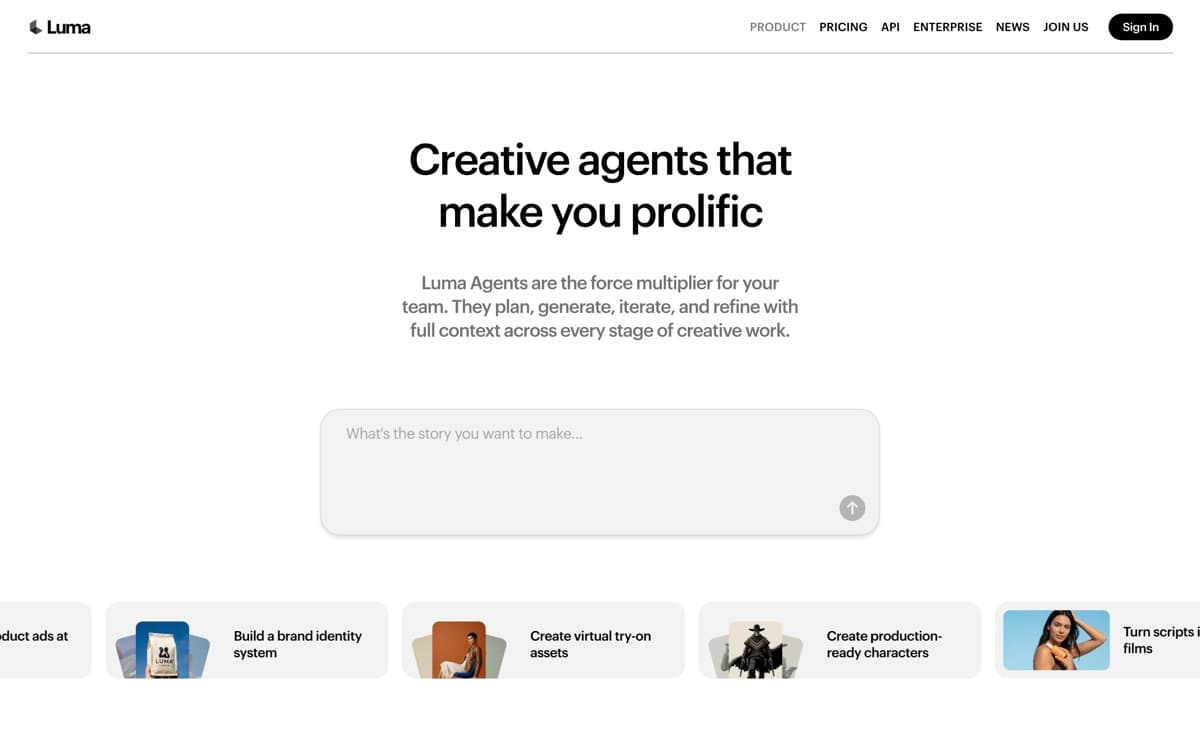
Dream Machine went viral in 2024 by being the first good video model anyone could just try — and Luma has protected that accessibility ever since while pushing the research frontier underneath. Ray3, its 2025 flagship model, added something genuinely novel: reasoning. It interprets your intent, drafts rough passes, self-critiques, and then commits compute to a final render — which means fewer wasted generations for people who don't speak 'prompt.'
The product feels like a consumer app in the best way. You talk to it ('moodier… slower camera… more like a 90s film'), pin references to boards, and remix results. The iOS app makes real creation possible from a phone, and HDR output gives clips extra pop on modern screens. Professionals will outgrow its control surface and clip lengths — but as the first AI video tool for a creator, a teacher, or a marketing team of one, it's still the recommendation we give most often.
Luma Dream Machine: pros and cons
Pros
- The most approachable interface in AI video — iterate by chatting
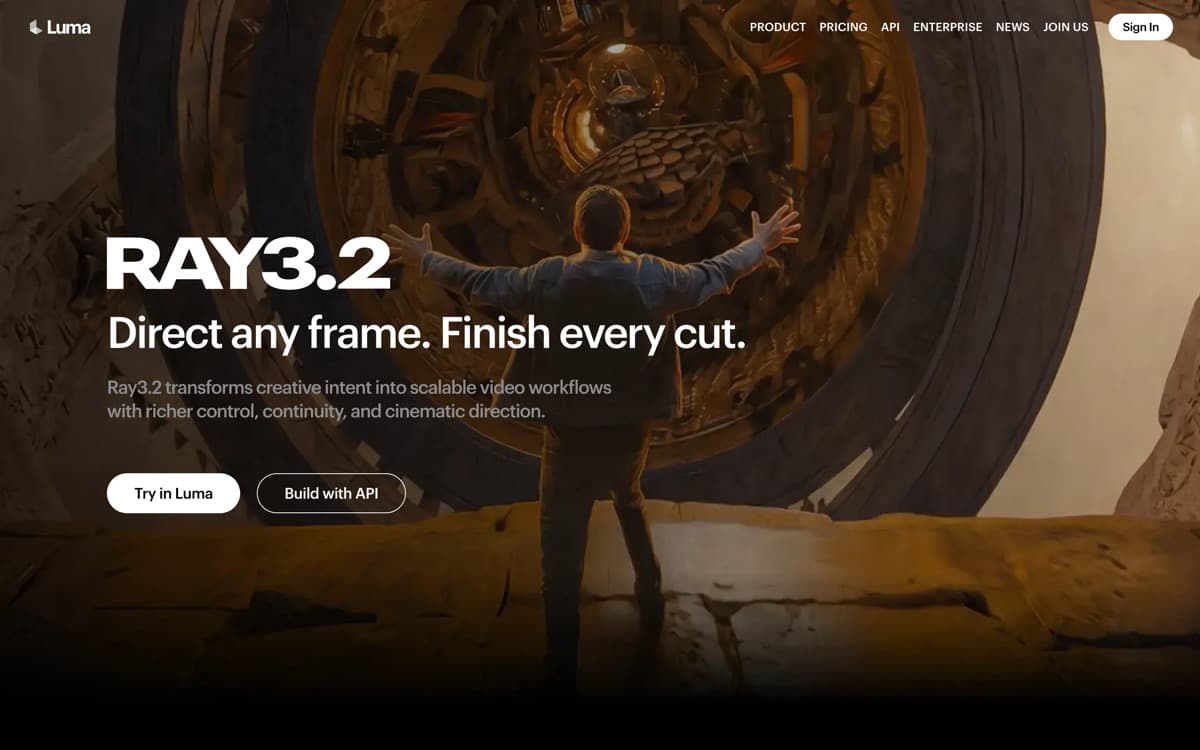
- Ray3 model reasons about your prompt and drafts before finalizing
- First to generate in true HDR; strong visual fidelity for the price
- Excellent iOS app — genuinely creative on a phone
- Brainstorm-with-boards workflow beats blank-box prompting
Cons
- Ceiling on realism and control sits below Veo, Runway, and Kling
- No strong multi-shot/narrative tooling yet
- Credit limits arrive quickly on the cheaper tiers
Standout features
Ray3 reasoning drafts
The model plans, drafts, and self-checks before final render — you spend credits on finals, not failed guesses. It's the most beginner-protective design in the category.
Conversational iteration
Refine clips by talking, not re-engineering prompts. The gap between 'idea in your head' and 'clip on screen' is shorter here than anywhere else.
True HDR generation
Ray3 renders in HDR with richer highlights and color depth — a real differentiator for product shots and anything destined for modern phone screens.

Luma Dream Machine pricing
Free accounts get monthly generations with watermarks. Lite ($9.99/month) removes watermarks with modest volume; Plus ($29.99) fits regular creators; higher tiers add 4K and volume. API pricing serves developers per generation.
The free tier remains one of the friendliest ways to discover whether AI video fits your work at all — start there before paying anyone in this category.
Our verdict
Dream Machine is the gateway drug of AI video: the fastest from zero to a clip you're proud of, at the friendliest entry price. Route serious client work to Veo or Runway — but keep Luma installed for ideation, mobile creation, and the sheer speed of trying things.
Skip it if: Precise control or multi-shot narrative is the actual job — you'll outgrow the friendly interface at exactly the moment the stakes rise. Start here, graduate deliberately.
4.3 / 5 — #5 in AI Video Generators 2026
Luma Dream Machine: FAQ
Is Luma Dream Machine free?
Yes — free accounts include monthly watermarked generations. Paid plans start at $9.99/month to remove watermarks and add volume.
What is Ray3?
Luma's flagship video model, notable for 'reasoning' — it interprets intent, drafts, and self-critiques before final HDR render, which reduces wasted generations for casual prompters.
Is Dream Machine good enough for professional work?
For social content, mood boards, and previz, absolutely. For client-final films needing precise control, most pros step up to Runway or Veo — often after ideating in Luma first.
Related rankings: best AI image generators · best AI audio tools · best AI voice generators